
Which Motherboard Should You Buy? Match It to Your Processor
Updated 31 October 2026. Socket and chipset details are from AMD and Intel; board details are from MSI. Prices are Quality Computer’s website prices that day.
Short answer: Start with your processor’s socket. Ryzen 5000 and older go on AM4 (a B550 board from Rs 16,900, DDR4). Ryzen 7000 and 9000 need AM5 (B650 from Rs 18,500, DDR5 only). Intel 12th to 14th gen use LGA1700 (H610 from Rs 14,900, B760 for most builds). Core Ultra 200S needs LGA1851. Only Intel’s Z boards overclock K processors. See every board and today’s motherboard price in Nepal, or let our PC Builder check the fit for you.
Start with your processor
| Processor | Socket | Chipsets | RAM |
|---|---|---|---|
| AMD Ryzen 1000 to 5000 (e.g. Ryzen 5 5600) | AM4 | A520, B450, B550, X570 | DDR4 |
| AMD Ryzen 7000, 8000 and 9000 | AM5 | A620, B650, B850, X670, X870 | DDR5 only |
| Intel 10th and 11th gen | LGA1200 | H510, B560, Z590 (10th gen also H410, B460, Z490) | DDR4 |
| Intel 12th, 13th and 14th gen | LGA1700 | H610, B660, B760, Z690, Z790 | DDR4 or DDR5, depending on the board |
| Intel Core Ultra 200S (e.g. Core Ultra 7 265K) | LGA1851 | H810, B860, Z890 | DDR5 only |
The socket decides which boards physically fit. The chipset decides features such as overclocking, PCIe speed and how many drives you can connect. Intel 11th gen will not run on B460 or H410 boards, even though they share the socket.
AMD AM4 boards (Ryzen 1000 to 5000)
| Chipset | Processors | Overclocking | Best for |
|---|---|---|---|
| A520 | Ryzen 3000 to 5000 | No | Cheapest office or home PC |
| B450 | Ryzen 2000 to 5000 (5000 needs a BIOS update) | Yes | Budget builds, upgrades |
| B550 | Ryzen 3000 to 5000 | Yes | Most gaming PCs on AM4; PCIe 4.0 for the graphics card and main SSD |
| X570 | Ryzen 2000 to 5000 | Yes | High-end AM4 with more PCIe 4.0 lanes |
All AM4 boards use DDR4. AM4 is still the cheapest way into a decent gaming PC, but it has reached the end of its upgrade path: Ryzen 5000 is the last generation for it.
AMD AM5 boards (Ryzen 7000 and 9000)
| Chipset | Overclocking | Best for |
|---|---|---|
| A620 | Memory only (EXPO), no processor overclocking | Budget Ryzen 7000/9000 builds |
| B650 | Yes | Most AM5 gaming PCs |
| B850 | Yes; PCIe 5.0 for the main SSD | Newer mid-range AM5 builds |
| X870 | Yes; PCIe 5.0 for the graphics card and SSD, USB4 standard | High-end builds |
AMD says every AM5 board works with every AM5 processor, but a 600-series board (A620, B650, X670) may need a BIOS update before it boots a Ryzen 8000 or 9000 processor. All AM5 boards are DDR5 only.
Intel LGA1700 boards (12th to 14th gen)
| Chipset | Overclocking | Best for |
|---|---|---|
| H610 | No | Office PCs with an i3 or i5 |
| B760 (and B660) | Memory only | Most i5 and i7 builds |
| Z790 (and Z690) | Processor, BCLK and memory | Overclocking an i5, i7 or i9 K processor |
Two things to watch on LGA1700:
- DDR4 or DDR5: the processors support both, but each board takes only one. MSI, for example, sells a PRO B760M-A WIFI (DDR5) and a PRO B760M-A WIFI DDR4. Buy RAM to match the board.
- BIOS: 14th gen processors need a BIOS update on older boards, and Intel’s fix for 13th and 14th gen instability is also delivered by BIOS update. Update the BIOS before you install Windows.
Intel LGA1851 boards (Core Ultra 200S)
Intel’s newest desktop processors, such as the Core Ultra 5 245K and Core Ultra 7 265K, need an LGA1851 board, and they take DDR5 only. Z890 allows processor and memory overclocking, B860 memory overclocking only, and H810 neither. We stock Z890 boards from Rs 42,900.
Board size: ATX, Micro-ATX or Mini-ITX
| Size | Dimensions | Expansion slots | Notes |
|---|---|---|---|
| ATX | 305 × 244 mm | Up to 7 | Most slots and M.2 drives; needs a mid-tower case |
| Micro-ATX (the "M" in B650M or B760M) | 244 × 244 mm | Up to 4 | Fits most cases; the usual choice for budget and mid-range builds |
| Mini-ITX | 170 × 170 mm | 1 | For small cases; usually only two RAM slots |
Check that your case supports the board size. The case listing will say ATX, Micro-ATX (mATX) or Mini-ITX.
Checks before you buy
- Socket and chipset match your processor (table above).
- RAM type: DDR4 and DDR5 have different notches and won’t fit each other’s slots.
- M.2 slots: count how many NVMe SSDs you want; budget boards may have only one.
- Wi-Fi: boards with "WIFI" in the name have it built in; others need a USB or PCIe Wi-Fi adapter.
- Display outputs: the HDMI and VGA ports on a board only work with a processor that has built-in graphics. Intel F processors don’t, so they need a graphics card.
- Power delivery: for an i7, i9, Ryzen 7 or Ryzen 9, pick a better B or Z board rather than the cheapest H610 or A520, so it can feed the processor steadily under load.
Motherboards we sell
A selection of current boards, at our website prices on 31 October 2026:
| Board | Socket and chipset | Our price |
|---|---|---|
| MSI A520M-A PRO | AM4, A520 | Rs 12,050 |
| Asus Prime B450M-A II | AM4, B450 | Rs 14,500 |
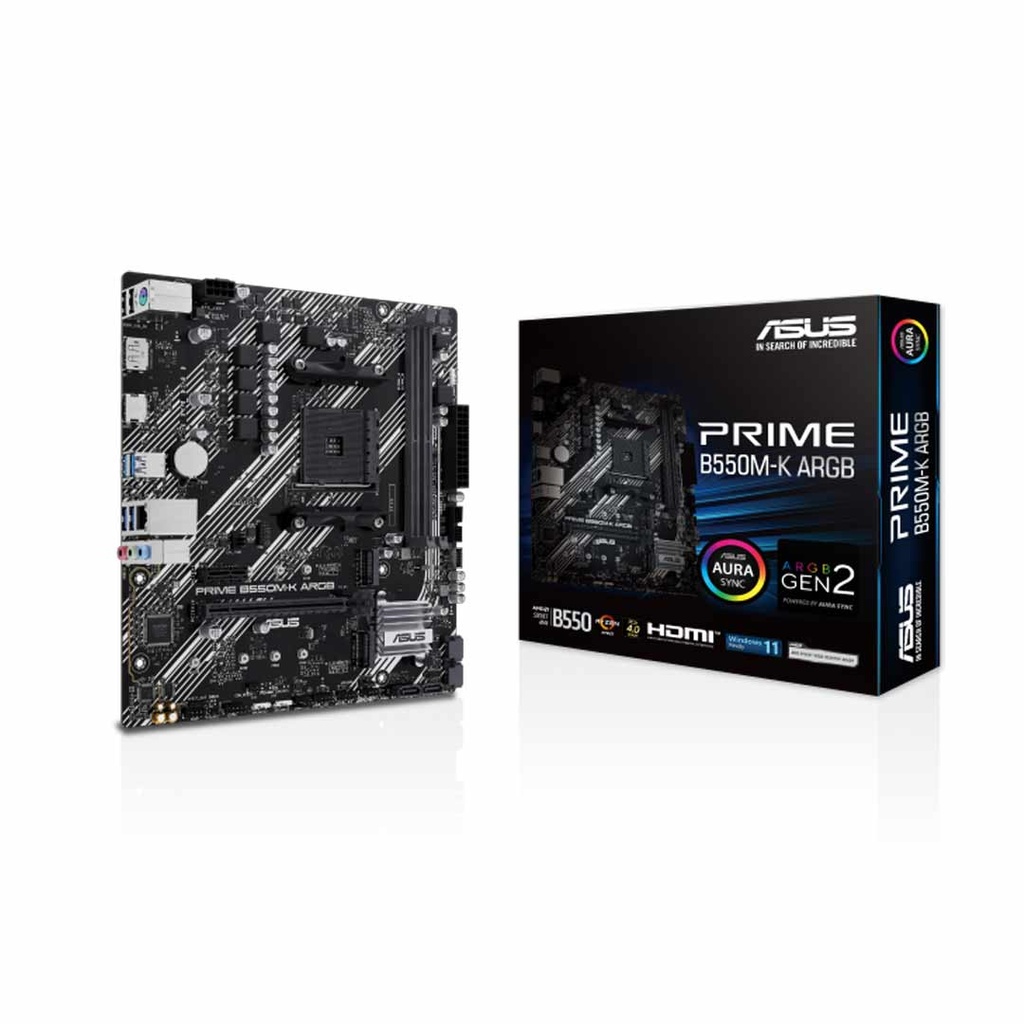
| Asus Prime B550M-K ARGB | AM4, B550 | Rs 16,900 |
| Gigabyte B550M K WIFI6E | AM4, B550 | Rs 19,600 |
| Asus TUF Gaming B550-PRO | AM4, B550 | Rs 21,000 |
| MSI PRO B650M-B | AM5, B650 | Rs 18,500 |
| Asus B650M-AYW Wi-Fi | AM5, B650 | Rs 24,500 |
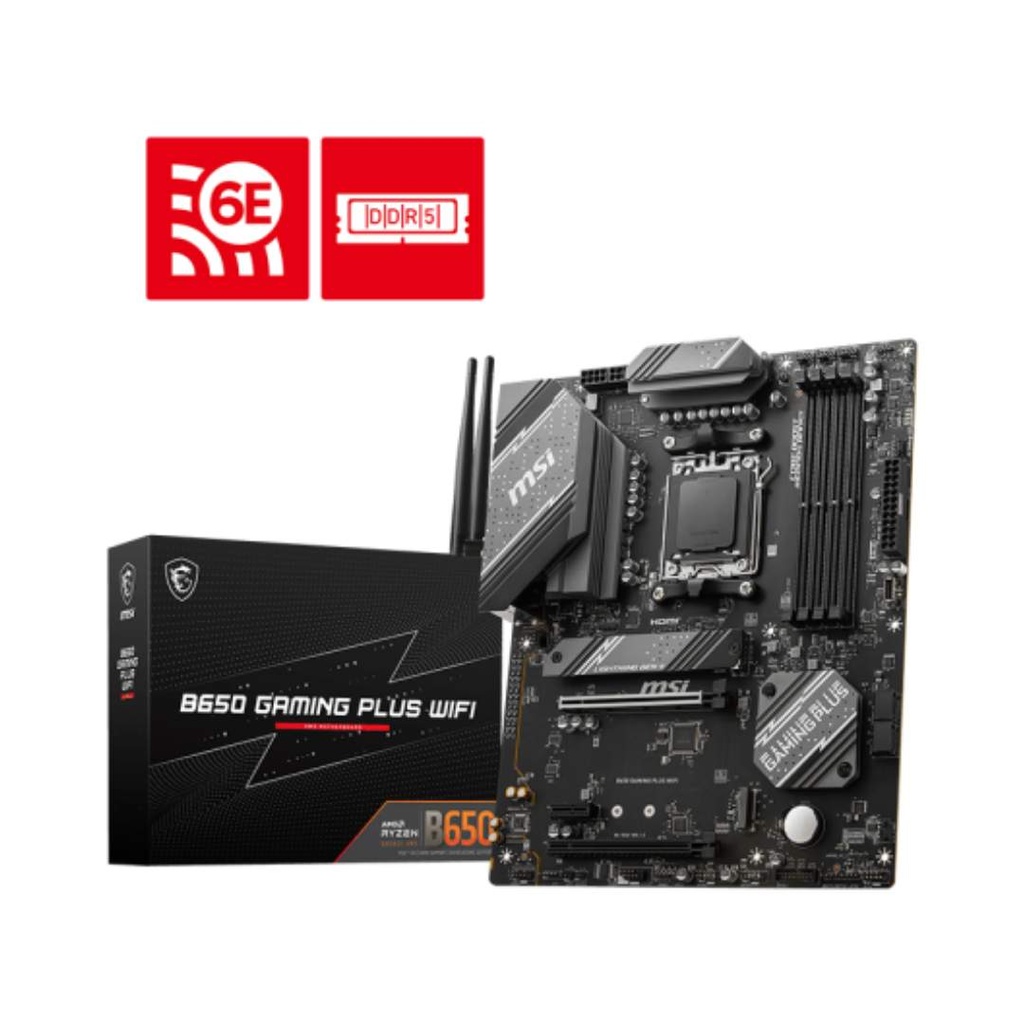
| MSI B650 Gaming Plus WiFi | AM5, B650 | Rs 28,900 |
| Asus B850M MAX Gaming WiFi | AM5, B850 | Rs 34,500 |
| MSI X870 Gaming Plus WiFi | AM5, X870 | Rs 54,800 |
| Asus Prime H610M-CS | LGA1700, H610 | Rs 14,900 |
| MSI PRO B760M-E Gen4 | LGA1700, B760 | Rs 19,500 |
| MSI B760M Bomber WIFI | LGA1700, B760 | Rs 24,000 |
| Gigabyte B760M Aorus Elite AX | LGA1700, B760 | Rs 36,000 |
| MSI PRO Z790-S WIFI | LGA1700, Z790 | Rs 36,000 |
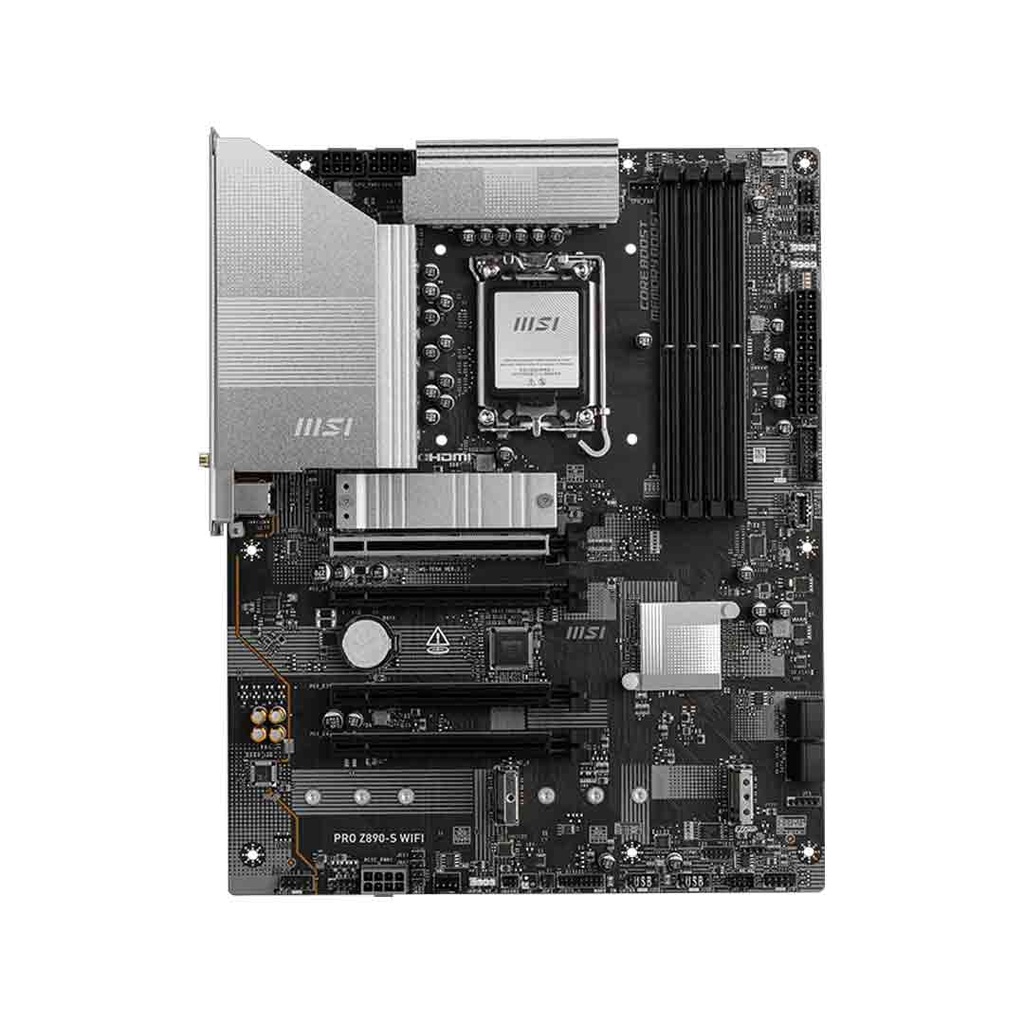
| MSI PRO Z890-S WIFI | LGA1851, Z890 | Rs 42,900 |
| MSI PRO Z890-P WIFI | LGA1851, Z890 | Rs 46,500 |
| MSI H510M-A PRO | LGA1200, H510 (10th/11th gen) | Rs 15,000 |
See all of them, including boards for older processors, on our motherboard price list. Building a whole PC? Our PC Builder filters boards by the processor you choose and adds up the total at live prices.
Frequently asked questions
How do I know which motherboard fits my processor?
Match the socket first: AM4 for Ryzen 1000 to 5000, AM5 for Ryzen 7000 and 9000, LGA1700 for Intel 12th to 14th gen, and LGA1851 for Intel Core Ultra 200S. Then pick a chipset that supports your processor, and check the board’s memory type. Our PC Builder only shows boards that fit the processor you pick.
Which motherboard is best for a Ryzen 5 5600 or 5700X?
A B550 board on socket AM4. It supports Ryzen 3000 to 5000, uses DDR4 memory and gives PCIe 4.0 to the graphics card and main SSD. Ours start at Rs 16,900.
Can I use DDR4 RAM on an AM5 or Core Ultra board?
No. AM5 and LGA1851 boards take DDR5 only. Intel LGA1700 boards come in both DDR4 and DDR5 versions, and the two kinds of RAM are not interchangeable.
Do I need a Z790 or Z890 board?
Only if you want to overclock an Intel K processor. Intel allows processor overclocking only on its Z chipsets; B760 and B860 allow memory overclocking only.
Will an older board work with a new processor?
Sometimes, after a BIOS update. Ryzen 5000 on B450 and X470, Ryzen 8000 and 9000 on AMD 600-series boards, and Intel 14th gen on 600- and 700-series boards can all need one.
What does the M in B760M or B650M mean?
It usually means Micro-ATX, a smaller board (244 × 244 mm) that fits most cases and has fewer slots than a full ATX board.
Sources
- AMD Socket AM4 chipsets, AMD
- AMD Socket AM5 chipsets, AMD
- Which chipsets support 12th, 13th and 14th gen Intel processors, Intel
- BIOS update needed for 14th gen processors, Intel
- Vmin shift instability in 13th and 14th gen processors, Intel
- 11th gen processor chipset support, Intel
- Intel Z890 chipset, Intel
- Intel B860 chipset, Intel
- Overclocking Intel processors, Intel
- MSI PRO B760M-A WIFI DDR4 specifications, MSI
- Motherboard form factor, Wikipedia
- Is DDR5 backwards compatible?, Corsair
- Quality Computer website prices, 31 October 2026.