
RGB Cooling Fan Guide 2026: Which PC Fan to Buy in Nepal
Short answer: An RGB cooling fan is a fan first. Pick the size your case takes (120mm or 140mm), a 4-pin PWM fan for quiet automatic speed control, and lighting that matches your header: 5V ARGB uses 3 pins, 12V RGB uses 4, and mixing them up can damage the LEDs. See all cooling fans.
Shop at Quality Computer
Cooling fans, CPU coolers and cases View all →
Case fan, CPU cooler or laptop pad?
“Cooling fan” covers three different products, so start by naming yours:
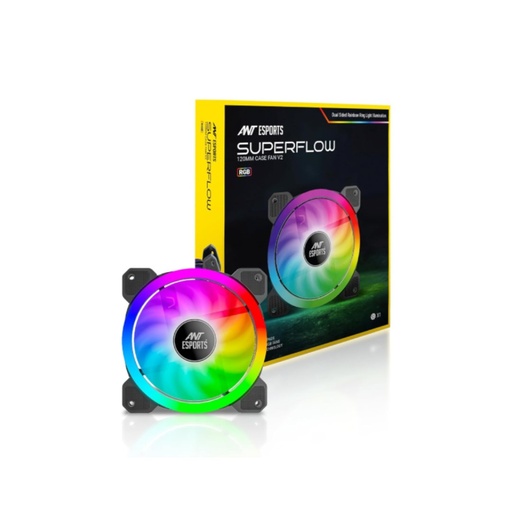
- Case fans move air through the cabinet. The ANT Esports Superflow 120mm Auto RGB costs Rs 600.
- CPU coolers are a heatsink with one or two fans, or a liquid cooler with fans on a radiator. Ours run from Rs 1,500 to Rs 17,000.
- Laptop cooling pads are USB-powered fans that sit under a laptop. The ones available now cost Rs 2,000 and Rs 3,750.
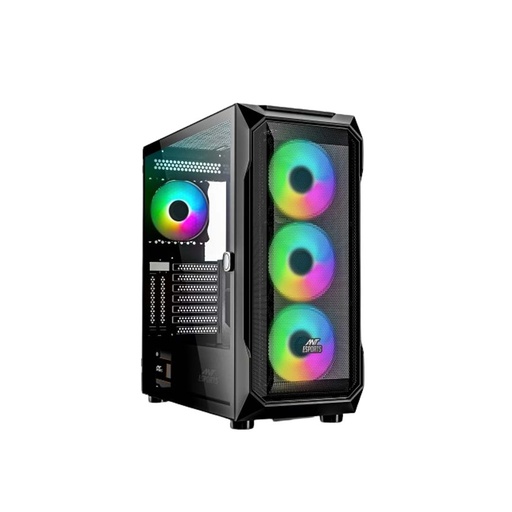
Building a new PC? A case with fans already fitted saves buying them one by one. The ANT Esports ICE-112 comes with four fans (three front, one rear), and the ICE-410TG ARGB has three front fans and one rear fan, according to their listings.
120mm or 140mm: which fan size?
Bigger is usually better. Noctua’s airflow guide explains that larger blades move more air at a lower speed, which means better cooling and less noise, and it recommends fitting the largest fan each slot takes.
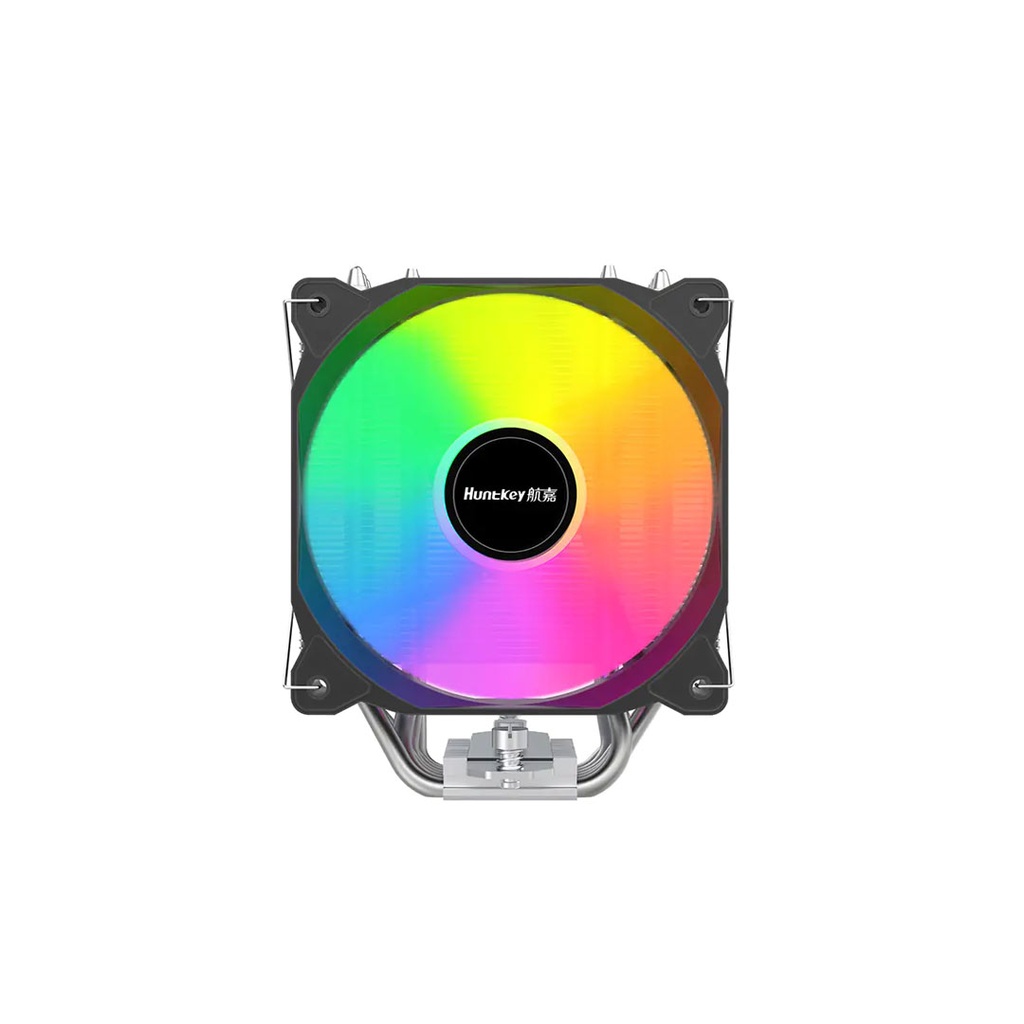
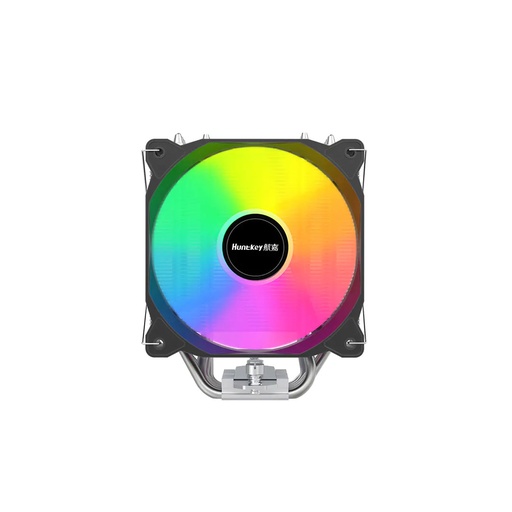
So check the mounts before you buy. The ICE-112 takes three 120mm or two 140mm fans at the front and one 120mm at the rear; the ICE-410TG takes three 120mm or three 140mm at the front and top. Tower coolers such as the DeepCool AK400 and Huntkey Storm T600 use 120mm fans, while the Thermaltake TH280 V2 radiator uses 140mm fans.
Noise ratings on our fan and cooler listings run from 20 dB(A) or less for the ANT Esports Superflow at 1,200 RPM to 34.7 dB(A) for the TH280 V2’s fans.
Airflow vs static pressure
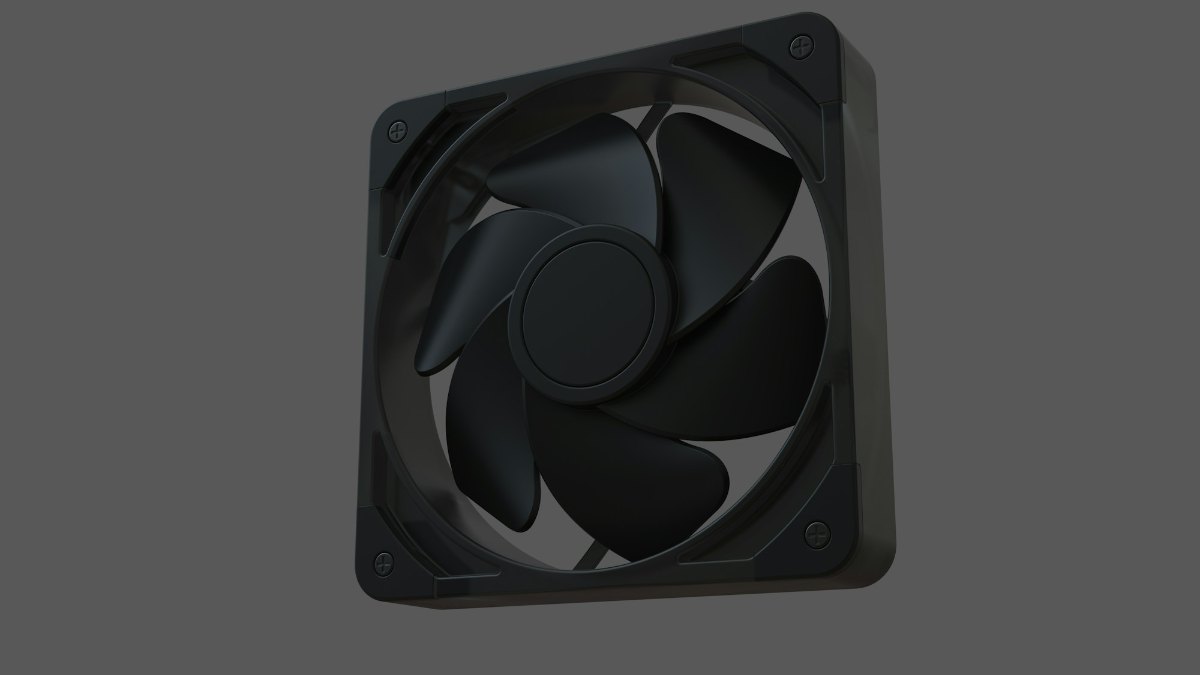
Airflow, in CFM, is how much air a fan moves with nothing in its way. Static pressure, in mmH₂O (also written mmAq), is how hard it can push through something dense: a radiator, a tower heatsink or a fine dust filter. Noctua, for example, designs its NF-F12 specifically for heatsinks and radiators.
| Fan | Size | Max airflow | Static pressure | Noise |
|---|---|---|---|---|
| ANT Esports Superflow (case fan) | 120mm | 38 CFM | 1.0 mmH₂O | 20 dB(A) or less |
| DeepCool AK400 Zero Dark Plus fan | 120mm | 59.46 CFM | 1.62 mmAq | 28 dB(A) or less |
| Huntkey Storm T600 fan | 120mm | 78.08 CFM | 2.06 mmH₂O | 34 dB(A) max |
| Ant Esports ICE Chroma-360 fans | 120mm | 67.96 CFM | 2.28 mmAq | Not listed |
| Thermaltake TH280 V2 fans | 140mm | 84.32 CFM | 3.02 mmH₂O | 34.7 dB(A) |
Figures are from the makers’ details on our listings; the AK400 figures match DeepCool’s spec page.
A front intake behind an open mesh panel, or a rear exhaust, does fine with an airflow-focused fan like the Superflow. A radiator or a dense heatsink needs pressure, which is why cooler and liquid-cooler fans list higher mmH₂O figures.
3-pin vs 4-pin: DC or PWM control?
A 4-pin fan is controlled by PWM. The motherboard sends a pulse signal on the fourth pin, 25kHz under Intel’s fan spec as Noctua’s PWM white paper explains, and the fan’s speed follows how long each pulse stays on. With no signal at all, the fan runs at full speed.
A 3-pin fan has no PWM wire. The board slows it by lowering its voltage, which BIOS menus call DC or Voltage mode.
The two mix, with limits. Noctua says a 3-pin fan works on a 4-pin header, though you may need to switch that header to Voltage mode in the BIOS. A 4-pin fan on a 3-pin header runs at full speed unless the board can control it by voltage.
On our coolers, the DeepCool AK400 and Huntkey Storm T600 fans are 4-pin PWM, the Huntkey Frozen 400SE and Frozen 200 are 3-pin, and the ANT Esports Superflow listing shows a Molex and 3-pin connection. Choosing the board those fans plug into? Our motherboard guide matches boards to processors.
ARGB vs RGB: 5V 3-pin or 12V 4-pin?
Fan lighting comes in two standards, and NZXT lays out the difference:
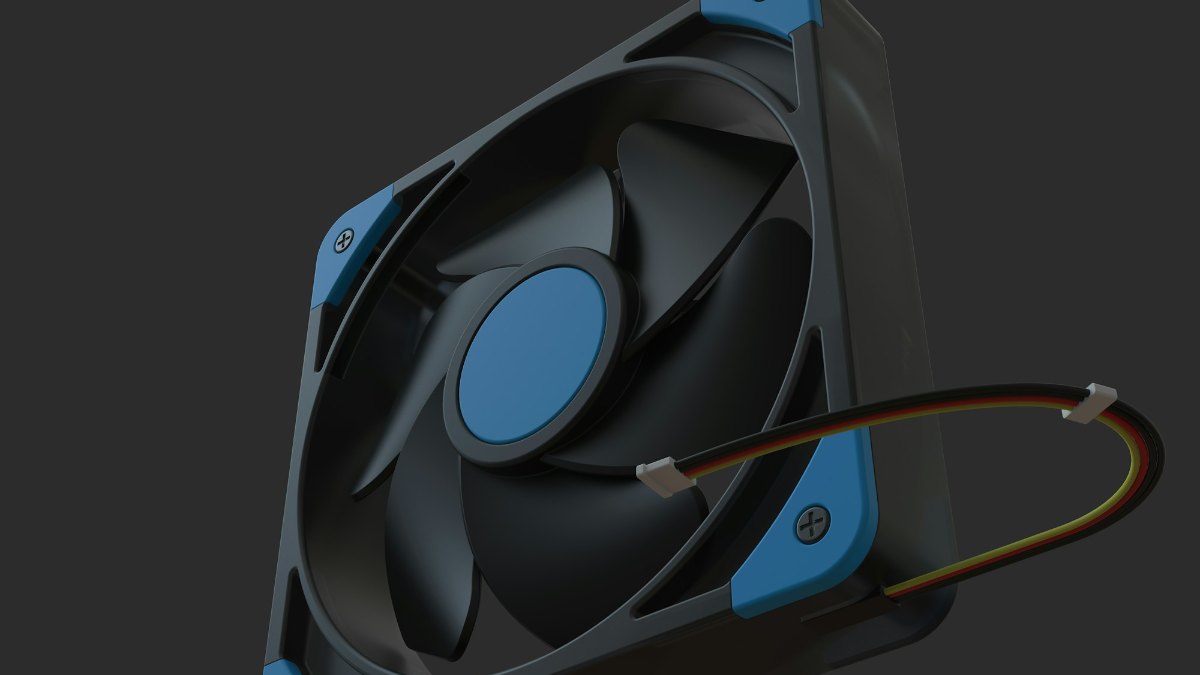
- 5V ARGB (addressable): three pins in a four-pin space, with one position blanked off. Motherboards label the header ARGB or ADD_HEADER. Every LED can show a different colour, so you get rainbows and animations.
- 12V RGB: four pins in a row, labelled RGB_HEADER. The whole strip shows one colour at a time.
Never plug one into the other. NZXT warns that connecting a device to the wrong header can permanently damage the device, the PC or both. Read the small label printed next to the header on the motherboard, then the plug on the fan, before anything goes in.
On our coolers, the Huntkey Storm T600 lighting is +5V ARGB on a 3-pin plug, and the Ant Esports ICE Chroma-360 and Thermaltake TH280 V2 are ARGB liquid coolers. The ANT Esports Superflow is sold as an Auto RGB fan; its listing shows only a Molex and 3-pin power connection, with no separate lighting plug.
Fan hubs: more fans than headers
When you have more fans than fan headers, a hub fills the gap. Arctic’s Case Fan Hub is a typical design: it takes power from a SATA cable from the power supply, passes one motherboard PWM signal to up to ten fans, and reports only the first fan’s speed back to the PC.
That means every fan on the hub gets the same speed signal. It is fine for a row of front intakes, but put the CPU cooler fan on its own header so the board can watch it.
Intake and exhaust: how to lay out your fans
Noctua’s five-fan layout is three intake fans at the front and one exhaust fan each at the rear and top, with intake and exhaust on opposite sides so air runs straight through.
- More intake than exhaust (positive pressure) lets in less dust, but warm air can build up more easily.
- More exhaust than intake (negative pressure) can pull dust in through every gap and unfiltered panel.
- Radiators: mounted at the front as intake for the lowest CPU temperatures, or at the top as exhaust for the lowest graphics card temperatures, per Noctua’s setup guide.
For dusty rooms, lean slightly positive and clean the case every few months, as Noctua suggests, holding the fan blades still while you blow them out. Building a full system? Our gaming PC build guide lists complete builds at three budgets, and our graphics card guide helps you pick the card.
Laptop cooling pads: do they help?
A cooling pad is a set of USB-powered fans under the laptop. Turn your laptop over first: if the air intakes are on the bottom, a pad blows fresh air straight into them. If the vents are at the back or sides, raising the laptop on a stand may do as much; our laptop stand guide covers those.
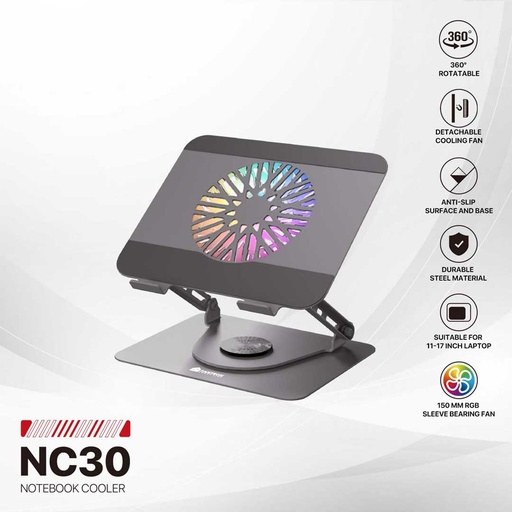
- The Fantech NC30 (Rs 3,750) has one 150mm RGB fan at 1,700 RPM, rated 66 CFM and 18 dB, rotates 360° and fits 11 to 17-inch laptops.
- The ANT Esports NC150 (Rs 2,000) has two fans, five height levels and a pass-through USB port, for laptops up to 15.6 inches.
Specs are from their listings. See every laptop cooling pad we sell.
Quick verdict: For a case, fit the largest fans your mounts take, choose 4-pin PWM for quiet automatic control, and match the lighting plug to the header: 5V ARGB on 3 pins, 12V RGB on 4. On a budget, the ANT Esports Superflow (Rs 600) adds a lit 120mm fan. For the CPU, the Huntkey Storm T600 (Rs 5,400) brings a PWM fan with 5V ARGB, and the Ant Esports ICE Chroma-360 (Rs 10,900) is our 360mm liquid pick. For a laptop, a pad helps most when the vents are underneath.
Cooling fans and coolers we sell
Everything in this table was available on our website on 7 November 2026. We deliver online orders across Nepal, and our store is in Birtamode, Jhapa.
| Product | What it is | Our price |
|---|---|---|
| ANT Esports Superflow 120mm Auto RGB V2 | 120mm RGB case fan, 1,200 RPM, 38 CFM | Rs 600 |
| Huntkey Cooling King Frozen 200 | CPU air cooler, 92mm 3-pin fan | Rs 1,500 |
| Huntkey Frozen 400SE | CPU air cooler, 120mm 3-pin RGB fan, up to 140W | Rs 3,500 |
| Huntkey Storm T600 Fantasy | CPU air cooler, 120mm 4-pin PWM fan, 5V ARGB, 180 to 200W | Rs 5,400 |
| DeepCool AK400 Zero Dark Plus | CPU air cooler, two 120mm 4-pin PWM fans | Rs 7,500 |
| DeepCool AK500 Zero Dark | Single-tower CPU air cooler | Rs 9,500 |
| Thermaltake Toughair 510 | CPU air cooler | Rs 11,500 |
| Ant Esports ICE Chroma-360 ARGB | 360mm liquid cooler, three 120mm ARGB fans, OLED display | Rs 10,900 |
| Thermaltake TH280 V2 ARGB Sync | 280mm liquid cooler, 140mm PWM fans, 2.1-inch LCD | Rs 17,000 |
| ANT Esports ICE-112 Case (Black) | ATX case, four fans fitted | Rs 5,800 |
| ANT Esports ICE-410TG ARGB Case (White) | ATX case, three front and one rear fan fitted | Rs 10,500 |
| Fantech NC30 RGB Cooling Pad | Laptop pad, 150mm RGB fan, 11 to 17-inch laptops | Rs 3,750 |
| ANT Esports NC150 RGB Cooling Pad | Laptop pad, two fans, up to 15.6-inch laptops | Rs 2,000 |
Prices checked on 7 November 2026.
In our store
ANT Esports Superflow 120mm RGB Fan
Huntkey Storm T600 ARGB Cooler
ANT Esports ICE-410TG ARGB Case
Fantech NC30 RGB Cooling Pad
Frequently asked questions
Which RGB cooling fan should I buy?
Buy the size your case takes (120mm or 140mm), a 4-pin PWM fan for automatic speed control, and lighting that matches your motherboard header: 5V ARGB on a 3-pin ARGB header or 12V RGB on a 4-pin RGB header. Our ANT Esports Superflow 120mm Auto RGB case fan costs Rs 600.
Can I plug a 5V ARGB fan into a 12V RGB header?
No. 5V ARGB uses three pins and 12V RGB uses four, and NZXT warns that connecting a device to the wrong header can permanently damage the device, the PC or both. Check the label next to the header before you plug anything in.
What is the difference between a 3-pin and a 4-pin fan?
A 4-pin fan has a PWM wire, so the motherboard sets its speed with a pulse signal. A 3-pin fan is slowed by lowering its voltage. A 4-pin fan on a 3-pin header runs at full speed unless the board can control it by voltage.
Are 140mm fans better than 120mm fans?
Usually, if your case has 140mm mounts. Larger blades move more air at a lower speed, so they cool better and run quieter, according to Noctua. Check the case first: both of our ANT Esports cases take only a 120mm fan at the rear.
Should case fans be intake or exhaust?
Both. Noctua’s five-fan layout is three intake fans at the front and one exhaust each at the rear and top. Slightly more intake than exhaust reduces the dust that gets in, while more exhaust than intake can pull dust in through gaps.
What is the cooling fan price in Nepal?
At Quality Computer, the ANT Esports Superflow 120mm RGB case fan costs Rs 600, CPU air coolers start at Rs 1,500 and the Ant Esports ICE Chroma-360 liquid cooler costs Rs 10,900 (website prices on 7 November 2026).
Sources
- PWM specifications white paper, Noctua, checked 7 November 2026
- Can I run Noctua 3-pin fans on 4-pin PWM connectors or 4-pin fans on 3-pin connectors?, Noctua, checked 7 November 2026
- Airflow guide part 1: the fundamentals, Noctua, checked 7 November 2026
- Airflow guide part 2: setup ideas, Noctua, checked 7 November 2026
- NF-F12 PWM, Noctua, checked 7 November 2026
- 5V ARGB vs 12V RGB, NZXT, 17 August 2026
- ARCTIC Case Fan Hub, ARCTIC, checked 7 November 2026
- AK400 ZERO DARK PLUS specifications, DeepCool, checked 7 November 2026
- QC prices: qualitycomputer.com.np, 7 November 2026.