
Which USB-C Hub Should You Buy? Ports, Power Delivery and Displays (2026)
Short answer: List the ports you actually need, then check three things: Power Delivery (so you can charge your laptop through the hub; it keeps some power for itself), the HDMI spec (4K at 60Hz looks smooth, 4K at 30Hz feels laggy), and whether your laptop's USB-C port supports video at all. For two separate screens on a MacBook, avoid MST hubs: macOS mirrors them instead.
Shop at Quality Computer
USB-C hubs and docks View all →
Hub, adapter or dock?
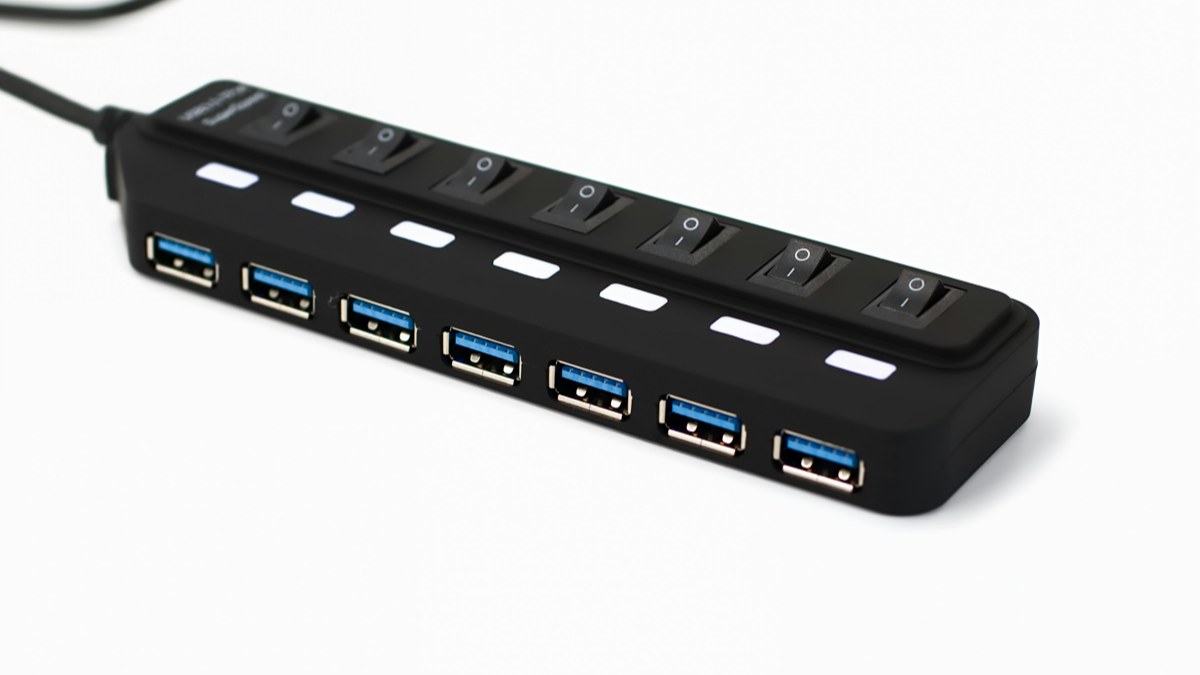
- USB hub: turns one port into several USB ports. Cheap and small. Good for a mouse, keyboard and pendrive.
- Multiport adapter (often also called a hub): adds HDMI, USB, a card reader, Ethernet and a charging port. This is what most laptop users want.
- Docking station: a bigger desk unit with more ports, often its own power supply and multiple displays.
Thin laptops like the MacBook Air and many new Windows ultrabooks have only USB-C ports for accessories (the MacBook Air adds a MagSafe charging port), so a multiport adapter is the first accessory most owners buy. Our USB-C vs Thunderbolt guide explains the ports themselves.
Which ports you need
| Port | What to check |
|---|---|
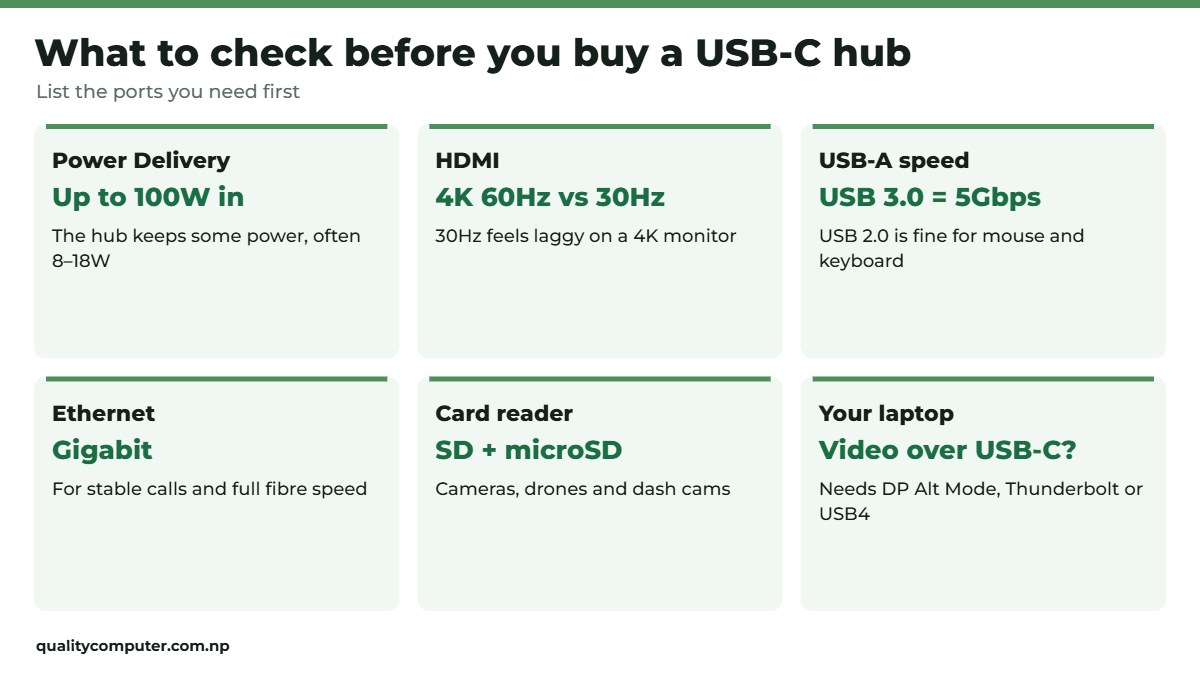
| USB-A | USB 3.0 (5Gbps) for drives; USB 2.0 is fine for a mouse or keyboard. Many cheap hubs have one fast port and the rest slow. |
| HDMI | 4K at 60Hz for smooth work on a 4K monitor; 4K at 30Hz is fine for presentations and video. HDMI 1.4 ports usually stop at 4K 30Hz. |
| USB-C PD (charging) | The input wattage the hub accepts, usually up to 100W. |
| Ethernet | Gigabit (1000 Mbps) for stable video calls and full fibre speed. |
| SD / microSD | For cameras, drones and dash cams. |
| USB-C data | A second USB-C port for drives and phones (not every USB-C port on a hub carries data). |
Example: the UNITEK uHUB S7+ has a 4K at 30Hz HDMI 1.4 port, one USB 3.0 and two USB 2.0 ports, SD and microSD slots and 100W charging, while the UNITEK uHUB N9+ adds 4K at 60Hz HDMI and gigabit Ethernet (our listings). For drives, see our hard disk guide and pendrive guide.
Power Delivery: charging through the hub
A hub with a "PD" port lets you plug the laptop charger into the hub and charge the laptop through the same cable. Two things to know:
- The hub keeps some power for itself, often around 8 to 18W (Plugable). The Huntkey 4-in-1 we sell, for example, accepts up to 100W in and passes up to 92W to the laptop (our listing). With a 65W charger, the laptop gets a little less than 65W.
- Use a charger at least as strong as the laptop's own, or the laptop charges slowly while you work. Our charger guide helps you pick one.
External displays: the part people get wrong
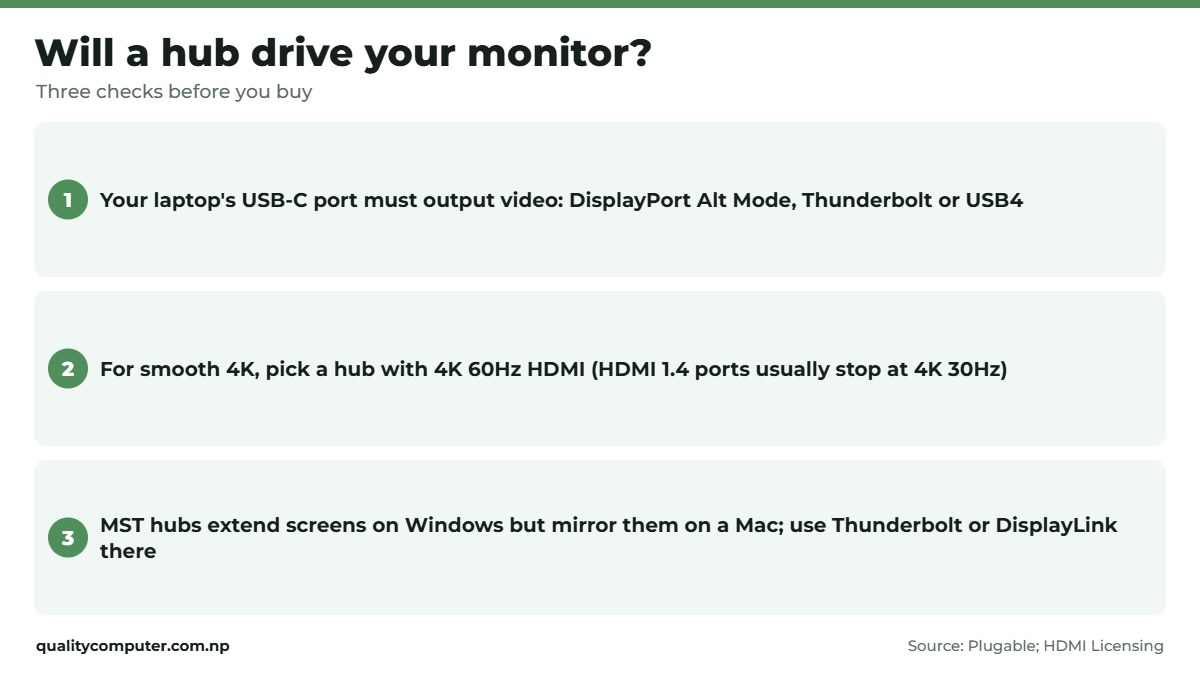
- Your laptop's USB-C port must output video (DisplayPort Alt Mode, or Thunderbolt/USB4). Many cheaper laptops have data-only USB-C ports, and then a hub's HDMI port does nothing. Check the laptop's spec sheet or look for a DisplayPort or Thunderbolt symbol next to the port.
- Two screens on a Mac: many cheaper hubs with two or three video ports use MST. macOS doesn't support MST for separate extended displays, so on a Mac the screens mirror each other instead (Plugable). Windows laptops with DisplayPort 1.2 or later over USB-C can extend across them. For two separate screens on a Mac, use a Thunderbolt or DisplayLink dock, within your Mac's display limit.
- How many screens your laptop supports depends on the model, so check its specs. Our MacBook guide covers the current Macs.
The UNITEK uHUB P5 Trio we sell is an MST hub with two HDMI ports and a VGA port: ideal for a Windows laptop driving several screens, but on a MacBook expect mirrored screens (our listing).

Hubs for phones and iPads
USB-C phones and iPads can use many hubs too: a keyboard, a pendrive or a camera card reader works with most Android phones and USB-C iPads. A simple 4-port USB-C hub like the UGREEN CM219 we sell suits this (our listing). HDMI output from a phone only works on models that support it.
Quick verdict
- List your ports first; don't pay for ones you won't use.
- Want smooth 4K? Look for HDMI 4K at 60Hz.
- Make sure your laptop's USB-C port supports video.
- On a Mac, an MST hub mirrors screens instead of extending them.
- Charge through the hub with a charger at least as strong as the laptop's own.
USB-C hubs in our store
These hubs are in stock on our website. Visit our store in Birtamode, Jhapa, if you'd like help choosing.
| Product | What it is | Our price |
|---|---|---|
| UNITEK uHUB S7+ 7-in-1 USB-C hub | 7-in-1: HDMI 4K 30Hz, USB 3.0 and 2.0, SD and microSD, 100W PD | Rs 3,030 |
| UNITEK uHUB N9+ 9-in-1 USB-C hub | 9-in-1: HDMI 4K 60Hz, gigabit Ethernet, card reader, 100W PD | Rs 4,250 |
| UNITEK uHUB H6 Gloss 6-in-1 USB-C hub | 6-in-1: three USB 3.0, HDMI 4K 30Hz, gigabit Ethernet, 100W PD | Rs 5,350 |
| UNITEK uHUB P5 Trio MST hub | MST hub: two HDMI and VGA for Windows multi-screen, 100W PD | Rs 4,150 |
| Huntkey 4-in-1 USB-C hub | 4-in-1: HDMI 4K 30Hz, USB 3.0 and 2.0, 100W PD | Rs 2,300 |
| UNITEK Y-3090 7-port USB 3.0 hub | 7-port USB 3.0 hub for a USB-A port, for desktops | Rs 3,490 |
| UGREEN CM219 4-port USB 3.0 hub | 4-port USB 3.0 hub, USB-C plug | Rs 1,350 |
| Havit HB41 4-in-1 USB-C to USB hub | USB-C to one USB 3.0 and three USB 2.0 ports | Rs 1,400 |
Prices checked on 12 November 2026 on our website.
In our store
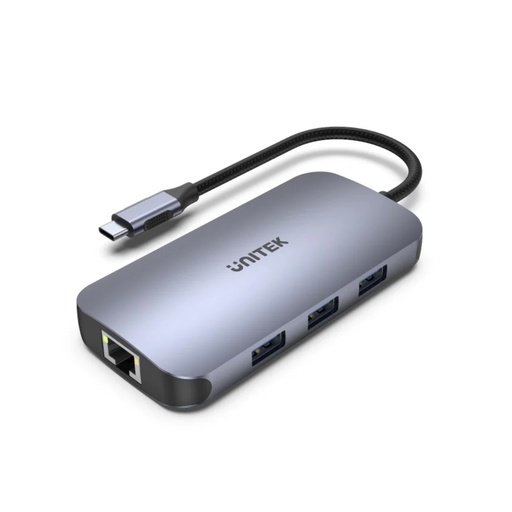
UNITEK N9+
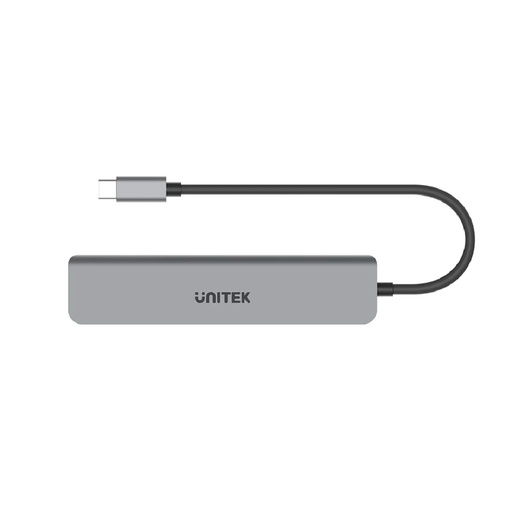
UNITEK S7+
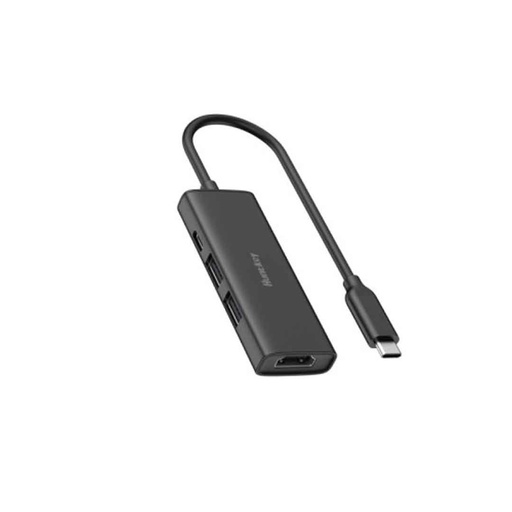
Huntkey 4-in-1
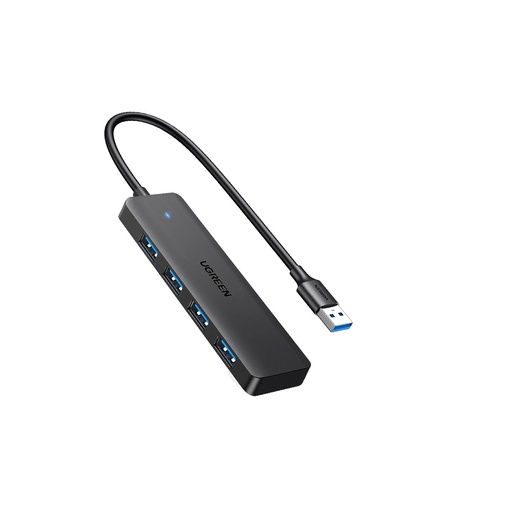
UGREEN CM219
Frequently asked questions
Which USB-C hub should I buy for my laptop?
Pick one with the ports you need, Power Delivery so you can charge through it, and HDMI 4K at 60Hz if you use a 4K monitor. Check that your laptop's USB-C port supports video before buying a hub for a screen.
Why doesn't my hub's HDMI port work?
Usually because the laptop's USB-C port is data-only and doesn't output video. It needs DisplayPort Alt Mode, Thunderbolt or USB4 support.
Can I use two monitors with a USB-C hub on a MacBook?
Not with an MST hub: macOS mirrors the screens instead of extending them. Use a Thunderbolt or DisplayLink dock instead, within your Mac's display limit, which depends on the model.
Does a USB-C hub reduce charging speed?
Slightly. The hub keeps some power for itself, often around 8 to 18W; for example, one 100W hub we sell passes up to 92W to the laptop.
What is the difference between 4K 30Hz and 4K 60Hz?
At 30Hz the screen redraws 30 times a second, so moving the mouse and scrolling feel laggy. 60Hz is smooth for everyday work.
Do USB-C hubs work with phones?
Many do: Android phones and USB-C iPads can use keyboards, pendrives and card readers through a hub. HDMI output only works on phones that support it.
Sources
- Understanding MST: multi-display setups with Windows, macOS and DisplayPort, Plugable
- What is USB PD pass-through?, Plugable
- Hub specifications and prices: Quality Computer website listings, 12 November 2026.