
USB-C vs Thunderbolt: Speeds, Charging, Displays and What to Buy
Short answer: in USB-C vs Thunderbolt, USB-C is only the plug. Behind it can be anything from basic USB 2.0 to USB4 at 80Gbps, or Thunderbolt 4 (40Gbps) and Thunderbolt 5 (80Gbps). Thunderbolt guarantees more: two 4K or better displays, PCIe for fast drives and at least 15W for accessories. Check what the port supports, not its shape.
Shop at Quality Computer
USB-C cables, chargers and hubs View all →
USB-C is a connector, not a speed
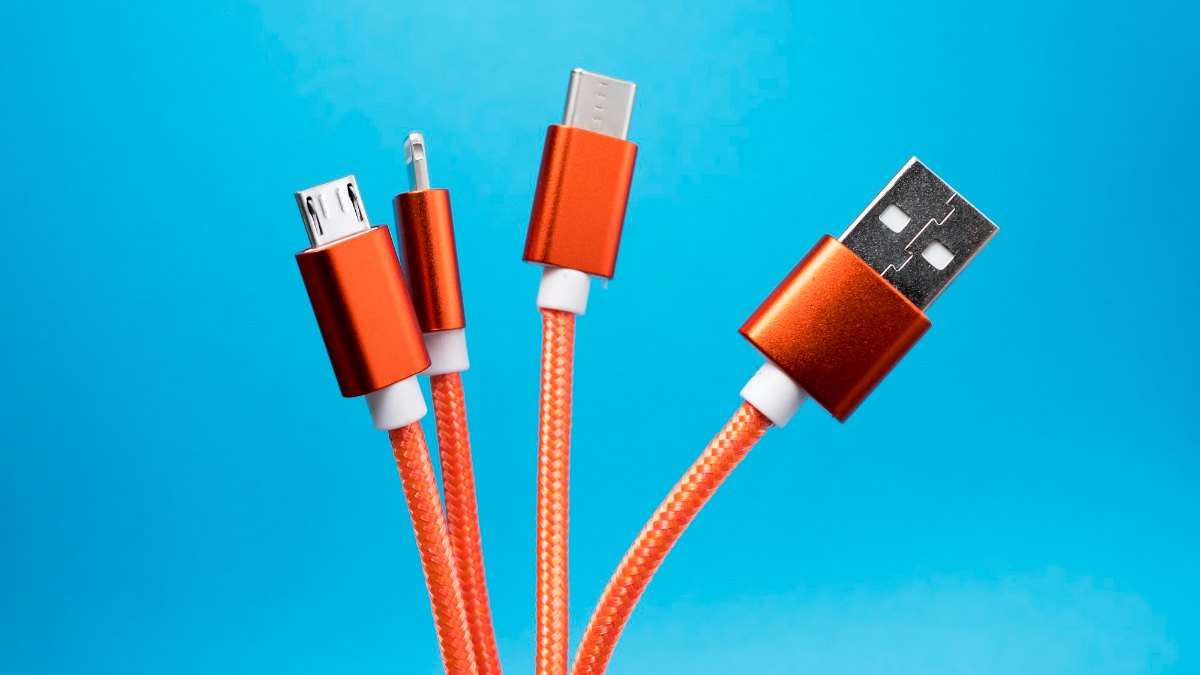
A USB-C port on a laptop, a phone, a monitor or an SSD looks the same every time. That is the problem. USB-C describes the oval, reversible plug. It says nothing about how fast the port moves data, whether it carries video, or how many watts it charges at.
Two ports with the same shape can be worlds apart. One might be a USB 2.0 port that only charges. Another might be Thunderbolt 5. Even USB4 itself is based on Intel's Thunderbolt protocol and works with Thunderbolt 3 devices (USB-IF).

USB-C vs Thunderbolt: speeds compared
| What runs over USB-C | Data speed | Guaranteed extras |
|---|---|---|
| USB 2.0 (Hi-Speed USB) | The slowest; fine for charging, keyboards and mice | None |
| USB 5Gbps / 10Gbps / 20Gbps | 5, 10 or 20 Gbps | Video and fast charging only if the maker adds them |
| USB4 | 20 Gbps minimum on a PC, up to 80 Gbps with USB4 80Gbps cables | 7.5W for accessories; video depends on the port |
| Thunderbolt 4 | 40 Gbps minimum | Two 4K displays, 32 Gbps PCIe, 15W for accessories, certified |
| Thunderbolt 5 | 80 Gbps each way, up to 120 Gbps with Bandwidth Boost | 64 Gbps PCIe, 15W for accessories, laptop charging up to 140W (240W on some devices), certified |
USB4 and Thunderbolt figures from Intel and USB-IF.
For everyday use the gap barely shows. It shows when you copy a 100GB video folder to an external SSD, run two monitors from one cable, or use a dock.
How to read USB and Thunderbolt logos
USB-IF, the group behind USB, now labels certified products by speed: USB 5Gbps, 10Gbps, 20Gbps, 40Gbps and 80Gbps (USB-IF logo guidelines). Certified USB-C cables also carry a power logo of 60W or 240W (USB-IF). Spec sheets in Nepal still often print the old names, such as USB 3.0, USB 3.1 or USB 3.2 Gen 1 and Gen 2, so ask for the Gbps figure.
For Thunderbolt, Intel's advice is simply to look for the Thunderbolt logo. Thunderbolt computers, accessories and cables all have to be certified (Intel). No logo and no mention on the spec sheet usually means it isn't Thunderbolt.
Charging: USB Power Delivery wattages
Most USB-C laptops and phones charge with USB Power Delivery (PD). Standard PD goes up to 100W at 20V over a 5A cable. PD 3.1 adds 28V, 36V and 48V steps for 140W, 180W and 240W (USB-IF).
- Charger, cable and laptop all have to support the wattage. A 60W cable won't pass 100W, whatever the charger says.
- Thunderbolt 4 and 5 ports must give accessories at least 15W, against 7.5W for USB4, and Thunderbolt 5 laptops can be designed to charge at up to 240W (Intel).
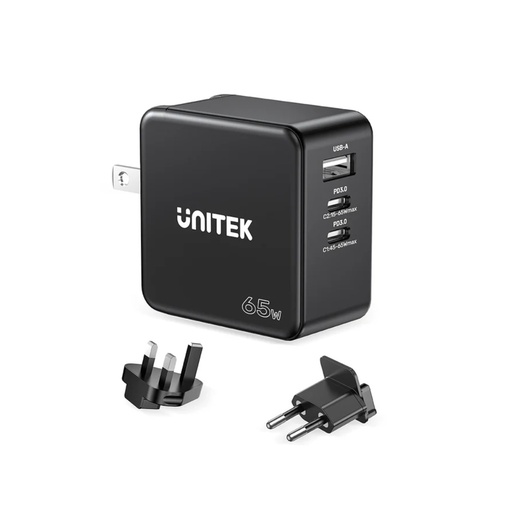
- For a thin laptop that came with a 65W charger, a 65W USB-C GaN charger such as the UNITEK P1117B does the job; match or beat the wattage of the original. Phones need far less; see our iPhone charger guide.
Display output: DisplayPort Alt Mode
Video over USB-C usually means DisplayPort Alternate Mode. It hands some or all of the cable's four high-speed lanes to DisplayPort video at 4K and above; with two lanes for video, the other two still carry USB data, and adapters connect to HDMI, DisplayPort, DVI and VGA screens (VESA).
Not every USB-C port has it. If the laptop's spec sheet doesn't mention DisplayPort, video or a display icon by the port, a USB-C to HDMI cable won't give you a picture. Thunderbolt removes the guesswork: Thunderbolt 4 guarantees two 4K displays, and Intel quotes two 8K monitors for Thunderbolt 5.
USB-C cables: e-marked, 240W and length
- E-marker. A small chip in the plug tells the laptop what the cable can handle. Google's USB-C cable rules let only 3A, USB 2.0-only cables skip it; every other USB-C to USB-C cable must have one (Google). In practice, any 100W or high-speed cable is e-marked.
- 100W and 240W. 100W charging needs a 5A cable. 240W needs a cable built to the newer USB Type-C 2.1 rules, which USB-IF marks with a 240W logo.
- Length. For passive full-featured cables, Google's guidance is up to 1 m for 20Gbps and up to 2 m for 5Gbps; longer cables should be USB-IF certified. Intel's Thunderbolt 5 universal cables go up to 2 m.
- Charge-only cables. Cheap cables that fit the port can still be USB 2.0 inside. Fine for charging, slow for an SSD.
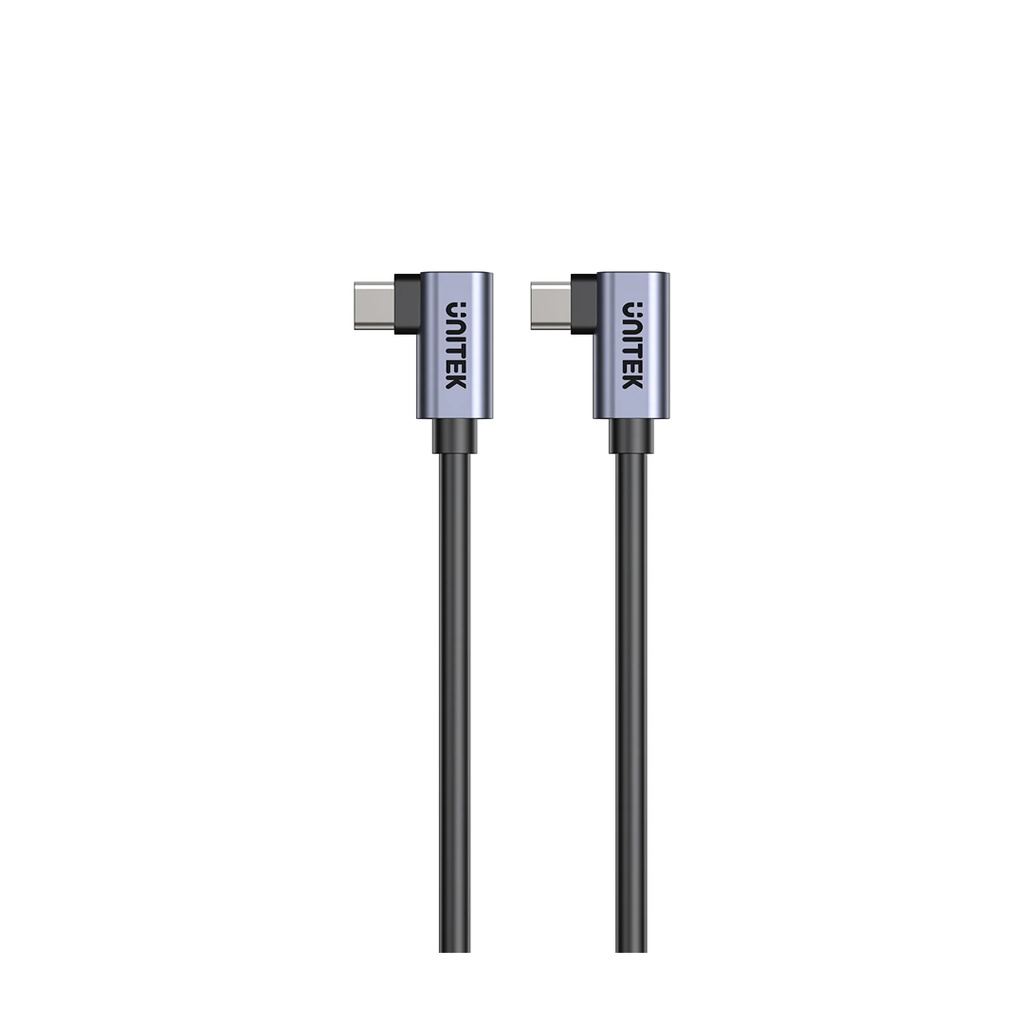
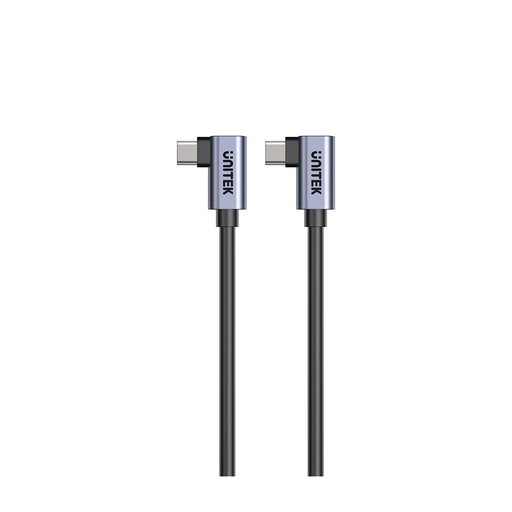
Our UNITEK 100W USB-C cable covers laptop charging, but its data speed is 480 Mbps, so for SSDs use the short cable that came in the box.
What to look for on a laptop spec sheet
Laptop listings in Nepal often just say "USB-C". Before you buy, find out four things:
- Speed: 5, 10, 20, 40 or 80Gbps, or Thunderbolt 4 or 5.
- Video: does that port output DisplayPort?
- Charging: can the laptop charge through it, and at how many watts?
- Count: how many USB-C ports, and which one does what?
If the listing doesn't say, ask the seller or check the maker's spec page. Choosing a MacBook? Our MacBook guide compares the Neo, Air and Pro.
USB-C hubs and docks: which do you need?
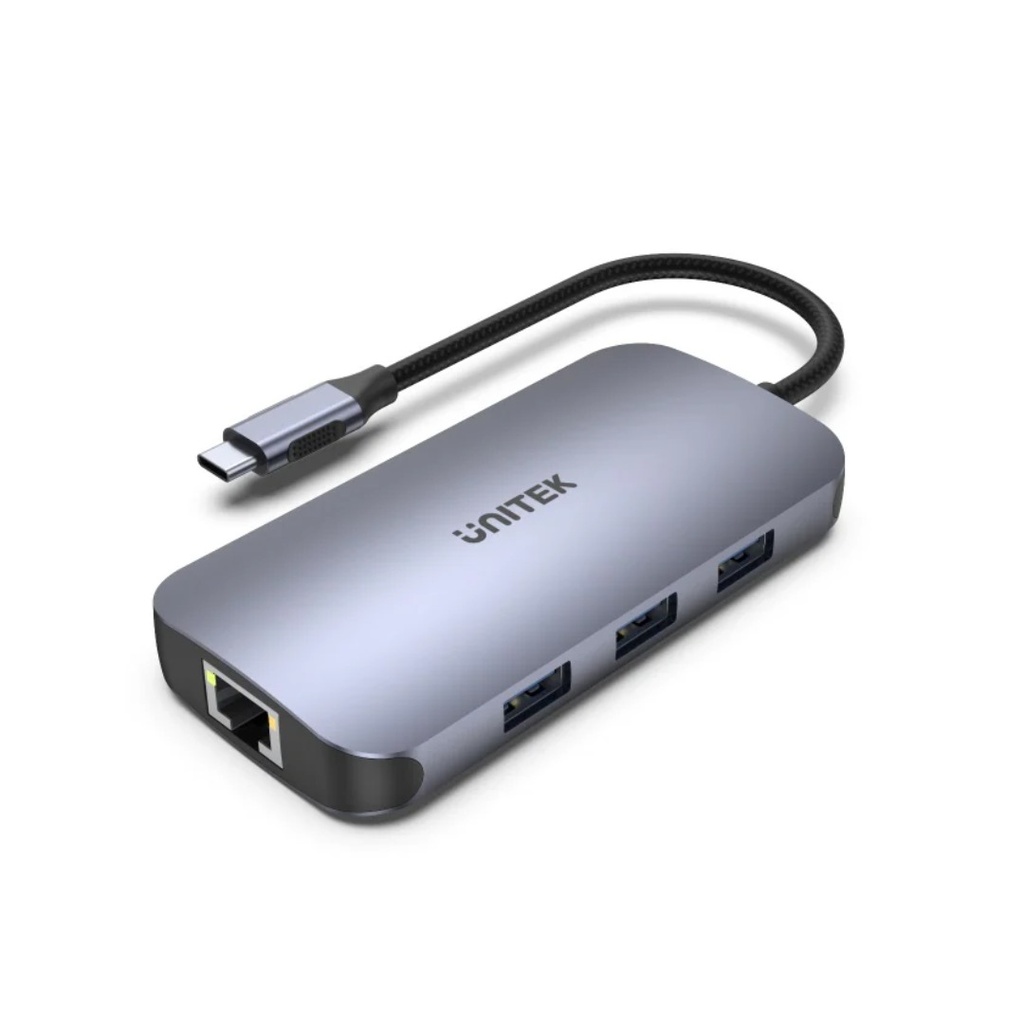
A USB-C hub adds the ports thin laptops leave out: HDMI, USB-A, Ethernet and card readers, usually with charging passed through. The UNITEK D1113A adds HDMI and VGA for two screens (UNITEK says up to 1080p each when both are in use), gigabit Ethernet and 100W PD pass-through (UNITEK). HDMI from a hub still needs a laptop port with DisplayPort Alt Mode.
A Thunderbolt dock is for Thunderbolt laptops that drive several screens and fast drives through one cable. Intel says Thunderbolt docks work with Mac, Windows and Chrome computers, and one Thunderbolt connection can serve both Thunderbolt and USB-C computers (Intel).
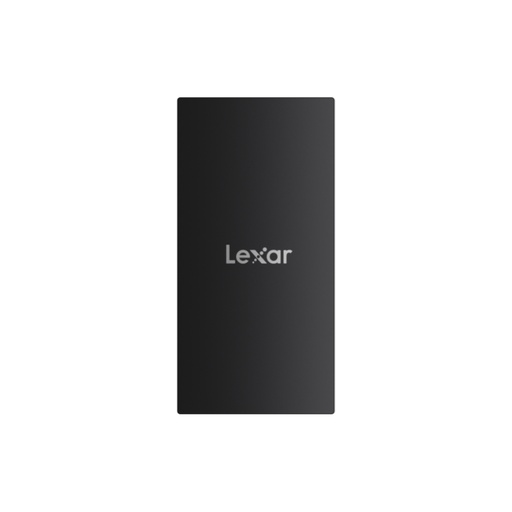
For external storage, match the drive to the port. A USB 3.2 Gen 2 portable SSD like the Lexar SL300 needs a port and cable to match. Our guides to choosing an SSD and external storage go further.
USB-C cables, chargers, hubs and SSDs at Quality Computer
| Product | What it is | Our price |
|---|---|---|
| UNITEK C14147ABK01 USB-C cable | 100W PD, 1 m, USB-C to USB-C | Rs 925 |
| Rapoo PD100 Type-C cable | PD charging and data cable | Rs 1,250 |
| WiWU X10L USB-C to HDMI cable | Video cable for DP Alt Mode ports | Rs 3,000 |
| UNITEK D1113A uHUB N9+ | 9-in-1 dual-display USB-C hub, 100W PD, gigabit Ethernet | Rs 4,250 |
| UNITEK H1118A uHUB S7+ | 7-in-1 USB-C 5Gbps hub, 4K HDMI, 100W PD | Rs 3,030 |
| UNITEK D1084A uHUB H6 | 6-in-1 USB-C hub, 4K HDMI, PD 100W, gigabit Ethernet | Rs 5,350 |
| Huntkey 4-in-1 USB-C docking station | Compact USB-C dock | Rs 2,300 |
| UNITEK P1117B 65W GaN charger | USB-C PD charger for laptops and phones | Rs 3,980 |
| UGREEN X757 Nexode Pro 100W | 3-port GaN USB-C PD charger | Rs 7,890 |
| Apple 20W USB-C Power Adapter | iPhone and iPad charger | Rs 4,200 |
| Lexar SL300 1TB | USB 3.2 Gen 2 USB-C portable SSD | Rs 29,000 |
| Transcend ESD310 1TB | Dual USB 3.2 Gen 2 USB-C portable SSD | Rs 26,000 |
Prices checked on 7 November 2026 on qualitycomputer.com.np. All items available.
In our store
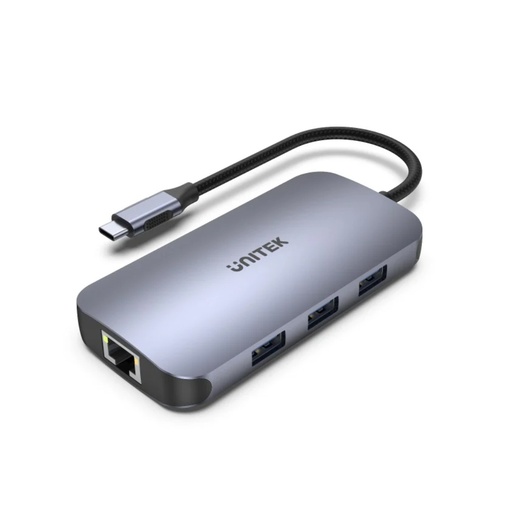
UNITEK 9-in-1 USB-C hub
UNITEK 100W USB-C cable
UNITEK 65W GaN charger
Lexar SL300 1TB portable SSD
Chargers and cablesUSB hubsHDMI and network cablesExternal SSDs
Frequently asked questions
Is USB-C the same as Thunderbolt?
No. USB-C is the shape of the plug. Thunderbolt 4 and 5 are certified connection standards that use the USB-C plug and guarantee more speed, display support and accessory power than a basic USB-C port.
Is USB4 the same as Thunderbolt 4?
No. Both can reach 40Gbps, but Intel's minimums differ: a USB4 computer port can be as slow as 20Gbps with no PCIe requirement, while Thunderbolt 4 guarantees 40Gbps, 32Gbps PCIe data and two 4K displays.
How many watts can a USB-C port charge?
Up to 100W with standard USB Power Delivery and a 5A cable, and up to 240W with USB PD 3.1, a 240W charger and a 240W-rated cable. The laptop has to support that wattage too.
Do I need Thunderbolt for an external monitor?
No. A USB-C port with DisplayPort Alt Mode can drive a monitor. Thunderbolt 4 guarantees two 4K displays, and Intel quotes two 8K monitors for Thunderbolt 5.
Why is my USB-C SSD slower than the box says?
The drive, the cable and the port all have to support the same speed. A USB 2.0 charge cable or a 5Gbps port will hold back a faster drive.
Can I use a Thunderbolt cable in a normal USB-C port?
Yes. Thunderbolt 4 and 5 cables are what Intel calls universal cables, so they work in a normal USB-C port, but only at the speed and features that port supports.
Sources
- USB4, USB-IF, checked 7 November 2026
- USB Charger (USB Power Delivery), USB-IF, checked 7 November 2026
- USB Logo Usage Guidelines, USB-IF, 29 January 2024
- USB-IF Announces New Certified USB Type-C Cable Power Rating Logos, USB-IF via Business Wire, 30 September 2021
- Thunderbolt Technology: A Universe of Possibilities, Intel, updated 27 August 2026
- Thunderbolt Messaging Guide, Intel, September 2024
- VESA Brings DisplayPort to New USB Type-C Connector, VESA, 22 September 2014
- E-Marker and Length Guidance for USB-C Cables, Google ChromeOS, checked 7 November 2026
- 9-in-1 USB-C Hub with Dual Display, Dual Card Reader and 100W PD (D1113A), UNITEK, checked 7 November 2026
- QC prices: qualitycomputer.com.np, 7 November 2026.