
iPhone Battery Health: How to Check It, What's Normal and When to Replace (2026)
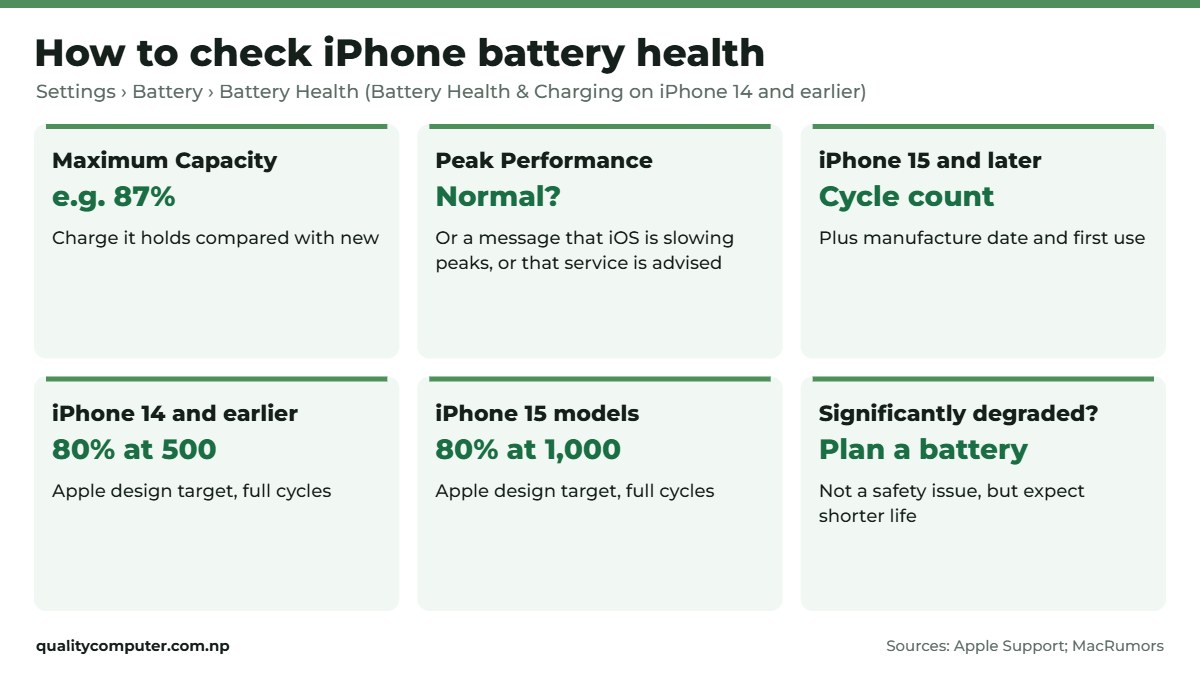
Short answer: Go to Settings, Battery, Battery Health (Battery Health & Charging on older iPhones). Maximum Capacity shows how much charge the battery holds compared with new. Apple designs iPhone 14 and earlier to keep 80% after 500 full cycles, and iPhone 15 models 80% after 1,000 cycles. Think about a replacement when iOS says the health has significantly degraded, or the phone shuts down unexpectedly.
Shop at Quality Computer
Chargers and power banks for iPhone View all →
How to check battery health
- Open Settings.
- Tap Battery.
- Tap Battery Health (on iPhone 14 and earlier it's called Battery Health & Charging).
You'll see Maximum Capacity, a percentage that compares the battery with when it was new, and Peak Performance Capability. Battery Health is available on iPhone 6 and later (Apple).
On iPhone 15 and later you also see the cycle count, the battery's manufacture date and its first use date, on the same screen since iOS 17.4 (MacRumors). Older models don't show a cycle count in Settings.
What's a normal battery health?
Every battery loses capacity as it ages. Apple's design targets, under ideal conditions (Apple):
| iPhone | Designed to keep |
|---|---|
| iPhone 14 models and earlier | 80% of original capacity after 500 full charge cycles |
| iPhone 15 models | 80% of original capacity after 1,000 full charge cycles |
A full cycle is 100% of the battery used, in any number of charges: using 50% today and 50% tomorrow is one cycle. Apple doesn't give a figure by age, but a two-year-old iPhone showing 85% to 90% Maximum Capacity is common.
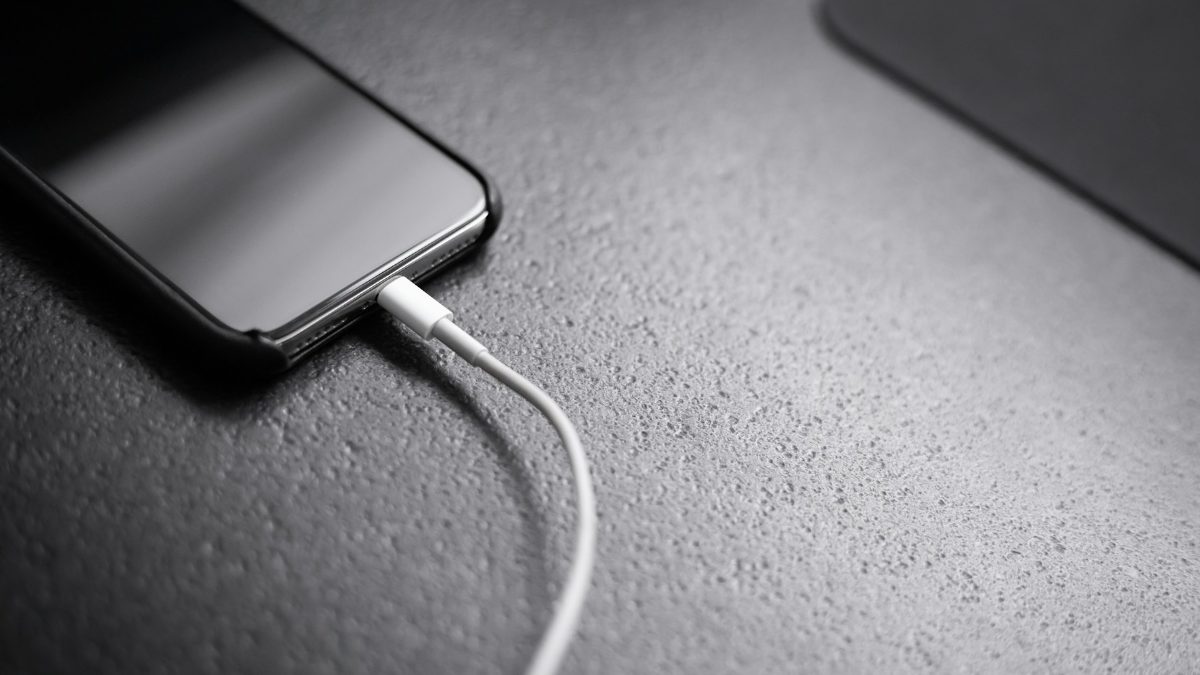
Peak Performance Capability messages
- Normal peak performance: the battery is fine.
- Performance management applied: the iPhone shut down unexpectedly because the battery couldn't deliver enough power, so iOS slows peaks to prevent it happening again. You can turn this off, but iOS turns it back on after the next unexpected shutdown.
- Battery health significantly degraded: not a safety issue, but you may notice shorter battery life and slowdowns. Time to think about a new battery.
- Unable to verify: iOS can't confirm the battery is a genuine Apple part, so the health figures may be wrong (iPhone XS, XS Max, XR and later).
Source: Apple Support, iPhone battery and performance.

When to replace the battery
Apple suggests service when Battery Health says the health has significantly degraded, when performance management is slowing the phone and the battery has aged, or when the battery shows as "unable to verify" (Apple). Apple doesn't set a replacement percentage, but because 80% is its design benchmark, many owners start thinking about a new battery around there, especially once the phone no longer lasts a day.
A defective battery is covered by Apple's one-year warranty; otherwise battery service is paid. Choose a genuine battery from a trusted service centre: a cheap replacement may show "unable to verify" and wear out quickly.
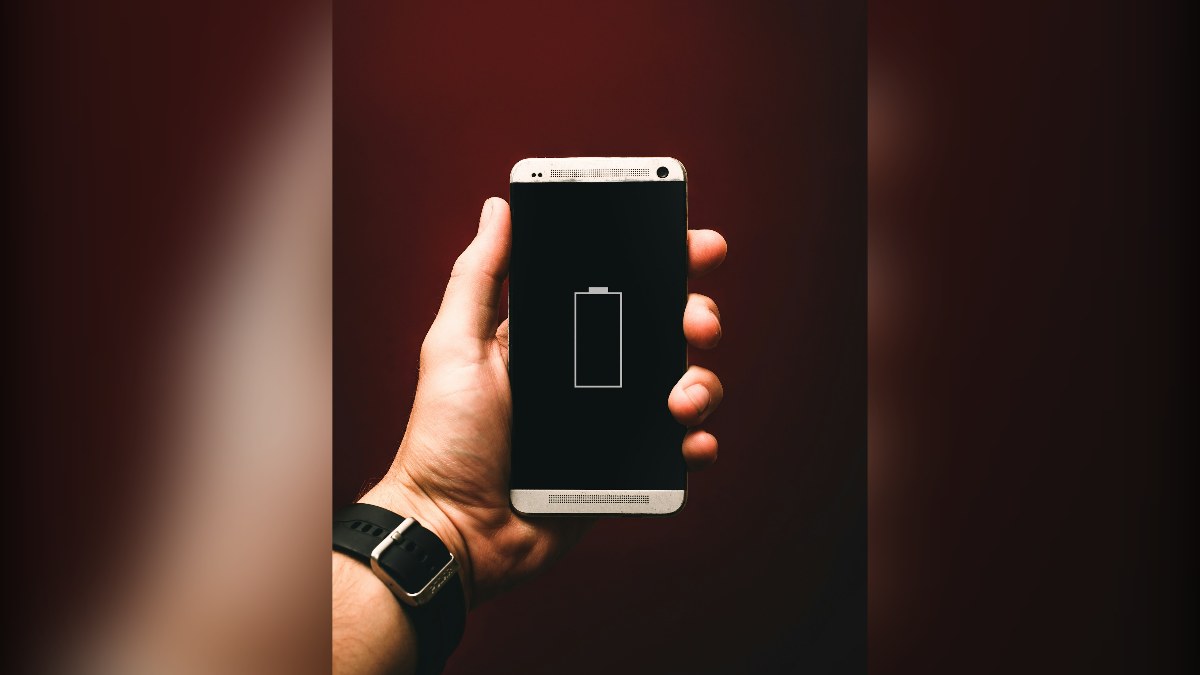
Checking a used iPhone's battery
- Check Maximum Capacity in Settings yourself; don't rely on a screenshot from the seller.
- On iPhone 15 or later, read the cycle count and first use date. A "nearly new" phone with hundreds of cycles has been used a lot.
- Watch for "unable to verify", which means iOS can't confirm the battery is genuine.
- Check the IMEI and MDMS registration; our iPhone IMEI check and second-hand iPhone guides walk you through it.
How to make your battery last longer
- Keep it cool. Apple says iPhones work best between 0°C and 35°C, ideally 16°C to 22°C, and heat above 35°C can permanently reduce battery capacity (Apple). So don't leave it on a car dashboard in the sun.
- Take it out of a thick case if it gets hot while charging.
- Use Optimized Battery Charging, which delays charging past 80% when it predicts a long charge, such as overnight. On iPhone 15 and later you can instead set a charge limit from 80% to 95% in Settings, Battery, Charging; Optimized Battery Charging works only when the limit is at 100% (Apple).
- Storing a phone? Leave it at about 50%, switched off, somewhere below 32°C, and charge it back to 50% every six months (Apple).
- Use a good charger from a known brand, not a cheap unbranded one. Our charger guide lists safe options.
Looking after a laptop instead? Our laptop battery health guide covers MacBooks and Windows laptops.
Quick verdict
- Check it in Settings, Battery, Battery Health.
- iPhone 14 and earlier: 80% after 500 cycles is normal; iPhone 15 models: 80% after 1,000.
- Replace it when iOS says it has significantly degraded or the phone shuts down unexpectedly.
- Heat is the battery's worst enemy.
- On iPhone 15 and later, a charge limit helps if your phone sits on a charger for hours.
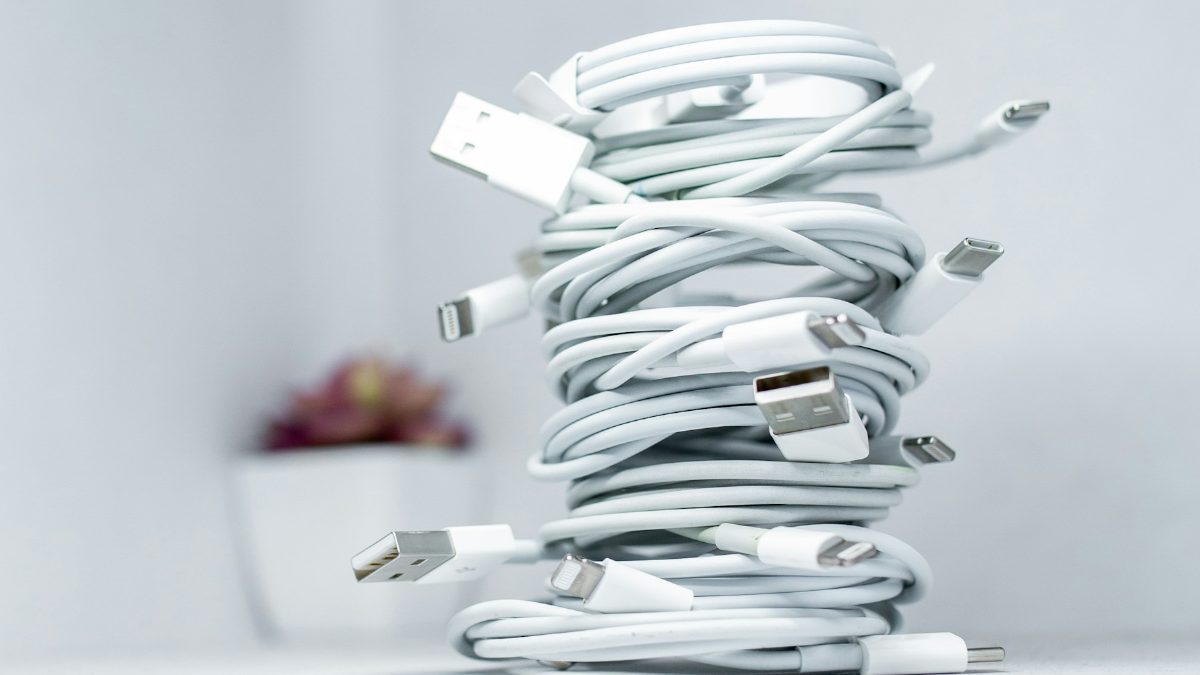
Chargers, power banks and iPhones
These are in stock on our website. A weak battery is also a good reason to upgrade; our iPhone price list has every model we sell.
| Product | What it is | Our price |
|---|---|---|
| Mcdodo 20W GaN charger | 20W GaN charger, fast-charges iPhones | Rs 2,300 |
| UGREEN 45W GaN charger, retractable cable | 45W GaN charger with built-in cable | Rs 4,275 |
| WiWU SC5000A magnetic power bank | Magnetic wireless power bank for iPhone | Rs 4,850 |
| Havit PB89 10,000mAh power bank | 10,000mAh power bank, pocket size | Rs 2,550 |
| Havit PB91 20,000mAh power bank | 20,000mAh power bank | Rs 3,000 |
| iPhone 17 | iPhone 17: A19, 120Hz screen | From Rs 1,73,499 |
Prices checked on 12 November 2026 on our website.
In our store

Mcdodo 20W

WiWU SC5000A
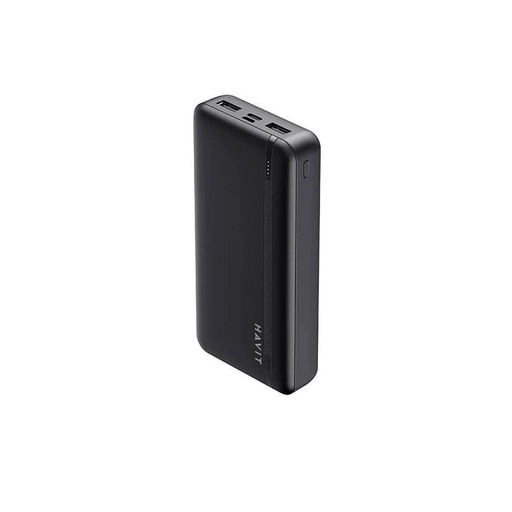
Havit PB89

iPhone 17
Frequently asked questions
How do I check my iPhone battery health?
Go to Settings, Battery, Battery Health (Battery Health & Charging on iPhone 14 and earlier). Maximum Capacity shows how much charge the battery holds compared with new.
What is a good battery health on an iPhone?
Apple designs iPhone 14 and earlier to keep 80% of their capacity after 500 full cycles, and iPhone 15 models 80% after 1,000 cycles. These are targets under ideal conditions; real-world wear depends on heat and how you charge.
When should I replace my iPhone battery?
When Battery Health says the battery has significantly degraded, when the phone shuts down unexpectedly, or when it no longer lasts a day. Apple doesn't set a replacement percentage, but many owners start thinking about it around 80%.
How do I check my iPhone's battery cycle count?
On iPhone 15 and later, go to Settings, Battery, Battery Health. Older iPhones don't show the cycle count in Settings.
Is fast charging bad for the iPhone battery?
iPhones support fast charging with USB-C Power Delivery chargers. Apple's battery advice focuses on heat: avoid charging in hot places, and take off a thick case if the phone gets hot while charging.
What does 'unable to verify' mean on iPhone battery health?
iOS can't confirm the battery is a genuine Apple part, so the health readings may not be accurate. The message appears on iPhone XS, XS Max, XR and later.
Sources
- iPhone battery and performance, Apple Support, 1 June 2026
- About Charge Limit and Optimized Battery Charging on iPhone, Apple Support
- Batteries: maximizing performance, Apple
- iOS 17.4 Lets You See Your iPhone 15 Battery Health at a Glance, MacRumors, 20 February 2024
- Product prices: Quality Computer website, 12 November 2026.