
iPhone IMEI Check: How to Tell if an iPhone Is Original (2026)
Short answer: To check if an iPhone is original, dial *#06# for the IMEI and make sure it matches the box and the bill. Then enter the serial number at checkcoverage.apple.com, look up the IMEI on NTA's MDMS portal, and read the first letter of the Model Number in Settings: M means it was sold new, F means refurbished. Ten minutes of checks, before you pay.
Shop at Quality Computer
Original iPhones from an authorised Apple reseller View all →
How to find an iPhone's IMEI
The IMEI is the phone's 15-digit identity. Find it in at least two places and make sure they match:
- Dial *#06# on the phone. A dual-SIM iPhone shows two IMEIs.
- Settings, General, About, which also shows the serial number.
- Before setup: on the Hello screen, tap the Info button in the bottom-right corner.
- The box: the barcode label on the original packaging carries the serial number and IMEI.
- The SIM tray: on the iPhone 6s to iPhone 13 Pro Max. Apple says the iPhone 14 and later have no IMEI engraving.
The IMEI on the screen should match the box and the bill. If the box shows a different number, the phone and box don't belong together, and that is reason enough to walk away.
Check 1: Apple's coverage page
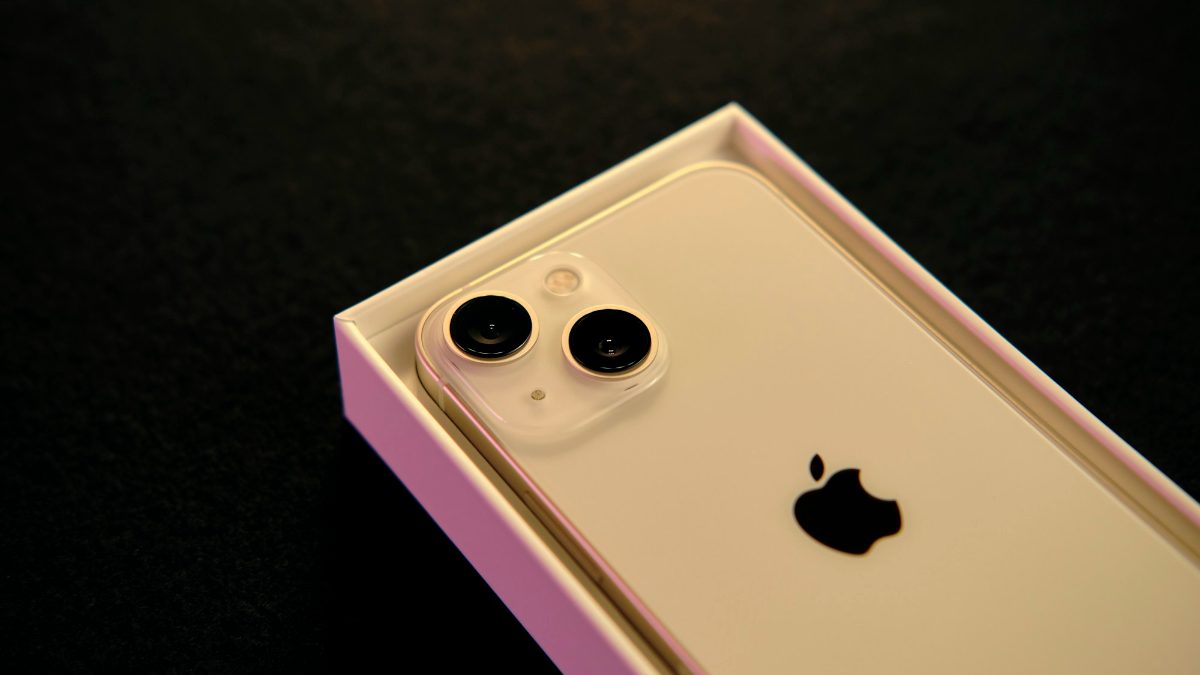
Go to checkcoverage.apple.com and enter the serial number from Settings. Apple's page asks for the serial number rather than the IMEI. A genuine iPhone comes back with its model name and its warranty and AppleCare status.
- Serial number not recognised: check you typed it correctly (0 and O are easy to mix up). If it still fails, don't buy it.
- A different model: if the seller says iPhone 17 Pro Max and Apple says iPhone 13, walk away.
- Warranty dates: a phone sold as new should show close to a full year of cover. If it ends much sooner, ask why.
On the phone itself, Settings, General, AppleCare & Warranty shows the same coverage (Apple Support).
Check 2: NTA's MDMS (Nepal)
In Nepal, also check the IMEI on NTA's MDMS portal. Enter the IMEI and press Search (खोज्नुहोस). On a dual-SIM iPhone, check both IMEIs.
Official importers register the phones they sell in Nepal before sale. A phone brought from abroad for personal use is registered automatically if it clears customs; if it didn't, the owner has to register it on NTA's portal. NTA has cut calls and texts on unregistered phones before: in November 2023 it deactivated SIM service on 804 unregistered iPhone 15 sets. Do this check before you pay, for a new phone or a used one. The portal has a separate pre-purchase section, headed नया मोबाईल खरिद गर्नुअघि MDMS मा दर्ता भए/नभएको हेर्नुहोस (check before buying a new mobile). Our MDMS registration guide covers the steps and what to do if a phone isn't registered.
Check 3: new, refurbished or replacement?
Open Settings, General, About and look at Model Number. It looks something like MQ902LL/A, and the first letter says how the iPhone was first supplied:
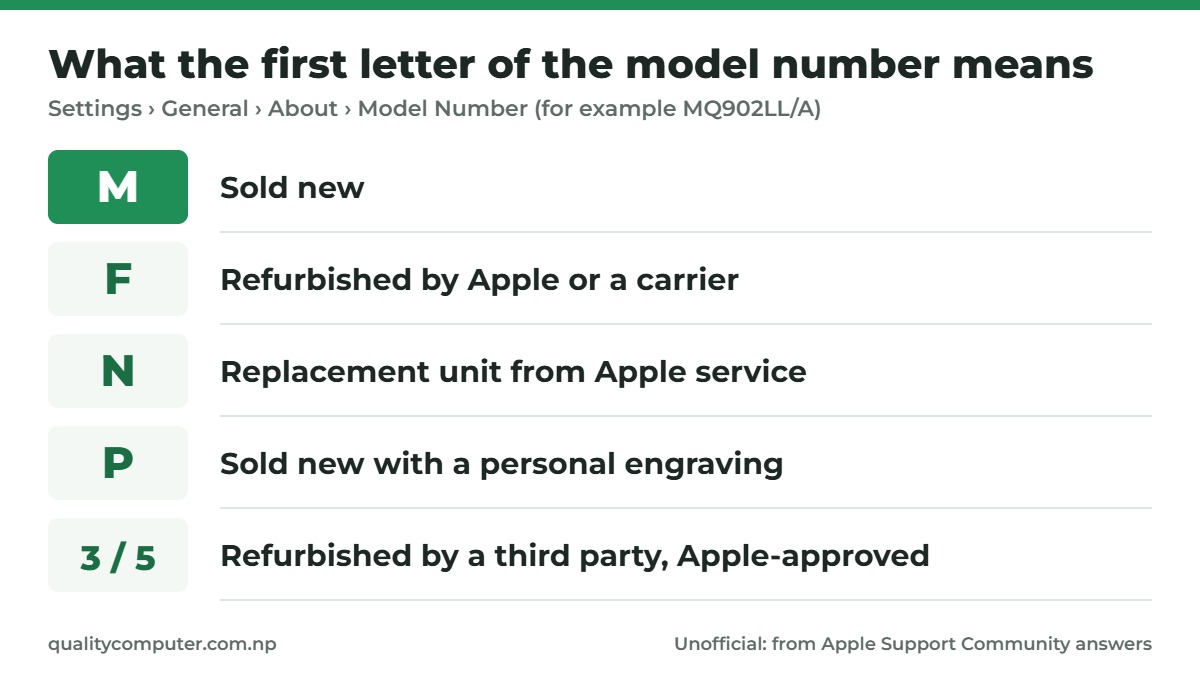
- M: sold new.
- F: refurbished by Apple or a carrier.
- N: a replacement unit Apple gave out for a faulty iPhone.
- P: sold new with a personal engraving.
- 3 or 5: refurbished by someone other than Apple, through an Apple-approved programme.
Apple doesn't publish this list. It comes from volunteer answers on Apple's Support Community (M, F, N and P; 3 and 5), so treat it as a strong hint, not official policy. A refurbished or replacement iPhone isn't fake, but it shouldn't be sold to you at a new phone's price. Also check that the Model Name on the same screen matches what the seller told you, using Apple's Identify your iPhone model page if you're unsure.
Check 4: replaced or non-genuine parts
On iOS 15.2 or later, Settings, General, About shows a Parts and Service History section if the iPhone has been repaired. On a phone sold as new, it shouldn't be there at all.
- Genuine: repaired with genuine Apple parts and processes.
- Used: a genuine part that was in another iPhone before.
- Unknown: possibly a non-genuine part, or one that isn't working as expected.
- Unverified: the logic board was replaced in an earlier repair. Apple says this can affect features such as Apple Pay.
Apple notes that an Unknown part may affect the trade-in value. Depending on the model, the section can cover the battery, display, camera and other parts. A replaced screen or battery isn't a dealbreaker on a used phone, but the price should reflect it.
Check 5: signs of a fake iPhone
A copy built to look like an iPhone can't run Apple's iOS, so these quick tests catch it:
- Software Update: Settings, General, Software Update should offer Apple's iOS updates.
- Apple Account: you should be able to sign in with an Apple Account and download from the App Store.
- Coverage page: the serial number should come back as a real iPhone on checkcoverage.apple.com (Check 1).
- Price: a "new" iPhone far cheaper than every other shop is a warning sign. Our iPhone price list for Nepal shows current prices.
Battery health is worth a look too, especially on a used iPhone: Settings, Battery, Battery Health (Battery Health & Charging on iPhone 11 to 14). On an iPhone 15 or later the same screen shows the cycle count, which should be close to zero on a new phone. Our second-hand iPhone guide explains what battery figures are reasonable.
Before you pay
- Activation Lock: a new or properly erased iPhone starts at the Hello screen. If it shows iPhone Locked to Owner or asks for someone else's Apple Account, Apple advises not to take it.
- The bill: ask for a VAT bill with the IMEI on it. Our post on why VAT bills and warranty matter explains why.
- Warranty in Nepal: Apple's warranty lasts one year, and Apple may restrict iPhone warranty service to the country where it was first sold. An iPhone bought abroad may not get warranty service here.
Quick verdict
- IMEI on screen = box = bill.
- Serial number recognised on checkcoverage.apple.com, right model.
- IMEI registered on NTA's MDMS portal.
- Model Number starts with M for a phone sold as new.
- No Unknown or Unverified parts, no Activation Lock.
Original iPhones in our store
Quality Computer is an authorised Apple reseller in Nepal, so the iPhones we sell are new, genuine units, and we'll go through these checks with you at the counter. Visit our store in Birtamode, Jhapa or order online for delivery across Nepal. iPhones are available on EMI with 20% down and 0% interest on a Nabil Bank or Machhapuchchhre Bank credit card (EMI details).
| Product | What it is | Our price |
|---|---|---|
| iPhone 18 Pro Max | Apple's newest 6.9-inch iPhone, 256GB to 2TB | From Rs 2,79,900 |
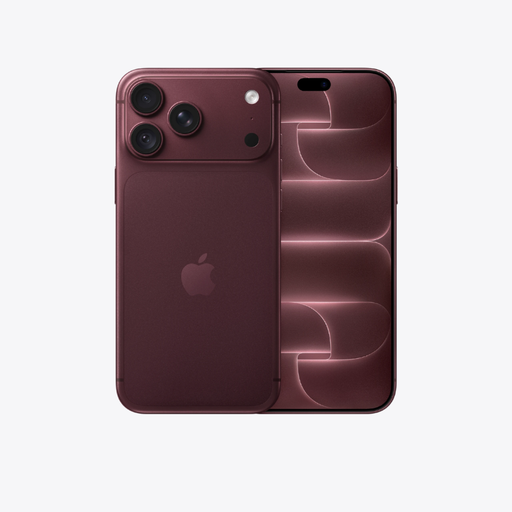
| iPhone 18 Pro | The 6.3-inch iPhone 18 Pro | From Rs 2,59,900 |
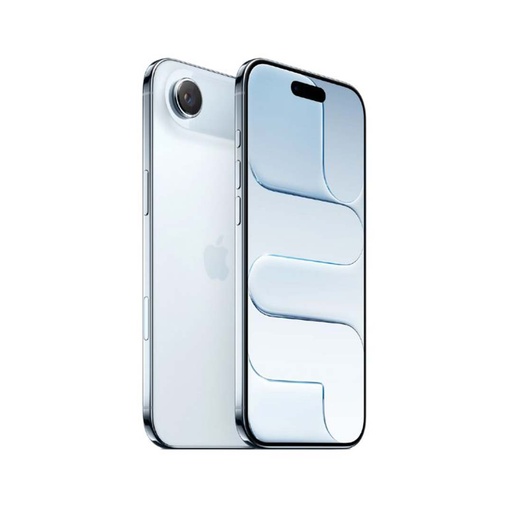
| iPhone Air | Apple's thinnest non-folding iPhone, eSIM only | From Rs 1,90,699 |
| iPhone 17 Pro Max | Last year's Pro Max, still a strong buy | From Rs 2,42,499 |
| iPhone 17 | The standard iPhone 17 | From Rs 1,73,499 |
| iPhone 16 | The iPhone 16 | From Rs 1,46,599 |
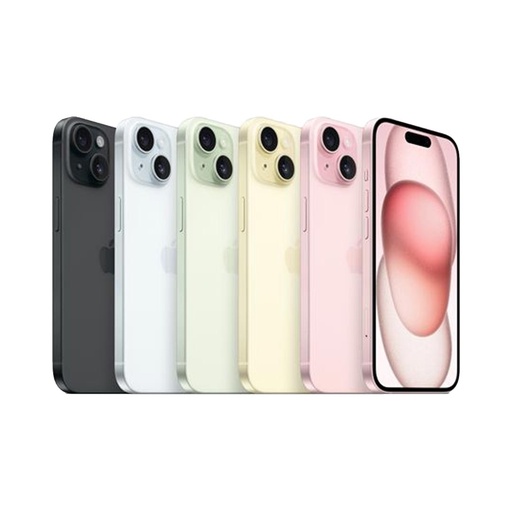
| iPhone 15 | The lowest-priced iPhone in this list | From Rs 1,27,499 |
| Apple AirPods 5 | Apple's own earbuds | Rs 31,000 |
Prices checked on 12 November 2026 on our website.
In our store
iPhone 18 Pro Max
iPhone 18 Pro
iPhone Air
iPhone 15
Frequently asked questions
How do I check my iPhone's IMEI?
Dial *#06#, or open Settings, General, About. The IMEI is also on the box label, and on the SIM tray of the iPhone 6s to iPhone 13 Pro Max.
How can I check if an iPhone is original?
Match the IMEI on screen with the box and bill, enter the serial number at checkcoverage.apple.com, and make sure the phone gets iOS updates and signs in with an Apple Account. If Apple doesn't recognise the serial number, check you typed it correctly. If it still fails, don't buy the phone.
Can I check an iPhone with its IMEI on Apple's website?
Apple's coverage page asks for the serial number, which is in Settings, General, About. Use the IMEI for NTA's MDMS check.
How do I know if an iPhone is refurbished?
Look at Model Number in Settings, General, About. A first letter M means it was sold new; F means refurbished; N means a replacement unit.
How do I check if an iPhone is registered in Nepal?
Enter its IMEI on NTA's MDMS portal at mdms.nta.gov.np. Check both IMEIs on a dual-SIM iPhone.
Sources
- Find the serial number or IMEI on your iPhone, iPad, or iPod touch, Apple Support
- Find information about your warranty or AppleCare plan, Apple Support
- About iPhone Parts and Service History, Apple Support
- Activation Lock for iPhone and iPad, Apple Support
- Identify your iPhone model, Apple Support
- Apple One (1) Year Limited Warranty (Rest of Asia Pacific, including Nepal), Apple
- More than 800 SIM cards on iPhone 15 deactivated, The Kathmandu Post, 8 November 2023
- Model number starts with N, iPhone model number starts with 3 and First digit 5 in the model number, Apple Support Community (volunteer answers)
- MDMS public portal, Nepal Telecommunications Authority