
Hik-Connect App: How to View Your Hikvision CCTV on Your Phone (2026 Setup Guide)
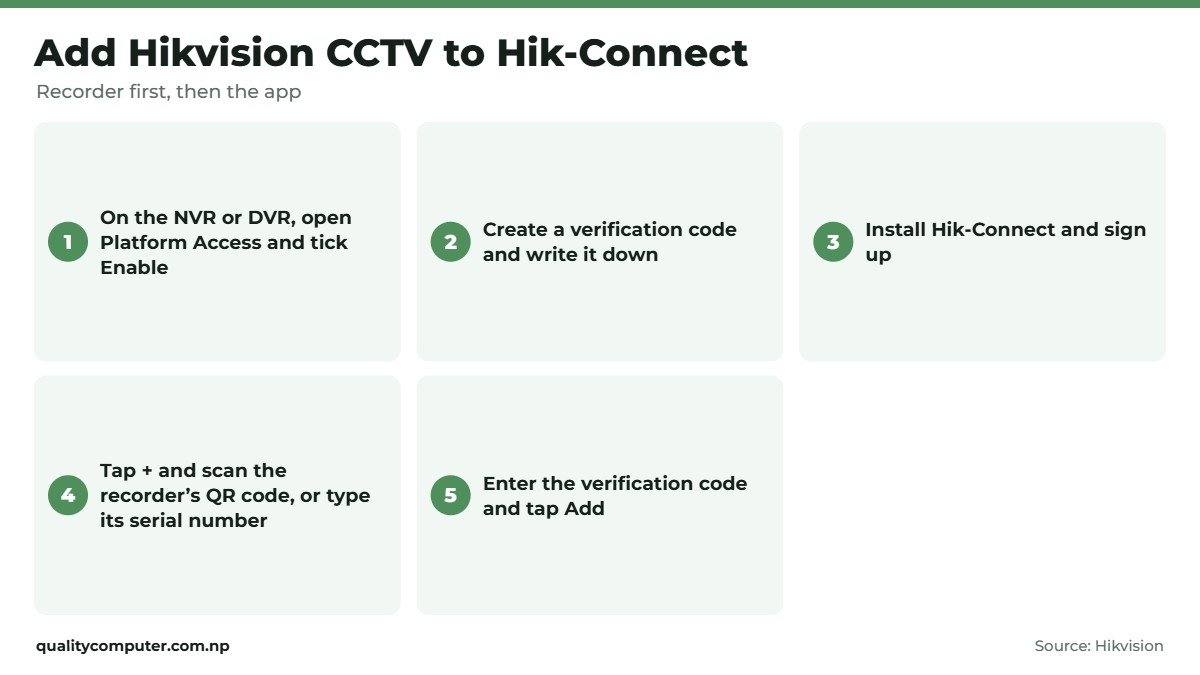
Short answer: Hik-Connect is Hikvision's free app for watching your cameras live and playing back recordings on your phone. First, on the NVR or DVR, open Platform Access, tick Enable for Hik-Connect and create a verification code. Then install Hik-Connect, sign up, tap +, scan the QR code on the recorder's label or screen (or type its serial number) and enter the verification code. Many devices print a default verification code on the label. A device can belong to one account only, so add family members with Share instead of handing out your login.
Shop at Quality Computer
Hikvision NVRs, DVRs, cameras and hard disks View all →
What you need
- A Hikvision NVR, DVR or camera connected to your router by cable, with internet working.
- A hard disk in the recorder, if you want playback. Live view works without one, but playback needs recordings.
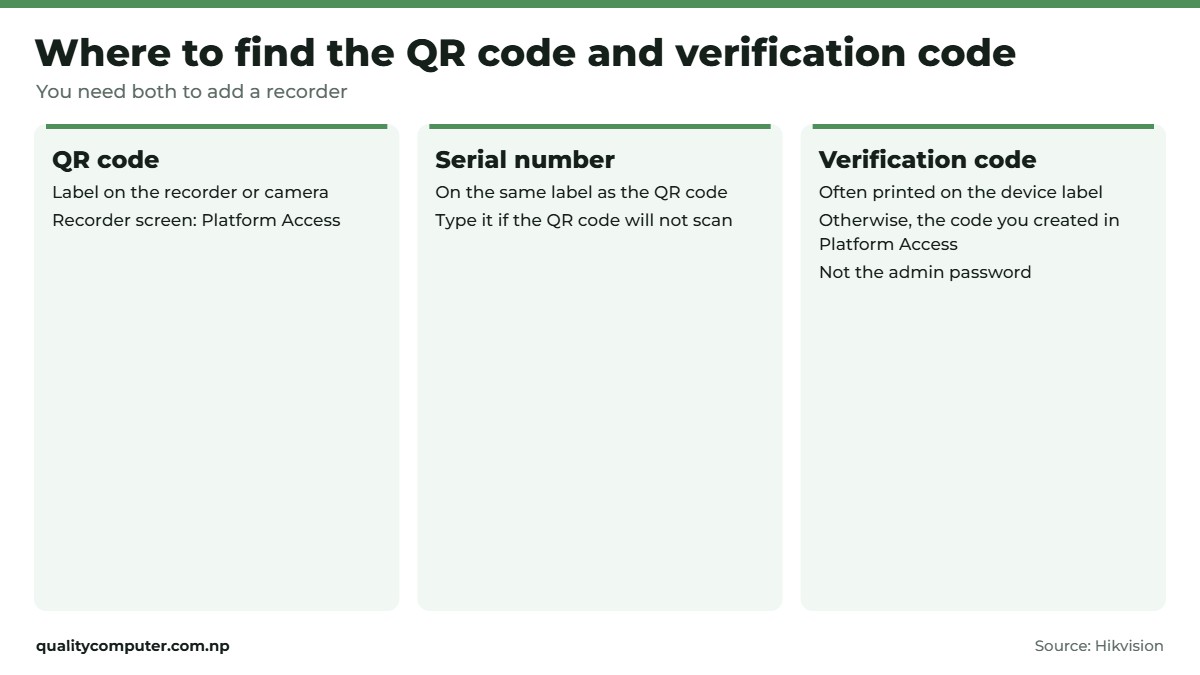
- The recorder's QR code or serial number, which is on the label and in its menu.
- A phone with Hik-Connect installed.
Hik-Connect uses Hikvision's cloud (P2P) service to reach the recorder, so you don't have to set up port forwarding on your router (Hikvision USA).
Step 1: switch on Hik-Connect on the recorder
On the recorder's own screen (plug in a monitor and mouse), as Hikvision describes it (Hikvision, NVR manual):
- Go to Configuration, Network, Platform Access. On newer menus it's System, Network, Advanced, Platform Access. You can also do this from the recorder's web page in a browser.
- Tick Enable next to Hik-Connect and accept the terms.
- Check the recorder's label first: many devices print a default verification code there. If yours doesn't, create one now (6 to 12 letters or numbers) and write it down. It isn't your admin password.
- Wait until the status shows Online. If it stays offline, check the recorder's network cable and your internet.
If you add the recorder in the app before enabling Hik-Connect, the app can show an Enable Hik-Connect Service window instead, where you accept the terms and create the verification code (Hik-Connect manual). The recorder still needs to be online.
Step 2: install the app and sign up
Install Hik-Connect - for End user from Google Play or the App Store. It's free. Check the developer is Hangzhou Hikvision Digital Technology, then sign up with your email or phone number. Use details you'll keep, because the cameras will belong to this account.
Step 3: add your NVR or DVR
- In Hik-Connect, tap + (Add Device).
- Scan the QR code on the recorder's label or its Platform Access screen. Or type the serial number manually (Hikvision).
- Tap Add and enter the verification code (Hik-Connect manual).
- Name the device, and your cameras appear as channels under it.
Add the recorder, not each camera, if your cameras record to an NVR or DVR. Then every channel comes with it.
Live view, playback and alerts
Tap a channel for live view, or open playback to pick a date and time. Playback reads the recorder's hard disk, so if there's no disk, the disk is faulty or recording isn't set up, there's nothing to play. A full disk still plays back: with Overwrite on, the recorder simply records over the oldest footage. Our hard disk guide explains surveillance disks.
Hik-Connect can also send motion alerts and device offline notifications. Hikvision notes some cloud features aren't offered in every country (Hik-Connect datasheet). Watching video uses mobile data, so use Wi-Fi for long playback.

Share cameras with family
A Hikvision device can be added to only one Hik-Connect account. Others watch through Share (Hikvision). Use Share on the device in the owner account, enter the other person's Hik-Connect account and pick what they can do: live view, playback, alarm notifications, two-way audio or PTZ control.
That's safer than giving everyone the owner login, and you can change or remove a person's access later.
Fixes for common Hik-Connect problems
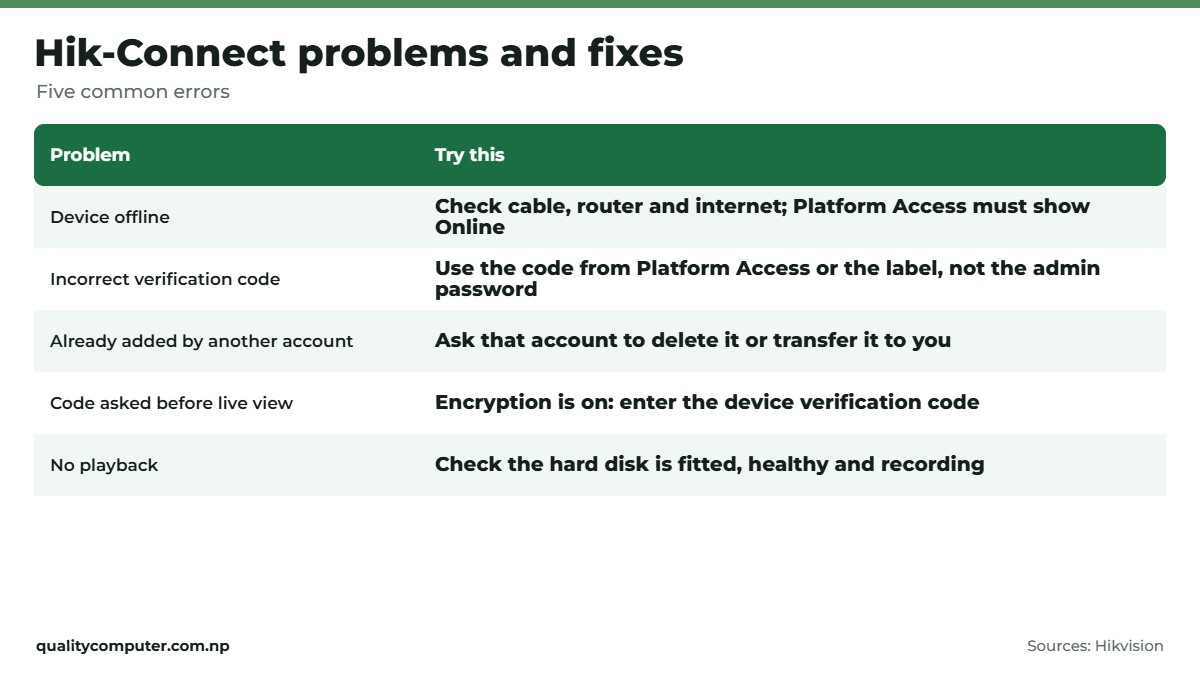
- Device offline: check the recorder's network cable, the router and your internet, then make sure Platform Access shows Online. Our router guide helps if you need to log in to the router.
- "Incorrect verification code": enter the code from the label or Platform Access, not the admin password.
- "Device already added by another account": the installer or a previous owner still has it. Ask them to delete it or transfer it to you (Hikvision). If you can't reach them, connect your phone to the same Wi-Fi as the recorder and tap Unbind Device on the result screen. You'll need the recorder's admin password (Hik-Connect manual).
- Asked for a code before live view: image and video encryption is on. Enter the device verification code.
- No playback: the hard disk is missing or faulty, or recording isn't scheduled. If the disk is full and Overwrite is off, new footage stops recording.
Quick verdict
- Enable Hik-Connect in Platform Access and create a verification code.
- Install Hik-Connect, tap +, scan the recorder's QR code, enter the code.
- Add the NVR or DVR, not each camera.
- Share with family instead of giving out the owner login.
- No playback usually means a hard disk problem.
Hikvision recorders, cameras and hard disks
All of these work with Hik-Connect. They're in stock on our website.
| Product | What it is | Our price |
|---|---|---|
| Hikvision DS-7104NI-Q1/M 4-channel NVR | 4-channel IP camera recorder (NVR) | Rs 7,999 |
| Hikvision DS-7108NI-Q1/M 8-channel NVR | 8-channel IP camera recorder (NVR) | Rs 9,499 |
| Hikvision DS-7104HQHI-K1 4-channel DVR | 4-channel analog camera recorder (DVR) | Rs 8,065 |
| Hikvision DS-2CD1123G0-I 2MP IP dome | 2MP IP dome camera | Rs 5,864 |
| Hikvision DS-2CD1223G0E-I 2MP IP bullet | 2MP IP bullet camera | Rs 5,778 |
| Hikvision DS-2CD1143G0E-I 4MP IP dome | 4MP IP dome camera | Rs 8,577 |
| Hikvision DS-2CE16D0T-ITPFS 2MP analog bullet | 2MP analog bullet camera | Rs 2,808 |
| WD Purple 1TB surveillance hard disk | 1TB surveillance hard disk for recording | Rs 9,900 |
Prices checked on 12 November 2026 on our website.
In our store
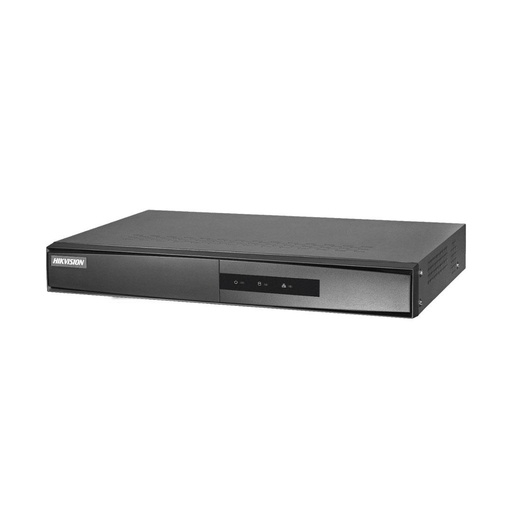
Hikvision 4-channel NVR
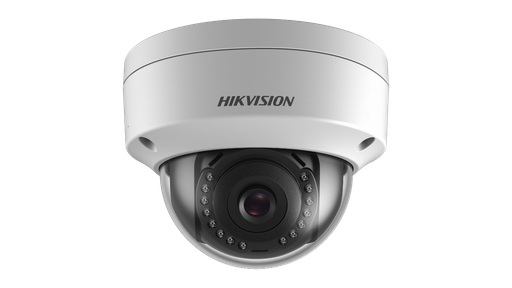
Hikvision 2MP IP dome
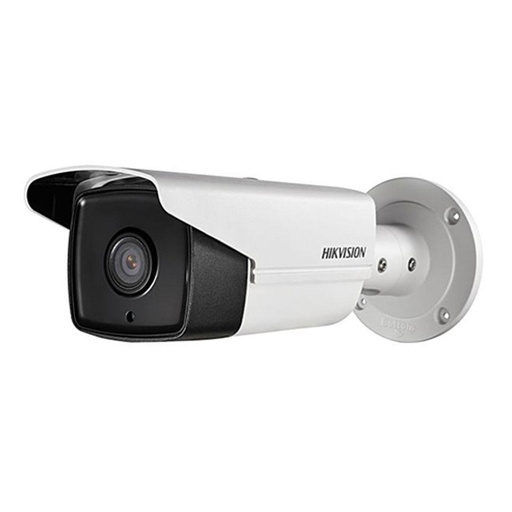
Hikvision 2MP IP bullet
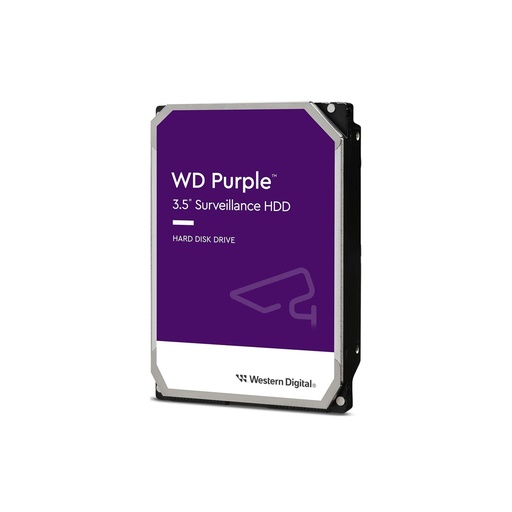
WD Purple 1TB
Planning a new system? Our guides to choosing a CCTV system and building a Hikvision IP camera system cover cameras, recorders and PoE.
Frequently asked questions
How do I connect my Hikvision CCTV to my mobile?
Enable Hik-Connect under Platform Access on the NVR or DVR and create a verification code. Then install Hik-Connect, sign up, tap +, scan the QR code on the recorder or type its serial number, and enter the verification code.
Where is the Hik-Connect verification code?
Check the device label first: many devices print a default verification code there. Otherwise it's the code you created when you enabled Hik-Connect under Platform Access, where you can also change it. It's not the admin password.
Why does Hik-Connect show my device offline?
The recorder can't reach Hikvision's service. Check the network cable, the router and the internet connection, and make sure Platform Access shows Online.
Can two phones watch the same Hikvision cameras?
Yes. Add the device to one owner account, then use Share to give other Hik-Connect accounts live view, playback or other permissions. A device can't be added to two accounts.
What does "device already added by another account" mean?
Someone else, often the installer or a previous owner, still has the device on their account. Ask them to delete or transfer it. If you can't reach them, connect to the same Wi-Fi as the recorder and use Unbind Device in the app with the recorder's admin password.
Is Hik-Connect free?
Yes, the app is free to download and use for live view and playback from your recorder. Watching video uses mobile data.
Sources
- How to enable Hik-Connect service in a device, Hikvision
- How to add a device into the Hik-Connect app, Hikvision
- Hik-Connect Mobile Client user manual: enable Hik-Connect service, Hikvision
- Hik-Connect Mobile Client datasheet V6.7.0, Hikvision
- Sharing devices in Hik-Connect, Hikvision USA
- Network video recorder user manual: configure Hik-Connect, Hikvision
- Hik-Connect user manual: add a device by scanning its QR code, Hikvision
- Hik-Connect user manual: unbind a device from another account, Hikvision
- Hik-Connect specification sheet, Hikvision USA
- Product prices: Quality Computer website, 12 November 2026.