Thermal Printer Price in Nepal 2026: Receipt, Label and Barcode Printers
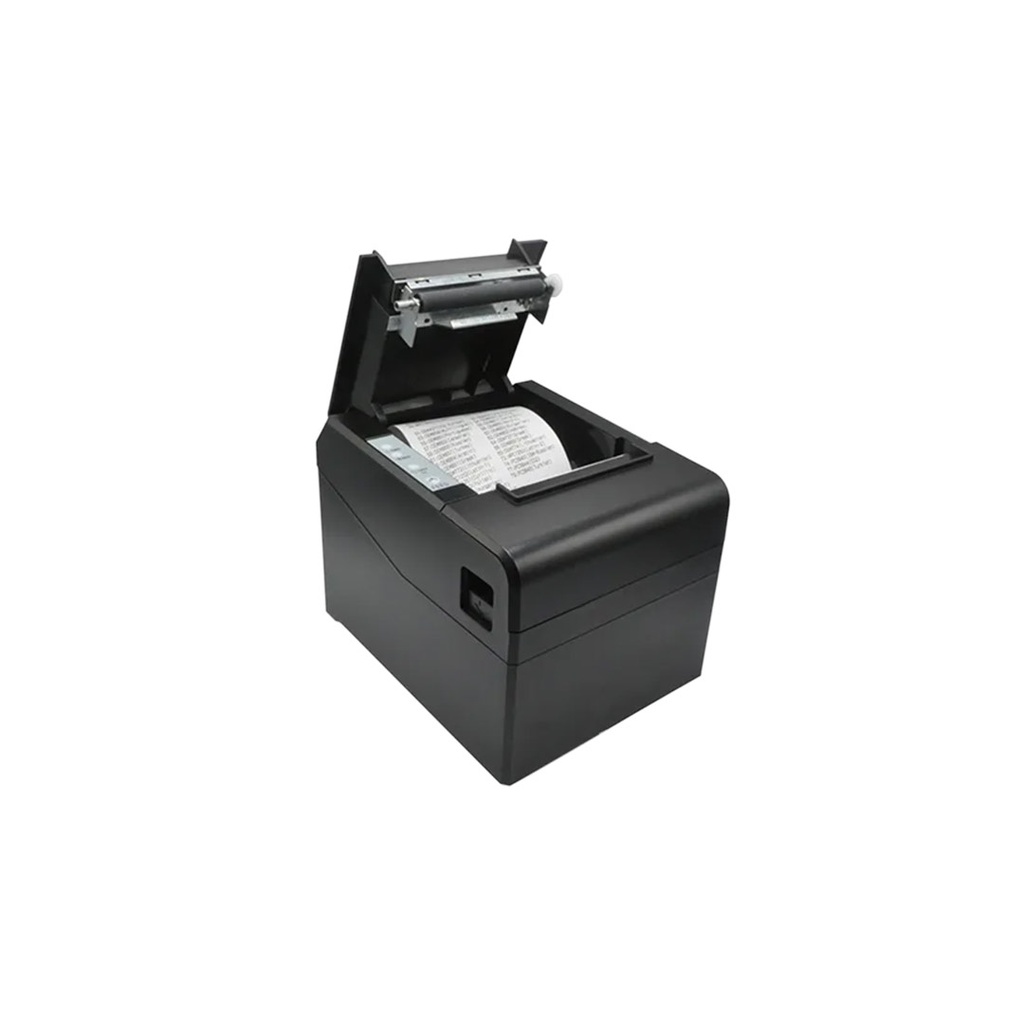
Short answer: thermal printer price in Nepal starts at Rs 8,500 for an in-stock receipt printer at Quality Computer: the ZKTeco ZKP8016, an 80mm model with USB, LAN and an auto-cutter. Barcode label printers start at Rs 11,700 (xLab XBLP-409B and XBLP-368B), and the Zebra ZD230TA, which can also print with a ribbon for long-lasting labels, is Rs 24,499.
Shop at Quality Computer
Printers View all →
Thermal printer price in Nepal
A thermal printer prints with heat instead of ink. Direct thermal models only need paper or labels; thermal transfer models also use a ribbon. They do two jobs: receipts at a billing counter, and labels for barcodes, prices and parcels. Here’s what each type costs in our printer range.
| Type | Paper or labels | Typical use | Our price (from) |
|---|---|---|---|
| 80mm receipt (POS) printer | 80mm thermal rolls | Shops, pharmacies, restaurants | Rs 8,500 (ZKTeco ZKP8016) |
| Kitchen printer | 80mm thermal rolls | Restaurant kitchen orders | Rs 10,999 (xLab XP-896W) |
| Mobile receipt printer | 80mm rolls, Bluetooth | Delivery and field sales | Rs 15,200 (xLab XP-80B) |
| Direct thermal label printer | Thermal labels | Barcode, price and shelf labels | Rs 11,700 (xLab XBLP-368B, XBLP-409B) |
| Thermal transfer label printer | Labels plus a ribbon | Long-lasting product and asset labels | Rs 24,499 (Zebra ZD230TA) |
Prices checked on 7 November 2026.
Thermal printers do one job well. For letters, A4 invoices and copies you still need an office printer: see our best printers for home and office guide, or by brand, which Epson printer to buy, which Brother printer to buy and Canon printer prices in Nepal.
Receipt (POS) printer or label printer?
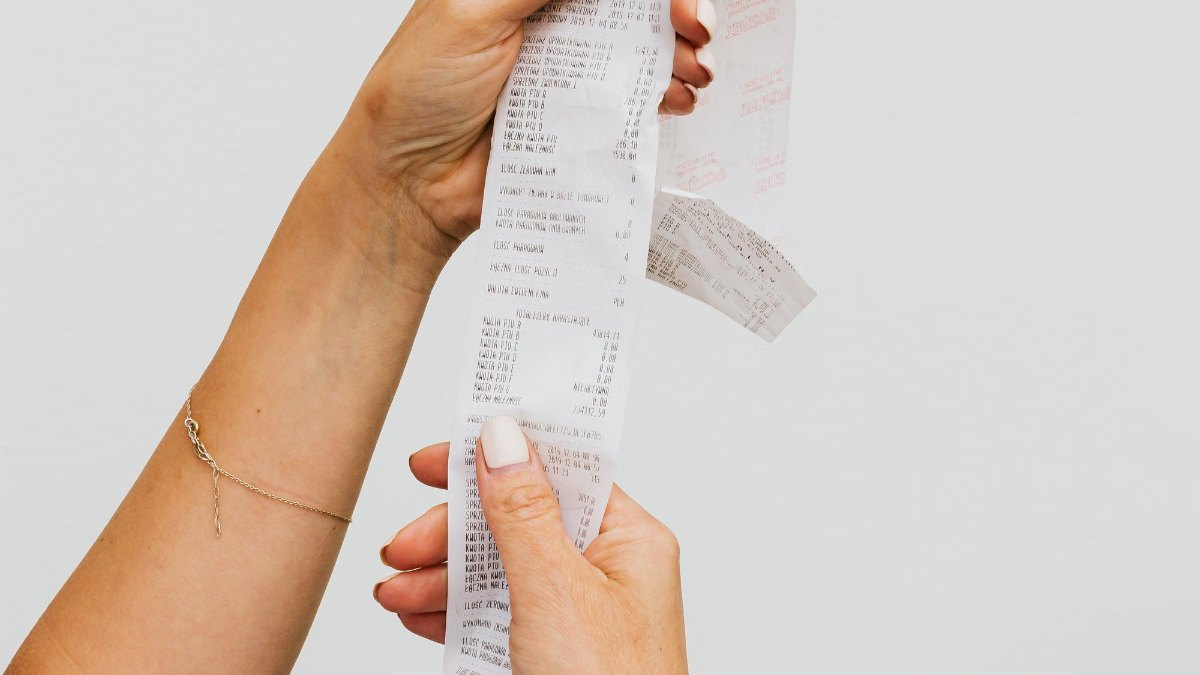
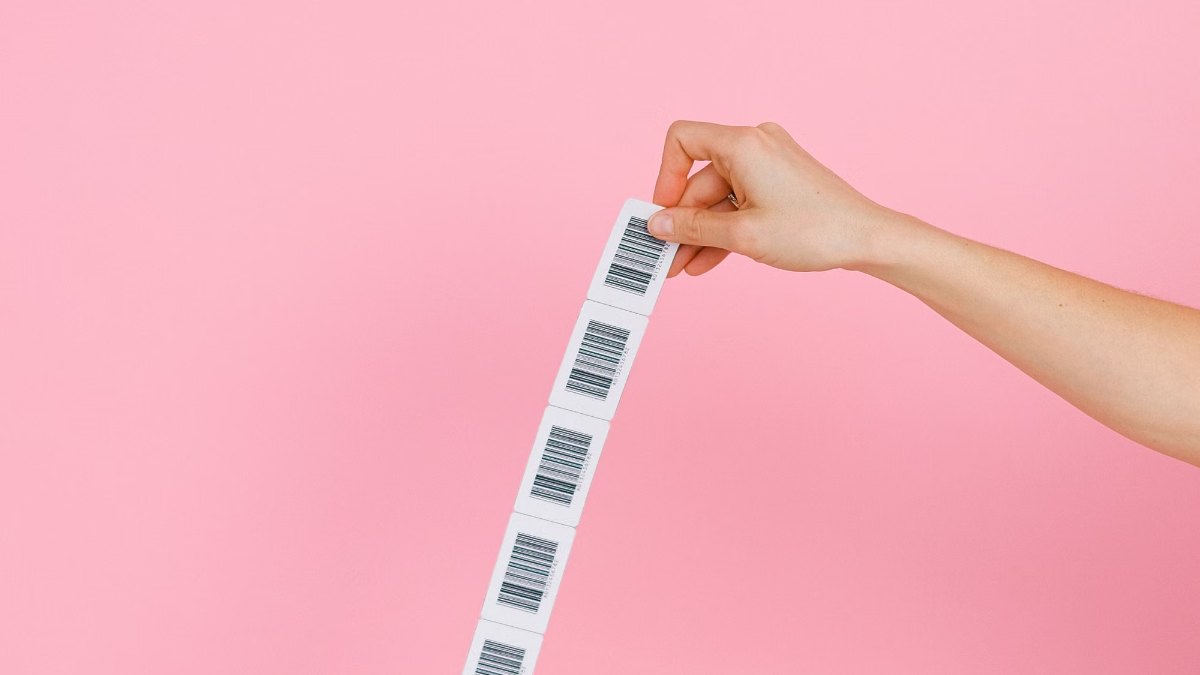
A receipt printer prints on a continuous roll and cuts or tears off each bill. A label printer feeds sticky labels on a backing and uses a gap sensor to stop between labels, so each barcode lands in the same place. The xLab label printers and the Zebra ZD230TA all list gap sensors.
Some xLab models are sold as “label and POS” printers, and the XBLP-368B takes both thermal rolls and thermal labels from 20 to 82 mm wide. That suits a small shop doing both. But a dedicated receipt printer is quicker at a busy counter: the ZKP8016 prints at up to 200 mm a second with an auto-cutter, against up to 152 mm a second on the XBLP-368B.
Buy a receipt printer if you bill customers all day. Buy a label printer if you stick barcodes on stock, shelves or parcels.
58mm or 80mm: which paper width?
Paper width decides how much fits on a line. For its TM-T82III receipt printer, Epson lists 48 characters per line on 80mm paper and 35 on 58mm, so an 80mm bill has room for item, quantity and amount on one line.
- 80mm: the standard for shops, supermarkets, pharmacies and restaurants. Every receipt printer we stock uses 80mm rolls; the ZKP8016 takes rolls 79.5 mm (±0.5 mm) wide and prints 72 mm across.
- 58mm: narrower rolls, used by many small mobile printers. We don’t have a 58mm-only printer in stock right now, but the XBLP-368B accepts media from 20 to 82 mm, so it can print on 58mm rolls.
- Before you buy paper: make sure your billing software’s receipt template is set to the same width.
Direct thermal or thermal transfer?
Direct thermal uses chemically treated, heat-sensitive paper that blackens under the print head. There’s no ink, toner or ribbon to buy. Zebra points out the catch: heat and light darken the paper over time until text or a barcode can’t be read, so it’s used for receipts, shipping labels and tickets, not for permanent labels.
Thermal transfer melts a thin ribbon onto the label. Zebra calls these the most durable printed labels available, and with matched ribbon and labels they resist heat, moisture and sunlight. You pay for ribbons, but Zebra notes that thermal transfer print heads last longer than direct thermal ones.
- Receipts, parcel labels and short-life price stickers: direct thermal.
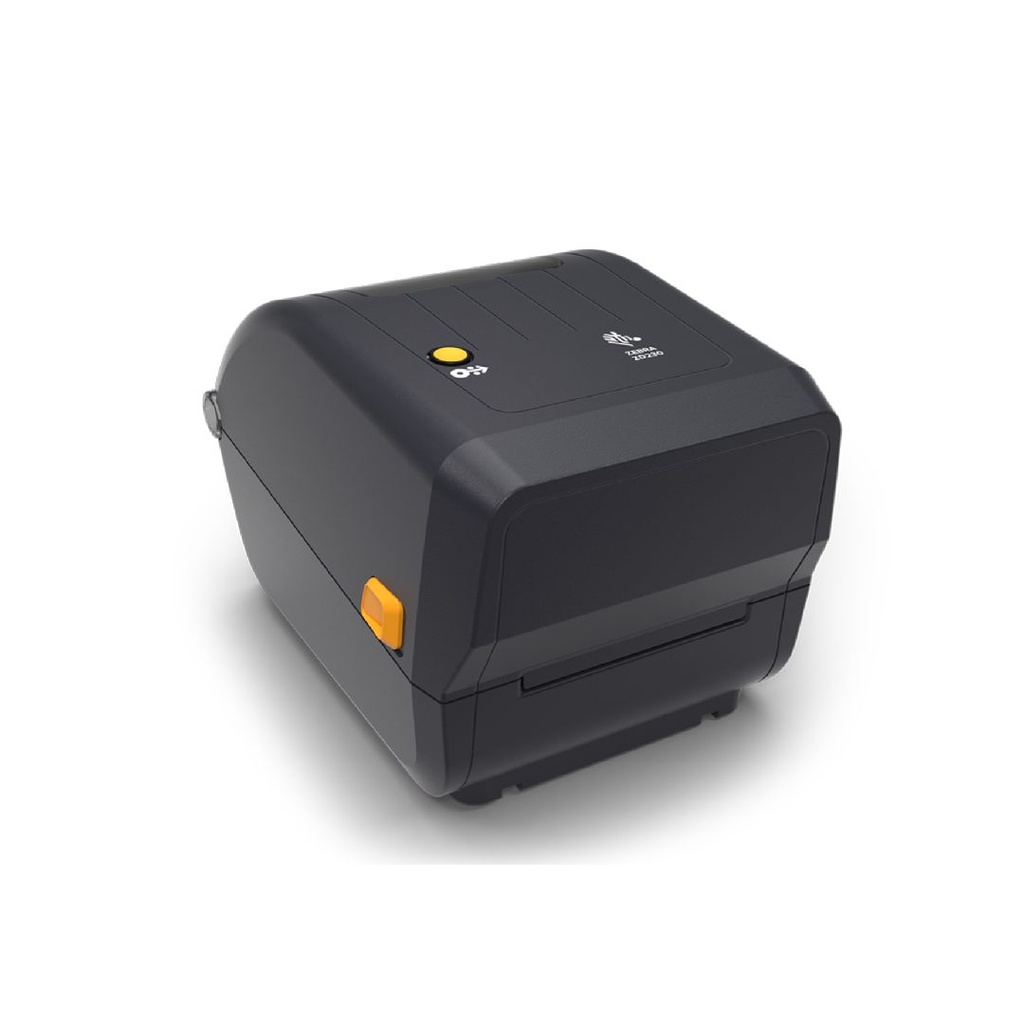
- Product, asset and warehouse labels that must last: thermal transfer, like the Zebra ZD230TA (74 m or 300 m ribbons) or the xLab XBLP-426T (300 m ribbon).
The ZD230TA does both: use a ribbon on plain labels, or run it without one on direct thermal labels. Zebra’s spec sheet rates it at 203 dpi and up to 152 mm a second, with a 104 mm maximum print width.
USB, LAN, Bluetooth or Wi-Fi?
- USB: one printer on one billing PC. Every model we stock has it.
- LAN (Ethernet): share a printer between counters, or send orders to the kitchen over the network. The ZKP8016 and the XP-896W have LAN.
- Bluetooth: print from a phone or tablet app. The XP-80B, XBLP-409B and XBLP-368B have it.
- Wi-Fi: the XP-896W kitchen printer adds Wi-Fi to USB and LAN.
Cutters: an auto-cutter cuts each receipt clean. The ZKP8016 has a partial auto-cutter rated for 1.5 million cuts and the XP-896W has an automatic cutter; the mobile XP-80B has none, so you tear the paper. In a noisy kitchen, the XP-896W also flashes a light and sounds an alarm when an order prints.
How do you use a thermal printer with billing software?
Many receipt printers understand ESC/POS, the POS printer command set Epson introduced. The ZKP8016, XP-896W and XBLP-368B all list it, so if your billing or POS software supports ESC/POS printers, it should drive them.
- Pick the connection: USB for one PC, LAN if several counters share one printer.
- Install the printer driver (the xLab listings give Windows, Linux and macOS support) and set the paper width to 80mm or 58mm.
- In your billing software, choose the printer and a receipt template of the same width, then print a test bill.
- For labels, design them in label software. Zebra provides ZebraDesigner Essentials free for the ZD230, which uses ZPL II and EPL 2; the XBLP-409B lists TSPL, CPCL and ESC/POS, and the XBLP-426T lists TSPL, EPL, ZPL and DPL.
A note on IRD rules: in Nepal it’s the billing software that needs approval, not the printer. Under the Inland Revenue Department’s electronic billing guideline, both software makers and the firms using their software need IRD approval, The Kathmandu Post reported.
An IRD directive issued in April 2026 requires businesses with annual turnover above Rs 20 crore to issue invoices electronically through its Central Billing Monitoring System, ICT Frame and Ratopati reported. Banks and financial institutions that don’t bill customers directly are exempt. Either way, the thermal printer just prints what the billing software sends.
Do you need a barcode scanner too?
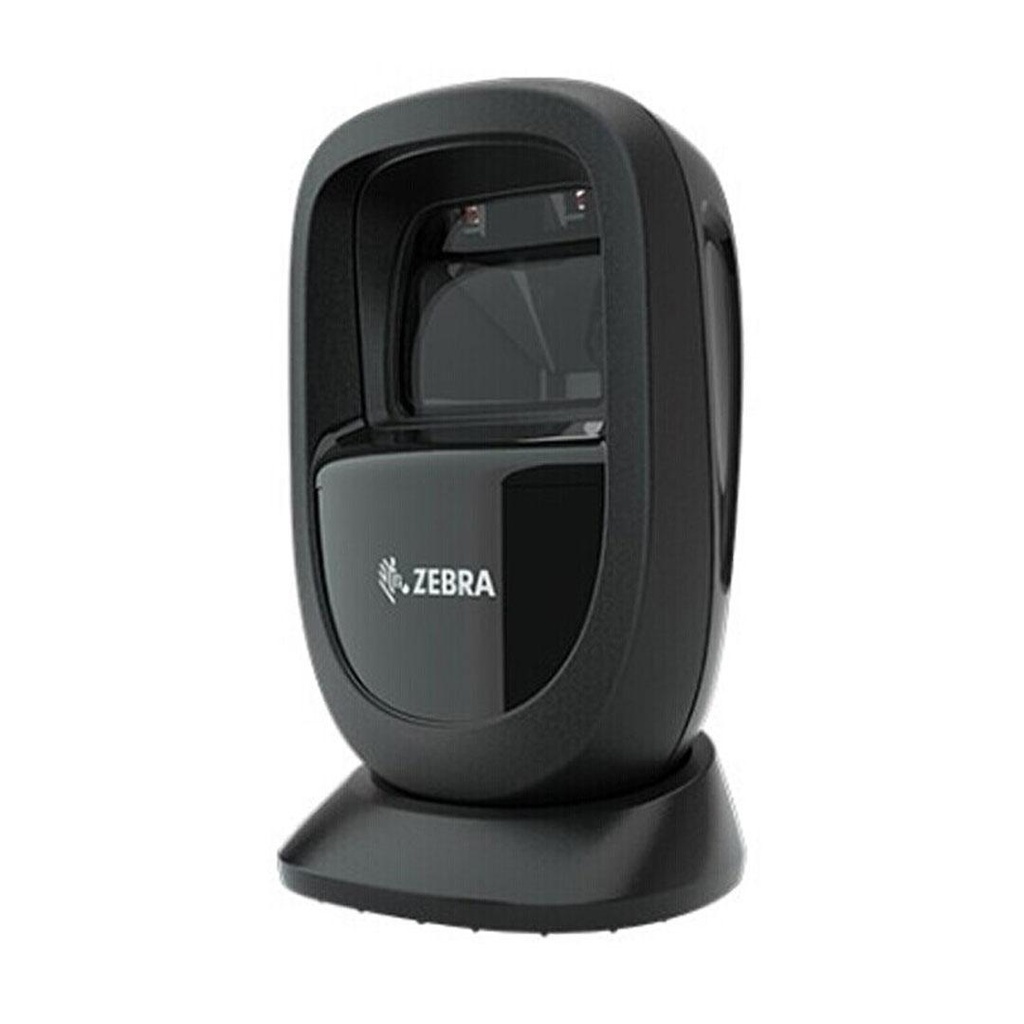
If you print barcodes, you need something to read them at the counter. A barcode scanner can work in keyboard wedge mode, typing each code into your billing software as if you’d keyed it in. We stock the Zebra DS9308, a hands-free scanner that sits on the counter, for Rs 25,000; our listing gives USB, RS-232, RS-485 and keyboard wedge interfaces.
Quick verdict: for a shop counter, the ZKTeco ZKP8016 at Rs 8,500 is the one to buy: 80mm, fast, auto-cutter, USB and LAN. For barcode or price labels that don’t need to last, the xLab XBLP-368B (Rs 11,700) is enough. For product or asset labels that must survive handling and sunlight, pay for the Zebra ZD230TA (Rs 24,499) and use a ribbon.
Thermal printers in our store
| Product | What it is | Our price |
|---|---|---|
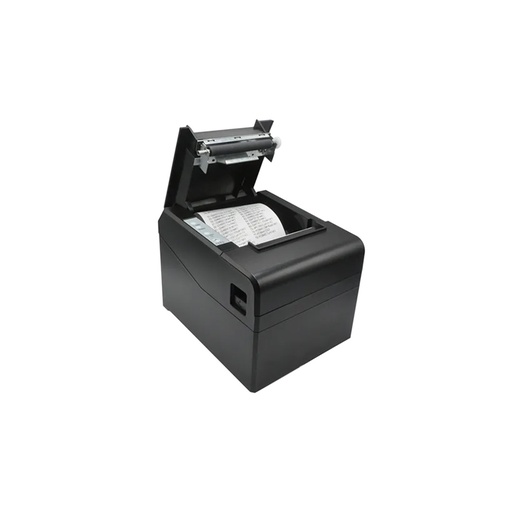
| ZKTeco ZKP8016 | 80mm receipt printer, direct thermal, up to 200 mm/s, USB and LAN, partial auto-cutter | Rs 8,500 |
| xLab XP-896W | 80mm kitchen and receipt printer, up to 260 mm/s, USB, LAN and Wi-Fi, auto-cutter, light and sound alert | Rs 10,999 |
| xLab XP-80B | 80mm mobile receipt printer, USB, serial and Bluetooth, no cutter | Rs 15,200 |
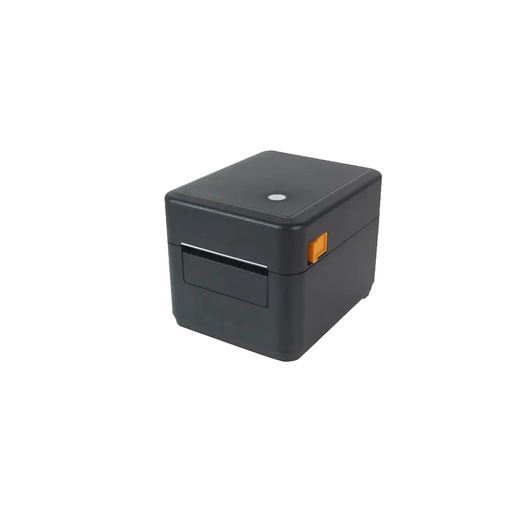
| xLab XBLP-368B | Label and receipt printer, direct thermal, 203 dpi, 20 to 82 mm media, USB and Bluetooth | Rs 11,700 |
| xLab XBLP-409B | Direct thermal barcode label printer, 203 dpi, USB and Bluetooth | Rs 11,700 |
| xLab XBLP-426T | Thermal transfer label printer, 300 m ribbon, media up to 118 mm, USB | Rs 26,500 |
| Zebra ZD230TA | 4-inch label printer, thermal transfer or direct thermal, 203 dpi, USB | Rs 24,499 |
| Zebra DS9308 | Hands-free barcode scanner | Rs 25,000 |
| Thermal label stickers (34 x 20 mm) | Direct thermal labels | Rs 750 |
Prices checked on 7 November 2026.
In our store
ZKTeco ZKP8016
xLab XBLP-368B
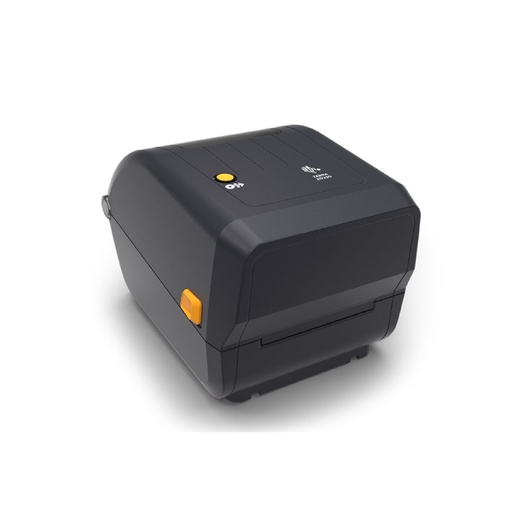
Zebra ZD230TA
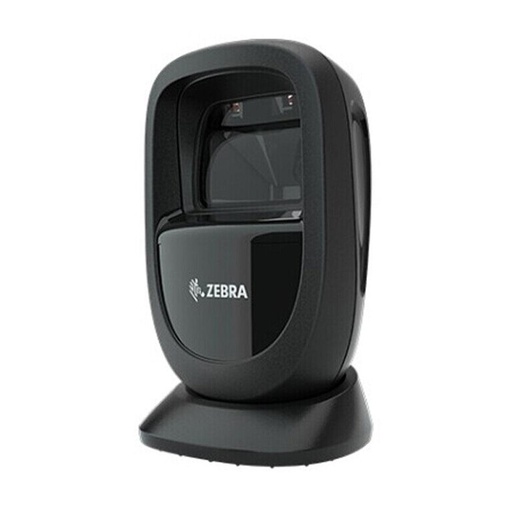
Zebra DS9308
Frequently asked questions
What is the thermal printer price in Nepal?
At Quality Computer on 7 November 2026, in-stock thermal receipt printers start at Rs 8,500 (ZKTeco ZKP8016), barcode label printers at Rs 11,700 (xLab XBLP-368B and XBLP-409B), and the Zebra ZD230TA thermal transfer label printer costs Rs 24,499.
Does a thermal printer need ink?
No. A direct thermal printer prints on heat-sensitive paper, so you only buy paper rolls or labels. A thermal transfer printer uses a ribbon instead of ink.
Should I buy a 58mm or 80mm thermal printer?
80mm for most shops. Epson lists 48 characters per line on 80mm paper against 35 on 58mm for its TM-T82III, so bills are easier to read. 58mm suits small mobile printers.
Why do thermal receipts and labels become hard to read?
Direct thermal paper reacts to heat and light. Zebra says it darkens over time until text or barcodes can’t be read, so it isn’t used for labels that must last. For those, use thermal transfer with a ribbon.
Will a thermal printer work with my billing software?
Usually. The ZKTeco ZKP8016, xLab XP-896W and xLab XBLP-368B use ESC/POS, the command set Epson introduced for POS printers. Check that your software supports ESC/POS printers, and set the paper width to match your rolls.
Can one printer print both receipts and barcode labels?
Yes. xLab’s label and POS models such as the XBLP-368B take thermal rolls and thermal labels from 20 to 82 mm wide. A dedicated receipt printer with an auto-cutter is still faster at a busy counter.
Sources
- What is the difference between direct thermal and thermal transfer printing?, Zebra Technologies, checked 7 November 2026
- ZD230 4-inch desktop printer spec sheet, Zebra Technologies, checked 7 November 2026
- ESC/POS command reference: introduction, Epson, checked 7 November 2026
- Epson TM-T82III POS printer, Epson Singapore, checked 7 November 2026
- Guideline on electronic billing system enforced, The Kathmandu Post, 18 January 2018
- IRD mandates electronic billing for businesses with Rs. 200 million turnover, ICT Frame, 19 April 2026
- Inland Revenue Department lowers threshold for mandatory electronic billing to 200 million rupees, Ratopati, 19 April 2026
- xLab, ZKTeco and Zebra DS9308 specs: our product listings. QC prices: qualitycomputer.com.np, 7 November 2026.