
Nagarik App in Nepal (2026): How to Register, Link Your National ID and What You Can Do
Short answer: The Nagarik App is the Government of Nepal's official app for public services. To register you need a mobile number in your own name and your citizenship, passport or voter ID details. Once in, you can link your National ID, register for a PAN, see your driving licence and its print status, request a police clearance report and much more, for free.
Shop at Quality Computer
Power banks and chargers View all →
What the Nagarik App is
The Nagarik App ("citizen app") puts government services in one place on your phone. It's free on Android and iPhone, listed under the National Information Technology Center (NITC) name on the App Store and as Government of Nepal on Google Play (App Store listing). It was built and run by the government's Department of Information Technology (Kathmandu Post).
It keeps growing. Version 2.0.94 in April 2026 added the Nepal Engineering Council certificate and PDF downloads of Lok Sewa (PSC) admit cards, and the government has said study-abroad NOCs are coming (NepaliTelecom). Version 2.0.100 in May 2026 added linking of birth, marriage and divorce certificates (Hamro Patro, from Techpana). The new driving licence system also uses it to fill in your details, as our driving licence online form guide explains.
Who can register
Any Nepali citizen with (Onlinekhabar):
- a mobile number registered in your own name, and
- citizenship details, or passport details, or voter ID details.
Newer versions may offer more sign-up options, such as your National ID, so check the app. The SIM rule trips up most people. If your SIM is in a parent's name, sign-up fails. Check it first: dial *922# on NTC or *9966# on Ncell to see the registered name. Our how to check your NTC or Ncell number guide has more ways. If the name is wrong, transfer the SIM to your name at an NTC or Ncell centre, or get a new SIM.
How to register, step by step
- Install the Nagarik App from the Play Store or App Store. Check the publisher: Government of Nepal on Google Play, or NITC, Government of Nepal on the App Store (App Store).
- Choose English or Nepali.
- Enter your mobile number (the one in your name) and type the one-time code it sends.
- Verify your identity with your citizenship, passport or voter ID details. Type them exactly as they appear on the document.
- Set a PIN and follow the prompts.
Then open each service you want (PAN, driving licence, SSF and so on) and link it with its number.
Link your National ID (NID)
The NID is now the key to many services: banks need it to open new accounts, the passport form asks for it, and the driving licence process can't move forward without it (Kathmandu Post). The government added the NID to the Nagarik App so you can carry it digitally (Onlinekhabar).
- Open the app and tap National ID on the home screen.
- Enter your National Identity Number (NIN) and follow the prompts.
- Your NID details appear in the app, with a QR code officials can scan to verify you, and that the new driving licence form can use to fill in your details.
If you don't have an NID yet, pre-enrol online and then enrol in person (fingerprints, iris and photo) at your District Administration Office or an enrolment centre.
What you can do in the app
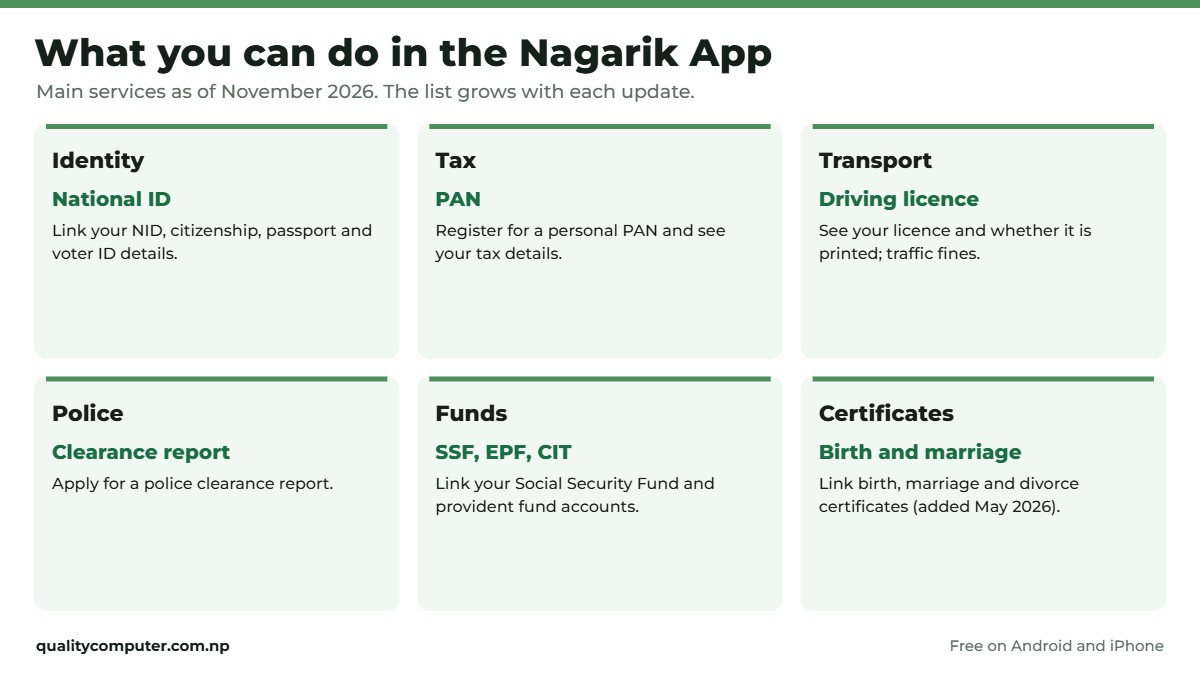
The list changes with each update, so check the app itself. These are the main services as of November 2026:
| Area | What you can do |
|---|---|
| Identity | Link your National ID, citizenship, passport and voter ID details |
| Tax | Register for a personal PAN and see your tax details |
| Transport | See your driving licence and whether it's printed; traffic fines; use the NID QR for the licence portals |
| Police | Apply for a police clearance report |
| Funds | Link Social Security Fund, Employees Provident Fund and Citizen Investment Trust accounts |
| Elections | Link your voter ID and see your voter details |
| Certificates | Link birth, marriage and divorce certificates (added May 2026); school and some university records |
| Work | Nepal Engineering Council certificate, Lok Sewa (PSC) admit cards (study-abroad NOC announced) |
| Other | Pension services, police clearance verification for consular use, blood information |
Sources: App Store release notes, Onlinekhabar, NepaliTelecom, NepaliTelecom on licence print status, Hamro Patro.
Common errors and fixes
- SIM or number verification fails: the number isn't in your name. Check with *922# (NTC) or *9966# (Ncell) and transfer the SIM if needed.
- Your details aren't found or don't match: the name, date of birth or citizenship number you typed doesn't match the government record. Copy it exactly from the document, including the issuing district. If the record itself is wrong, the office that issued the document has to fix it.
- Can't log in on a new phone: keep your registered SIM in it so the code arrives.
- A service is missing: update the app. New services usually need the latest version.
Is the app accepted everywhere?
Not yet. Some offices still ask for paper copies even when you show the document in the app. Each document in the app belongs to the agency that issued it, and older laws still lean on paper (Kathmandu Post, March 2026). Carry the original when an office visit is involved, and use the app where it's accepted, such as traffic police licence checks, the new driving licence form, tax payments and police reports.
Quick verdict
- Free, official app from the Government of Nepal.
- You need a SIM in your own name plus citizenship, passport or voter ID details.
- Link your NID first: licences, passports and banks now rely on it.
- Keep originals for office visits; not every office accepts the app yet.
Keep your phone charged
Your licence, NID and PAN now live on your phone, so a dead battery at an office counter is a real problem. These power banks and chargers are in stock on our website. Our charger guide explains which wattage your phone needs.
| Product | What it is | Our price |
|---|---|---|
| Havit PB91 20,000mAh power bank | 20,000mAh, several full phone charges | Rs 3,000 |
| Havit PB89 10,000mAh power bank | 10,000mAh, pocket size | Rs 2,550 |
| Trusmi 20,000mAh 22.5W power bank | 20,000mAh, 22.5W fast charging | Rs 3,550 |
| WiWU SC5000A magnetic power bank | Magnetic wireless power bank for iPhone | Rs 4,850 |
| Mcdodo 20W GaN charger | 20W GaN charger, fast-charges iPhones | Rs 2,300 |
| UGREEN 45W GaN charger, retractable cable | 45W GaN charger with built-in cable | Rs 4,275 |
Prices checked on 12 November 2026 on our website.
In our store
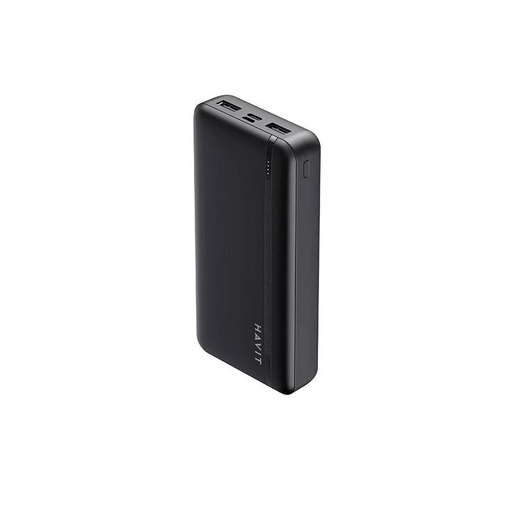
Havit PB91
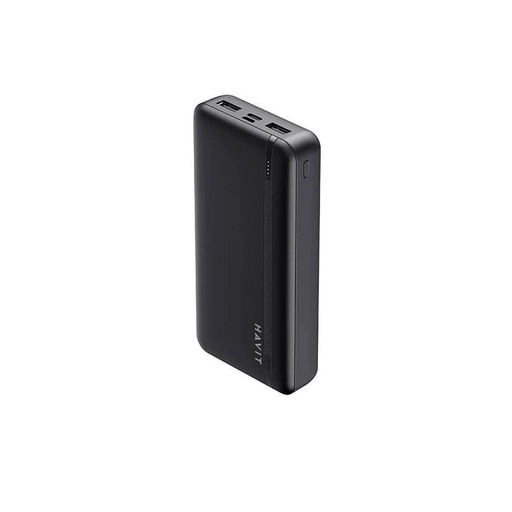
Havit PB89
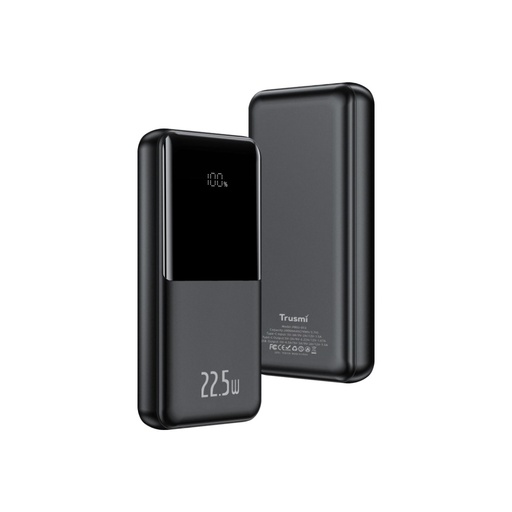
Trusmi 20,000mAh
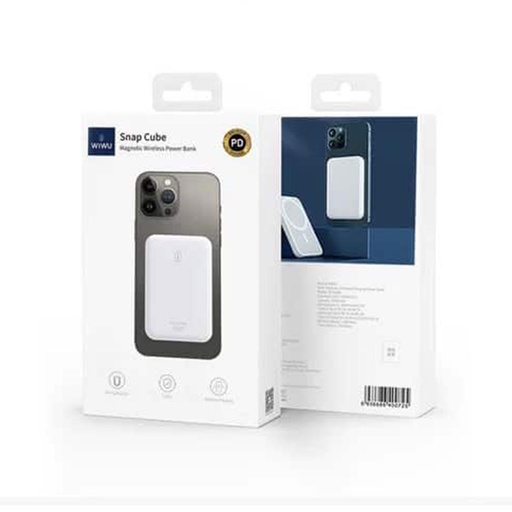
WiWU SC5000A
Frequently asked questions
What is the Nagarik App?
It's the Government of Nepal's official app for public services. You can link your National ID, register for a PAN, see your driving licence, apply for a police report and more, for free.
Why does Nagarik App registration fail?
Usually because the mobile number isn't registered in your name. Dial *922# on NTC or *9966# on Ncell to check. It can also fail if the details you type don't exactly match your citizenship, passport or voter ID record.
Do I need a National ID to use the Nagarik App?
No, you can register with citizenship, passport or voter ID details. But linking your NID makes the app far more useful, because the driving licence portals, passport form and banks now rely on it.
Can I use the Nagarik App from abroad?
You need a Nepali mobile number in your own name to receive the one-time code, so it usually only works abroad if you keep that SIM active, for example on roaming.
Can I get a PAN number from the Nagarik App?
Yes. Personal PAN registration is one of the app's original services; open PAN and choose Register PAN.
Is the Nagarik App free?
Yes. The app is free on Android and iPhone. Some services inside it, such as fines or fees, are paid to the agency concerned.
Sources
- Nagarik App (publisher, version notes), App Store
- Nagarik app: everything you need to know, Onlinekhabar English
- National ID now integrated with Nagarik App, Onlinekhabar English
- Nagarik App brings Nepal Engineering Council link, NOC and PSC admit card, NepaliTelecom, April 2026
- Nagarik App introduces digital birth, marriage and divorce certificate linking, Hamro Patro, from Techpana, May 2026
- Check driving license print status on Nagarik App, NepaliTelecom, April 2026
- Nepal built a digital identity app. So why do government offices still want the paper?, Kathmandu Post, March 2026
- Product prices: Quality Computer website, 12 November 2026.