
Laptop Not Turning On? 10 Fixes to Try Before a Repair
Short answer: with a laptop not turning on, check power first: a different wall socket, the charger's light and 10 minutes of charging. Then unplug everything and hold the power button for 10 to 40 seconds, depending on the brand, to drain leftover charge. If lights or the fan come on but the screen stays black, plug in an external monitor.
Shop at Quality Computer
Laptop chargers, RAM and laptops View all →
1. Check the charger, cable and socket
Start with the cheap checks. A laptop that seems dead is often just not getting power, and you can rule that out in two minutes.
- Use a wall socket. Lenovo tells owners to plug the charger straight into the wall, not into a power strip, surge protector or dock, while testing.
- Look at the lights. Most adapters and laptops have a charging LED. On a Dell, a lit adapter LED means the adapter itself is working.
- Check the cable and plug. Look for cuts, a hot adapter or a plug that only charges at one angle. That last one can mean a worn charging port or a damaged plug.
- Use the right charger. HP says to use the adapter that came with the laptop, and Lenovo says to match the adapter to the model. For a USB-C laptop, use a USB-C PD charger with at least the wattage of the original.
If the charger is the problem, our chargers and adapters range includes 65W and 100W USB-C GaN chargers. If the laptop died during a voltage spike, read our guide to protecting your computer from power surges before you buy parts.
2. Give the battery time to charge
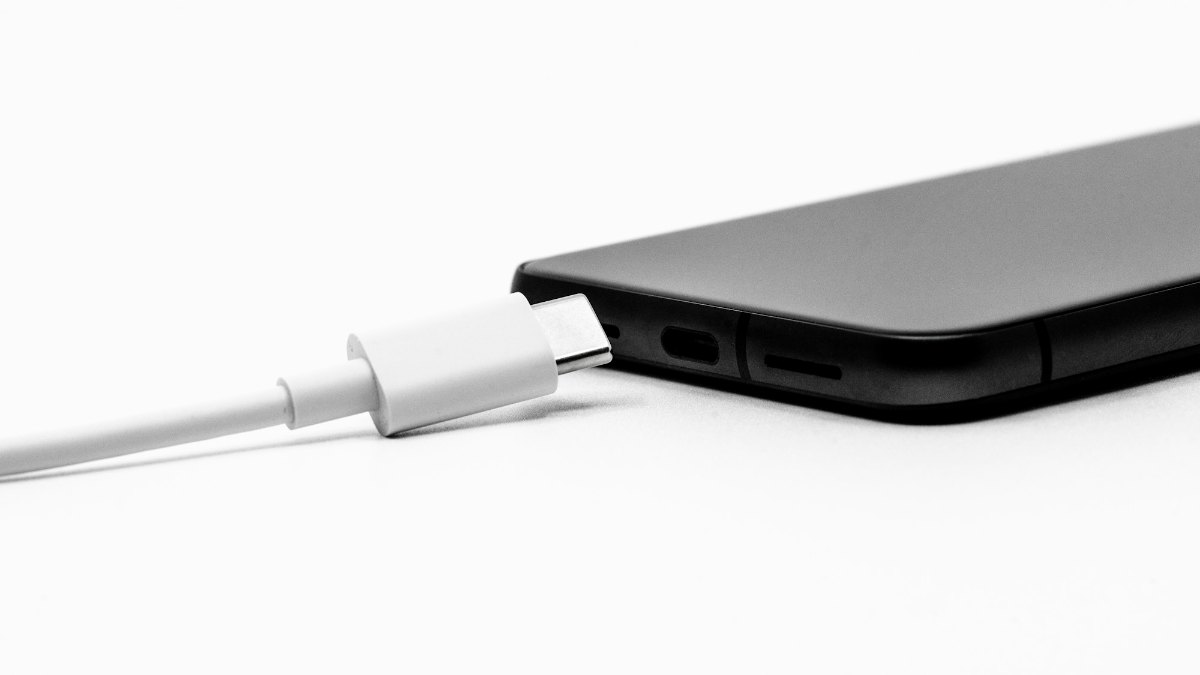
A battery that has drained all the way may not start the laptop the moment you plug in. Lenovo says to charge for at least 5 to 10 minutes, because some batteries need about 10% charge before they will run the laptop.
Acer lists a deeply drained internal battery among the usual reasons a notebook won't power on. So leave it on a working charger for 10 minutes before you try anything else.
3. Unplug everything else
Pull out USB drives, memory cards, docks, hubs and printer cables. HP's steps for a laptop that won't start begin with removing memory cards and non-essential devices, and Lenovo says to take the laptop off any docking station.
If it now starts, plug things back one at a time. The device that stops it again is your culprit.
4. Do a hard reset (power drain)
A hard reset drains leftover charge and resets the embedded controller, the small chip that runs power and the keyboard. HP notes that a hard reset does not touch the files on your drive. Each maker words it a little differently:
| Brand | What the maker says to do |
|---|---|
| HP | Unplug the adapter, remove memory cards and devices, hold the power button for about 20 seconds, then reconnect and switch on. |
| Dell | Remove the battery if it comes out, unplug the adapter, hold the power button for 15 to 20 seconds, then refit and try. |
| Lenovo | Unplug power, then push a straightened paper clip into the emergency reset hole. With no hole, hold the power button for at least 10 seconds. |
| ASUS | EC reset: hold the power button for 40 seconds. Some models use 20 seconds instead. |
| Acer | Reset the internal battery, or do a power reset on models with a removable battery. |
Don't open the laptop just to pull out an internal battery. The reset hole or the long button press does the same job without the risk.
5. Laptop not turning on, or just a black screen?
Press the power button and watch the whole laptop, not just the screen. A power light, keyboard backlight, Caps Lock light or fan noise means it is getting power. HP puts it simply: no fan noise, no lights and no video signal means the laptop may not be receiving power at all.
- Turn the brightness up. Lenovo points out that a screen dimmed all the way down can look like a dead laptop.
- Wake it up. Press a key or tap the power button once; it may be asleep or hibernating.
- Wait before you force it off. HP says to wait at least 5 minutes, because a BIOS or Windows update can leave the screen blank, and cutting power mid-update can damage the laptop. ASUS adds that after an EC reset, a battery disconnect or a RAM change, the next start can show nothing for 1 to 3 minutes while memory training runs.
6. Test with an external monitor
Connect the laptop to a TV or monitor with an HDMI cable. If the picture appears there, the processor and power circuit are working, and the fault is most likely the laptop screen, its cable or the backlight. That is usually a cheaper repair than a motherboard.
Dell laptops have a built-in screen test: hold the D key and press the power button to run the LCD self-test. Dell also lets you hold Fn and press power to start its ePSA pre-boot diagnostics (Dell support).
7. Rule out the battery
If the laptop runs on the charger but switches off the moment you unplug it, the battery is most likely worn out. Dell's own steps include running the laptop on the adapter alone, with the battery removed, on models where it comes out.
Batteries wear with age and heat. Our laptop battery health guide shows how to check wear and make a new one last. For a replacement battery, call us on 9863609150 with your exact laptop model.
8. Reseat the RAM, if you can reach it
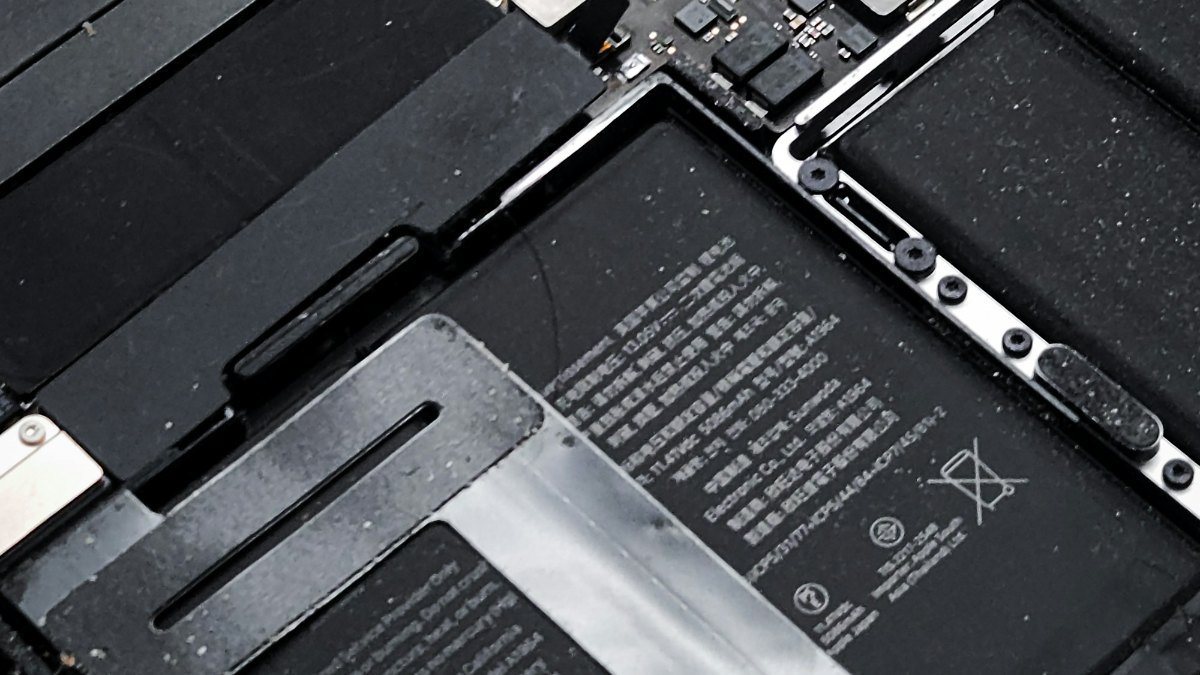
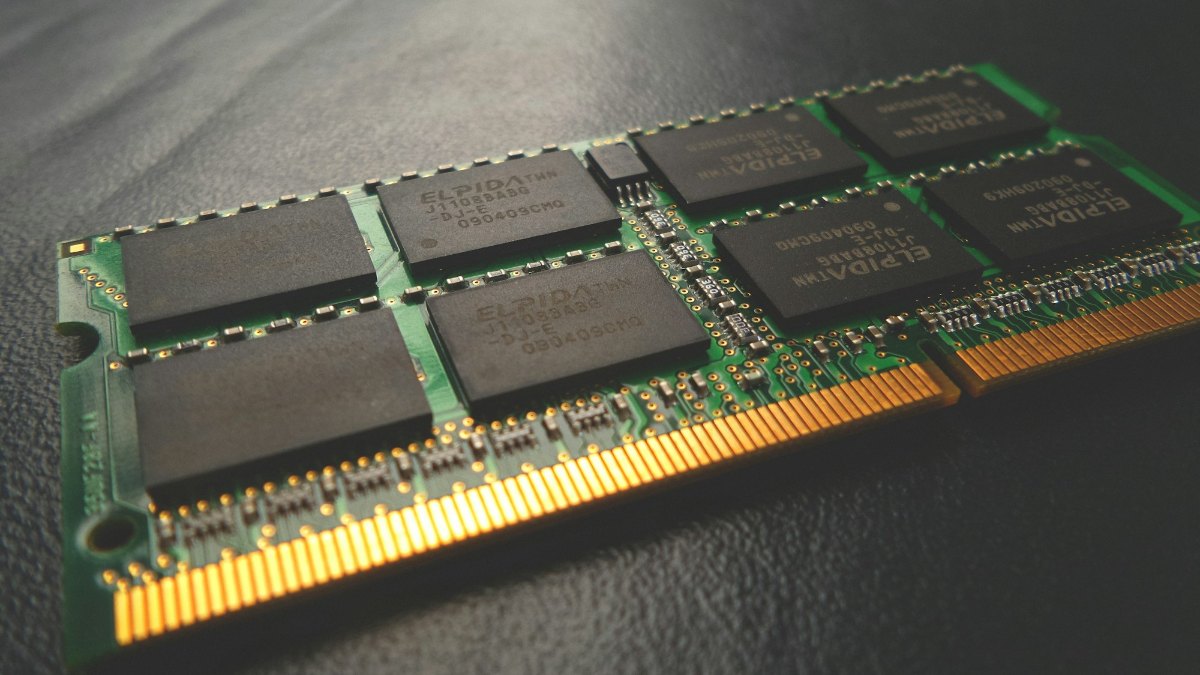
A loose or failing memory stick can stop a laptop at power-on. On HP laptops, three long red and two short white blinks of the Caps Lock light point to memory, and HP's fix is to reseat the module (HP support).
- Shut down, unplug the charger and disconnect the battery if your model allows it.
- Remove the bottom cover, then touch a metal surface to discharge static. HP recommends an anti-static wrist strap.
- Release the clips, pull the module out, and push it back in with the notch lined up with the slot.
- Refit the cover, plug in and switch on. Give it up to 3 minutes on the first start.
HP notes that some laptops have no cover that gives access to the memory; if you can't reach it, have it serviced. If a stick is faulty, our laptop RAM range has DDR4 and DDR5 modules. Match the type and speed your laptop already uses.
9. Read the beep codes and LED codes
When a laptop finds a hardware fault at power-on, it may blink a light or beep in a pattern instead of starting. Count the pattern, write it down, then look it up on your maker's own page:
| Brand | What to look for | Maker page |
|---|---|---|
| Dell | Battery or power light patterns, and ePSA diagnostics (hold Fn and press power). | No power, no POST, no boot |
| HP | Caps Lock blinks: long red is the category, short white the detail. 3 red + 2 white is memory, 3 + 4 the power system, 3 + 5 no processor detected, 4 + 2 processor overheating. | Beeps or blinking lights |
| Lenovo | Power drain with the reset hole; the Novo button on some IdeaPads opens the BIOS or recovery. | Troubleshooting no power |
| ASUS | EC reset first; a lit power light with no picture can be memory training. | EC reset and hard reset; No display, power light on |
| Acer | Power, adapter and battery reset checks. | Notebook will not power on |
HP adds that audible beep codes are not supported on every model, so watch the lights as well as listening.
10. Laptop not starting after the logo?
If you see the maker's logo, the laptop is getting power. The problem is usually the drive, Windows or a setting, and the fixes are different.
- HP: press Esc repeatedly at power-on, then F2, to run HP PC Hardware Diagnostics. Write down any 24-digit failure ID. HP's page also covers Windows Recovery through F11.
- Dell: hold Fn and press power for ePSA diagnostics.
For slow starts, freezes and other faults that aren't power related, see our common laptop problems guide.
When to stop and get it repaired
Stop trying fixes at home in these cases. Each extra attempt can make the damage worse:
- Tea, water or any liquid went into the laptop. Don't keep pressing power.
- You smell burning, or the case or battery looks swollen.
- A known-good charger still shows no light and no life.
- The codes point to the board, processor or graphics chip. HP sends 3 red + 3 white (graphics) and 3 red + 5 white (processor) straight to repair.
- The laptop is still under warranty. Opening it yourself can cost you that cover.
In Birtamode and nearby areas, our QC Rapid Repair Service collects laptops from your door, diagnoses and repairs them, and brings them back. Book through the repair form linked in that post.
If the repair quote is more than the laptop is worth, compare new ones in our guides to laptops under 50,000 in Nepal and the best laptops under 1 lakh, or browse all laptops.
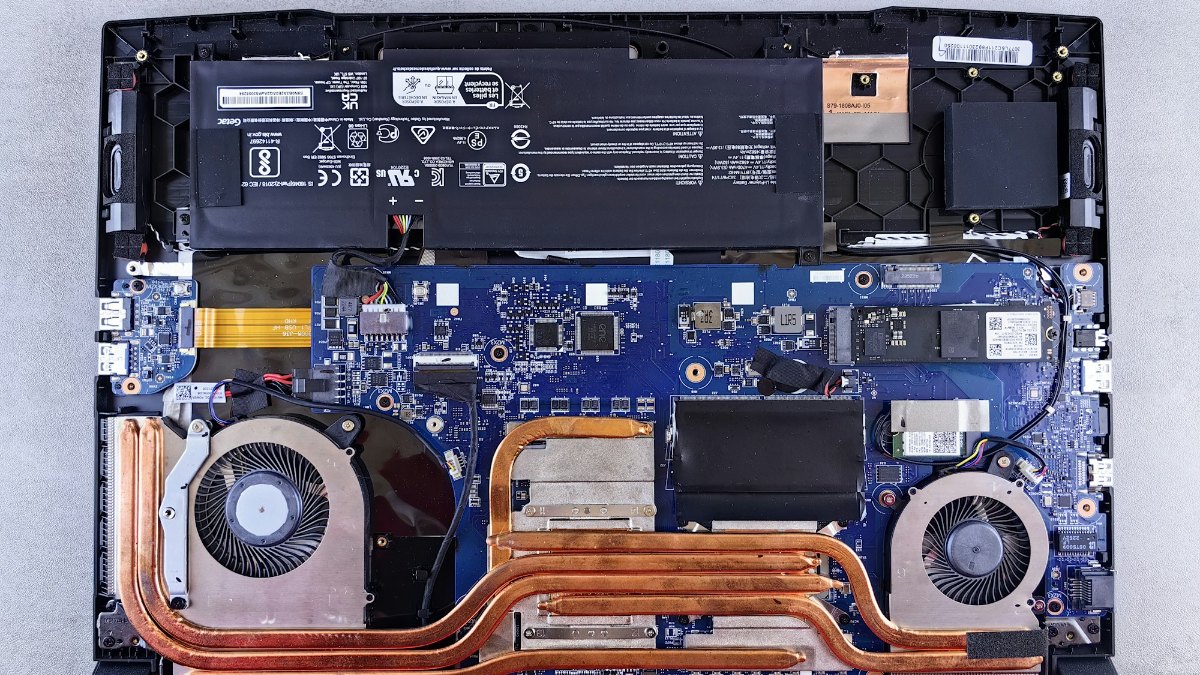
Quick verdict: power first, then the hard reset, then the external monitor test. Those three steps cost nothing and need no tools. Stop at the RAM step if you are not comfortable with a screwdriver, and leave a laptop that is under warranty to the service centre.
Chargers, RAM and laptops at Quality Computer
| Product | What it is | Our price |
|---|---|---|
| UNITEK P1117B 65W GaN USB-C charger | USB-C PD laptop and phone charger | Rs 3,980 |
| UGREEN X757 Nexode Pro 100W GaN charger | 3-port USB-C PD charger | Rs 7,890 |
| WiWU X-TR-259AEU 65W GaN charger | 3-in-1 travel charger | Rs 5,500 |
| Transcend 8GB DDR4 3200MHz laptop RAM | SO-DIMM memory | Rs 13,500 |
| Transcend 16GB DDR4 3200MHz laptop RAM | SO-DIMM memory | Rs 19,900 |
| Transcend 8GB DDR5 4800MHz laptop RAM | SO-DIMM memory | Rs 17,900 |
| Acer Aspire Lite 14 (Ryzen 3 5400U, 8GB, 512GB) | 14-inch laptop | Rs 72,900 |
| Asus Vivobook Go 15 (Ryzen 5 7520U, 8GB, 512GB) | 15.6-inch laptop | Rs 89,900 |
| Dell 15 DC15250 (Core i5-1334U, 8GB, 512GB) | 15.6-inch laptop | Rs 93,900 |
| Lenovo IdeaPad Slim 3 15IRH8 (Core i5-13420H, 8GB, 512GB) | 15.6-inch laptop | Rs 102,900 |
Prices checked on 7 November 2026 on qualitycomputer.com.np. All items available.
In our store
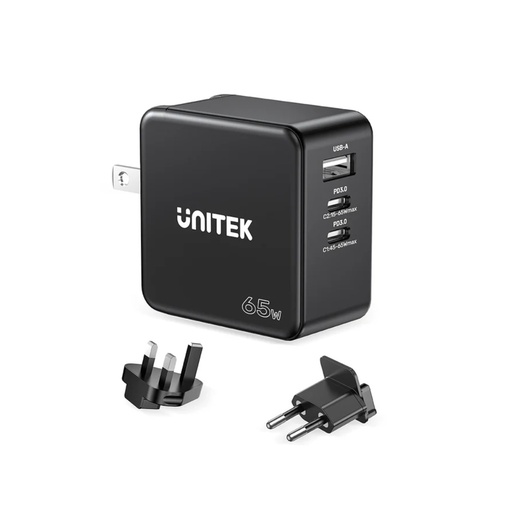
UNITEK 65W GaN USB-C charger
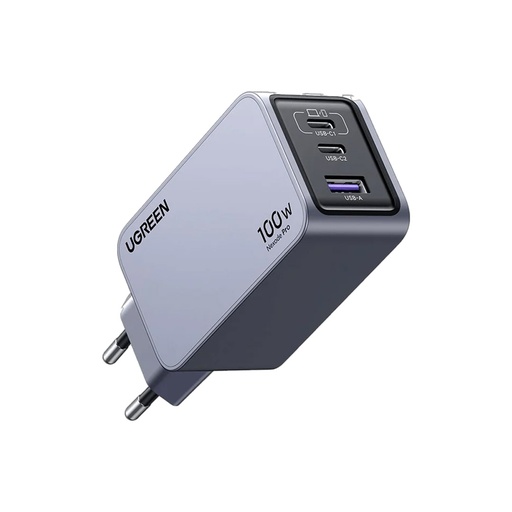
UGREEN 100W GaN charger
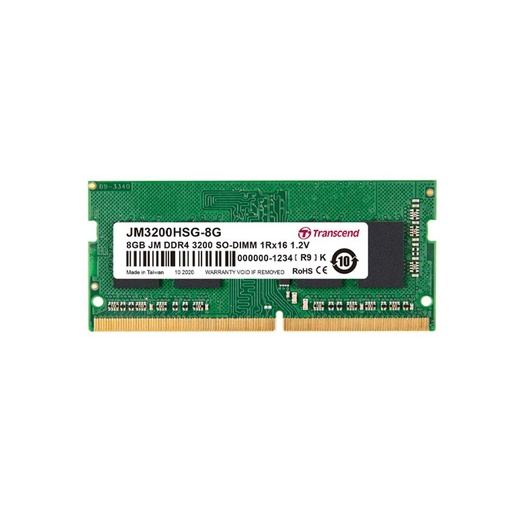
Transcend 8GB DDR4 laptop RAM

Acer Aspire Lite 14
Frequently asked questions
Why is my laptop not turning on even when it is charging?
A charging light only shows that power reaches the battery circuit. Do a hard reset, then look for fan noise, a keyboard light or a Caps Lock light. If there is still nothing, the fault is usually the battery, the RAM, the power button or the motherboard.
How long should I hold the power button to reset a laptop?
It depends on the brand: HP says about 20 seconds with the charger unplugged, Dell 15 to 20 seconds, Lenovo at least 10 seconds, and ASUS 40 seconds (20 seconds on some models).
My laptop turns on but the screen stays black. What should I do?
Turn the brightness up, wait a few minutes in case an update or memory training is running, then connect an external monitor. If the picture shows there, the fault is most likely the laptop screen, its cable or the backlight.
What do blinking Caps Lock lights mean on an HP laptop?
They are error codes. Long red blinks give the category and short white blinks give the detail. Three red and two white points to memory, three red and four white to the power system, and three red and five white means the processor is not detected.
Can a dead battery stop a laptop from turning on?
Yes. Lenovo says some batteries need about 10% charge before the laptop will run, so leave it on a working charger for 10 minutes first. If it only runs while plugged in, the battery probably needs replacing.
Is it worth repairing a laptop that won't turn on?
Usually, if the fault is the charger, battery, RAM or charging port. A motherboard fault on an old laptop can cost more than the laptop is worth, so get a diagnosis and a quote before you decide.
Sources
- Resolve No Power, No POST, No Boot or No Video Issues, Dell, updated 19 April 2026
- HP PCs: Computer does not turn on, start, or boot, HP, checked 7 November 2026
- HP Notebook PCs: Computer beeps or a light blinks during startup, HP, checked 7 November 2026
- Troubleshooting No Power Issues, Lenovo, checked 7 November 2026
- How to Reset Embedded Controller (EC Reset), Real-Time Clock (RTC), and Hard Reset, ASUS, updated 23 December 2024
- No Display Upon Power On, but Power Indicator Light is On, ASUS, updated 14 December 2023
- What can I do if my Acer notebook will not power on?, Acer, checked 7 November 2026
- QC prices: qualitycomputer.com.np, 7 November 2026.