HDMI vs VGA Cable: Which One Do You Need in 2026?
Short answer: HDMI vs VGA cable comes down to the signal. HDMI is digital and carries picture and sound, up to 4K and 8K with the right cable. VGA is analog and carries video only. Use HDMI whenever both ends have it, and VGA or an HDMI to VGA converter only for older projectors and monitors. See our HDMI and VGA cables.
Shop at Quality Computer
HDMI and VGA cables View all →
HDMI vs VGA: the main differences
| Feature | HDMI | VGA |
|---|---|---|
| Signal | Digital | Analog (red, green, blue plus sync) |
| Sound | Yes, in the same cable | No; needs a separate audio cable |
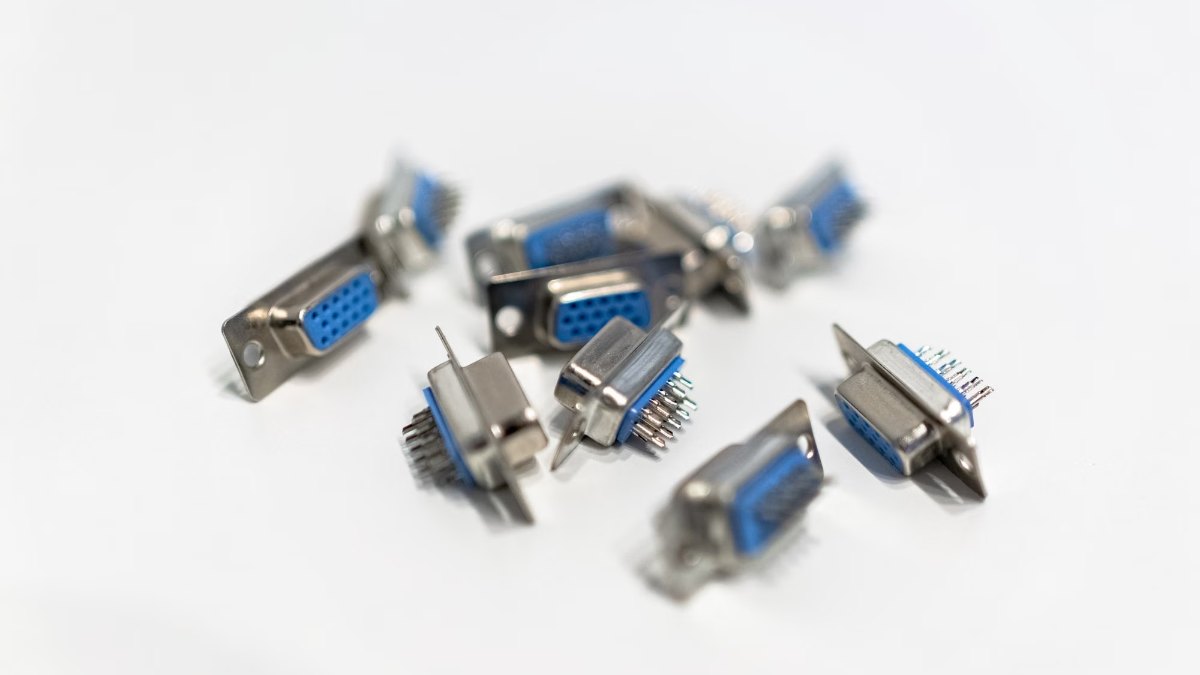
| Plug | Flat HDMI plug that pushes in | 15-pin D-sub (DE-15) with screws |
| Resolution | 1080p and 4K at 30Hz (High Speed), 4K at 60Hz (Premium High Speed), 4K at 120Hz and 8K at 60Hz (Ultra High Speed) | Modes up to 2048 × 1536 exist; our VGA cable is rated 1080p at 60Hz |
| Where you find it | TVs, monitors, laptops, consoles, new projectors | Older projectors, office monitors, servers, older desktops |
| Our price | From Rs 750 (1.5m) | Rs 3,500 (15m) |
HDMI cable classes and resolutions are from HDMI Licensing Administrator; VGA details are from Wikipedia’s VGA connector article. Prices are our website prices on 7 November 2026.
Analog vs digital: what changes on screen
A VGA cable carries the picture as analog signals: separate red, green and blue lines plus horizontal and vertical sync. The monitor has to turn those waves back into pixels, so the cable matters. Wikipedia notes that shorter VGA cables are less likely to degrade the signal, and that better cables use thicker coaxial wiring.
HDMI sends the picture as digital data, with sound in the same cable. The screen gets the pixels the computer sent, and one cable runs your TV, soundbar or monitor speakers. So the rule is simple: use HDMI if both ends have it.
HDMI 2.0, 2.1 and 2.2: which HDMI cable do you need?
On the official HDMI site, cables are sorted by speed class rather than version number, and the class is what to look for on the box:
| Cable class | Bandwidth | What it handles |
|---|---|---|
| High Speed | 10.2Gbps | 1080p, 4K at 30Hz |
| Premium High Speed | 18Gbps | 4K at 60Hz with HDR |
| Ultra High Speed | 48Gbps | 4K at 120Hz, 8K at 60Hz (introduced with HDMI 2.1) |
| Ultra96 | 96Gbps | 8K at 60Hz and 4K at 240Hz at full colour (for HDMI 2.2) |
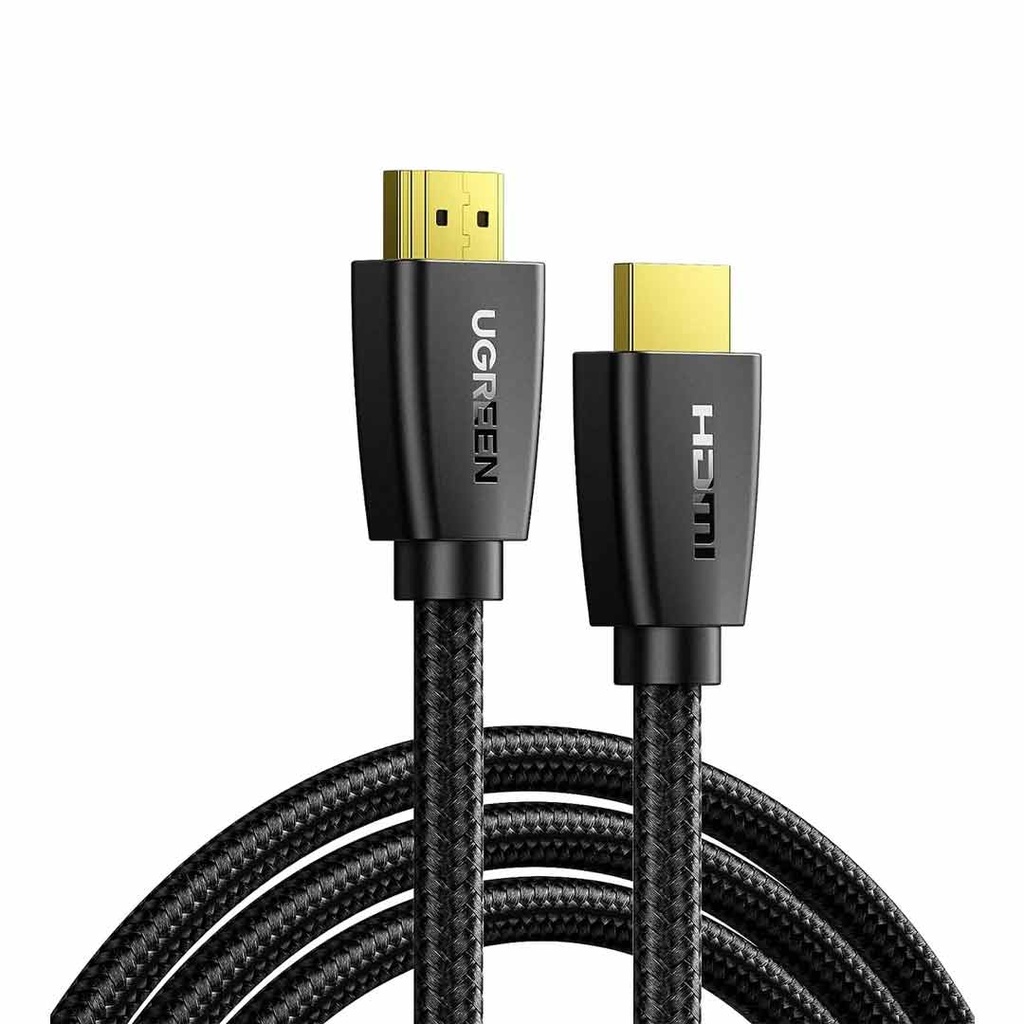
HDMI 2.0 equipment runs at up to 18Gbps; our black UGREEN 15m HDMI 2.0 cable is rated 18Gbps for 4K at 60Hz on its listing. Ultra High Speed cables came with HDMI 2.1 and must pass certification; the label on the box can be scanned with a phone to check it. HDMI 2.2, announced in January 2025, doubles that to 96Gbps with the new Ultra96 cable, and HDMI Licensing says 2.2 is backward compatible with earlier versions.
- 1080p TV, office monitor or projector: any High Speed cable.
- 4K at 60Hz: Premium High Speed, or an HDMI 2.0 cable rated 18Gbps.
- 4K at 120Hz from a console or graphics card: Ultra High Speed. Pairing a new card with a fast monitor? Our graphics card guide covers the cards.
Where does DisplayPort fit?
DisplayPort is the other digital connection you’ll meet on graphics cards and monitors. Like HDMI it carries multi-channel audio, and the newest version, DisplayPort 2.1b, has a maximum payload of 77.37Gbps, according to the DisplayPort FAQ from VESA. VESA also notes that inexpensive adapters exist for VGA, DVI and HDMI displays.
If your PC has DisplayPort and your screen has HDMI, the UGREEN DisplayPort to HDMI converter (Rs 1,200) handles 1080p. An older PC with DVI can use the UGREEN DVI to HDMI adapter (Rs 700). Choosing the screen itself? Our monitor buying guide covers panel types, refresh rates and sizes.
HDMI to VGA: why you need a converter, not just a cable
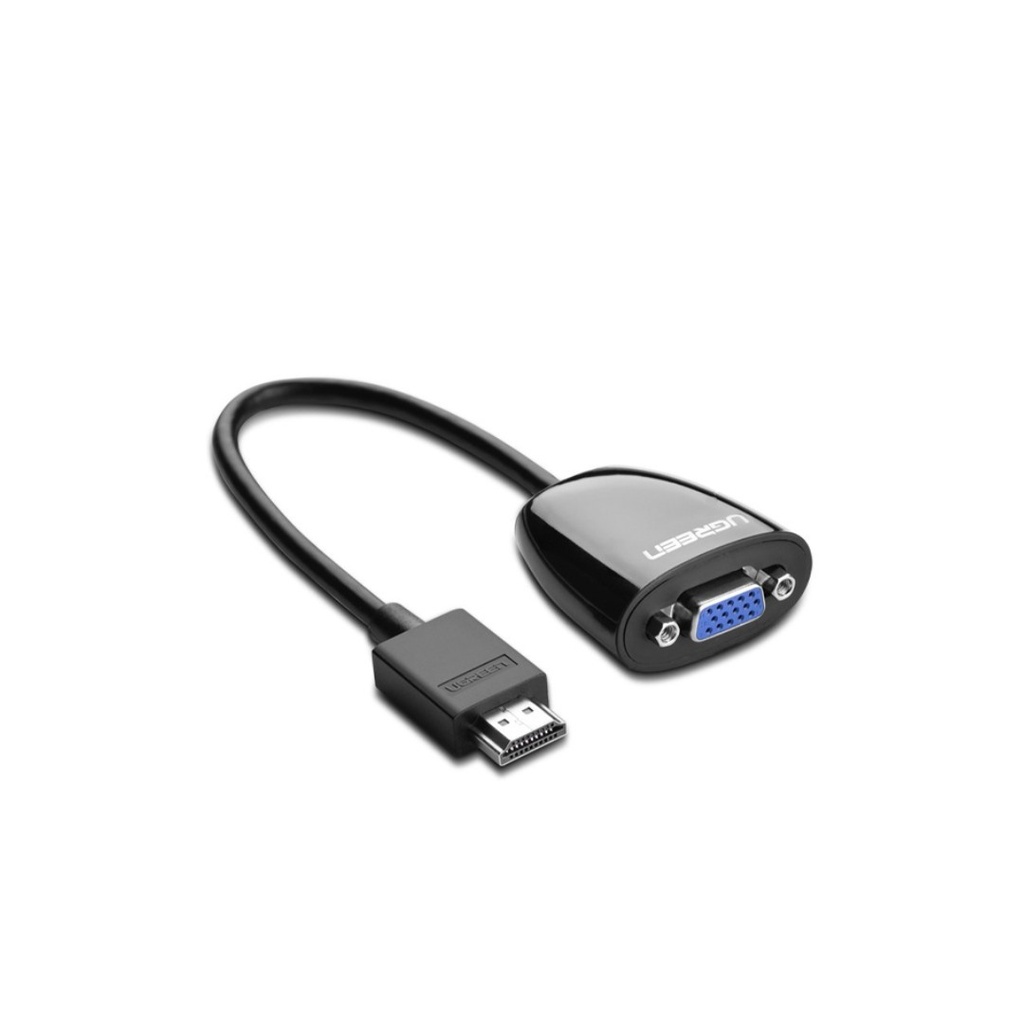
You can’t wire an HDMI plug straight to a VGA plug and get a picture. HDMI is digital and VGA is analog, so the signal has to be converted. Wikipedia’s VGA article is clear that this takes an active converter; most need a power source, and some picture quality is lost in the conversion.
Converters work in one direction. An HDMI to VGA converter takes HDMI from a laptop and feeds a VGA projector or monitor. To show an old VGA-only laptop on a new HDMI TV or projector, you need the opposite: a VGA to HDMI adapter.
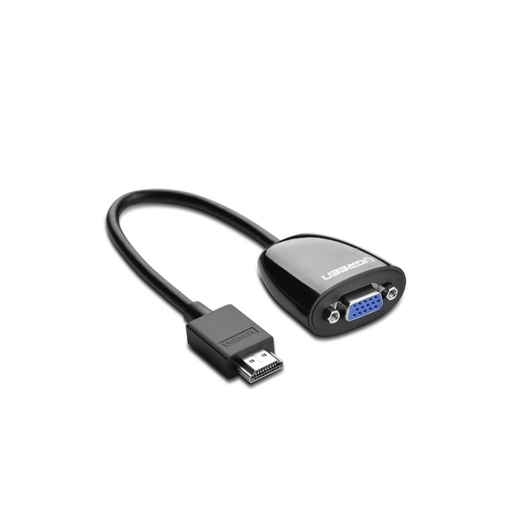
- HDMI laptop to VGA projector: the UGREEN HDMI to VGA converter (Rs 1,200) or our HDMI to VGA cable with audio (Rs 550).
- VGA laptop to HDMI screen: the UGREEN CM513 VGA to HDMI adapter (Rs 2,200). It takes VGA video plus 3.5mm audio and sends both out over HDMI at 1920 × 1080, 60Hz, powered over USB-C, per its listing.
- USB-C laptop to either: the UNITEK D1051A hub (Rs 4,150) adds two HDMI ports (4K at 30Hz) and a VGA port (1080p at 60Hz), with 100W charging pass-through.
Plan for sound. VGA carries no audio, so on a VGA projector the sound has to go out through a separate cable to the projector or to speakers.
Which projectors and monitors still need VGA?
Turn the screen around and read the inputs. If the only video input says VGA, PC or Computer In, it needs a VGA signal. You’ll mostly find that on:
- Older business and classroom projectors.
- Office monitors bought before HDMI became the norm.
- Servers and network racks, many of which still have a VGA port for a local screen.
New projectors are going the other way. The Epson EB-W53 we sell has two HDMI inputs and no VGA, according to its listing, so a VGA-only laptop needs a VGA to HDMI adapter to use it. Our projector price guide compares the models we stock.
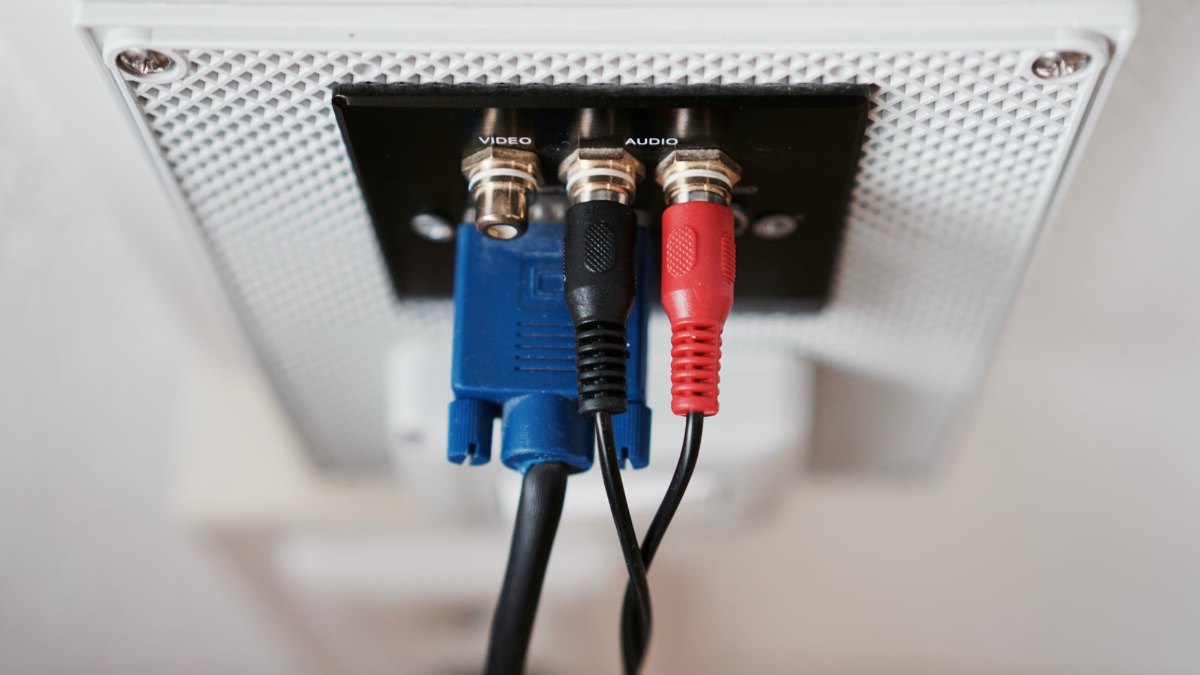
Some meeting rooms and classrooms have VGA wired into a wall or ceiling panel, with separate sockets for audio, like the one below. If you’re presenting there with a new laptop, carry an HDMI to VGA converter and an audio cable that fits the panel, such as 3.5mm to RCA for sockets like these.
How long can an HDMI or VGA cable be?
HDMI Licensing’s cable pages don’t give a maximum length. Its guide to cables for system installations explains that as speeds rise, ordinary copper cables have to get shorter or thicker, and that active optical cables are used for longer, thinner runs. Cables are certified at each length.
Match the cable to the job. Our UGREEN 15m and 20m HDMI cables are High Speed cables rated 10.2Gbps, 4K at 30Hz or 1080p at 60Hz, which is right for a ceiling projector. For 4K at 60Hz over 15m, the black HDMI 2.0 cable is rated 18Gbps. For 4K at 120Hz, keep the run short with an Ultra High Speed cable.
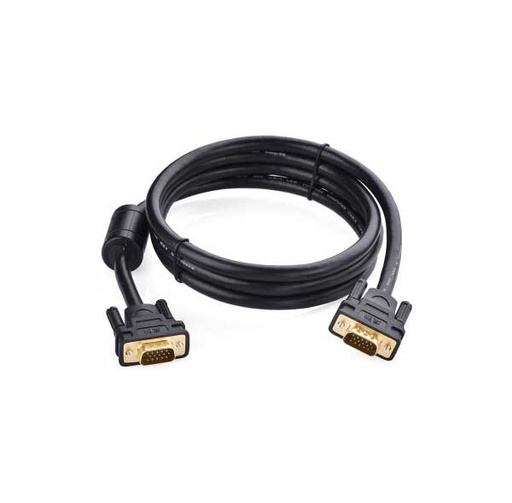
With VGA, a longer cable means more chance of a softer picture, so buy only the length you need. Our UGREEN 15m VGA cable is rated 1080p at 60Hz, with gold-plated connectors and multiple shielding layers, per its listing.
One thing an HDMI cable can’t replace is a network cable. HDMI’s Ethernet channel only works when both devices support it and the cable is an HDMI Cable with Ethernet, so for internet use a proper Cat 6 cable; our networking cable guide explains which one to buy.
Quick verdict: For any TV, monitor or projector with an HDMI port, buy HDMI: a High Speed cable for 1080p, Premium High Speed (18Gbps) for 4K at 60Hz, Ultra High Speed for 4K at 120Hz. Buy a VGA cable only when both ends are VGA. If one end is HDMI and the other VGA, buy a converter for the right direction and plan for the sound.
HDMI and VGA cables we sell
Everything in this table was available on our website on 7 November 2026. We deliver online orders across Nepal, and our store is in Birtamode, Jhapa.
| Product | What it is | Our price |
|---|---|---|
| UGREEN HDMI Cable 1.5m (10128) | HDMI male to male, 4K | Rs 750 |
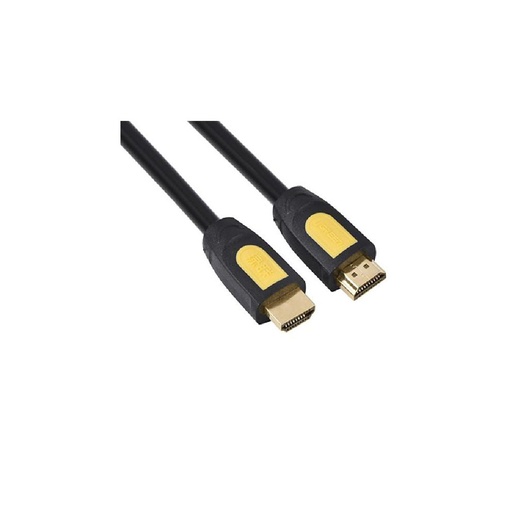
| UGREEN HDMI Cable 3m (10130) | HDMI male to male, High Speed | Rs 1,150 |
| UGREEN HD101 HDMI Cable 10m | HDMI male to male, 10m | Rs 4,200 |
| UGREEN HDMI Cable 15m (10111) | High Speed, 10.2Gbps, 4K at 30Hz | Rs 6,300 |
| UGREEN HDMI 2.0 Cable 15m, Black (40416) | 18Gbps, 4K at 60Hz, braided | Rs 6,300 |
| UGREEN HD104 HDMI Cable 20m | High Speed, 10.2Gbps, 4K at 30Hz | Rs 7,950 |
| UGREEN VGA Cable 15m (11634) | VGA male to male, 1080p at 60Hz | Rs 3,500 |
| UGREEN HDMI to VGA Converter (40253) | HDMI source to VGA screen | Rs 1,200 |
| HDMI to VGA Cable with Audio | HDMI source to VGA screen, with audio | Rs 550 |
| UGREEN VGA to HDMI Adapter with Audio (CM513) | VGA + 3.5mm audio in, HDMI out, 1080p at 60Hz | Rs 2,200 |
| UGREEN DisplayPort to HDMI Converter (40362) | DisplayPort source to HDMI screen, 1080p | Rs 1,200 |
| UGREEN DVI to HDMI Adapter (20118) | DVI male to HDMI female, 22cm | Rs 700 |
| UGREEN USB-C to HDMI Cable 1.5m | USB-C laptop to HDMI screen, 4K at 30Hz | Rs 3,199 |
| UNITEK D1051A USB-C Hub | 2 HDMI (4K at 30Hz), VGA (1080p at 60Hz), USB-A, 100W PD | Rs 4,150 |
Prices checked on 7 November 2026.
In our store
UGREEN HDMI to VGA Converter
UGREEN HDMI Cable 3m
UGREEN VGA Cable 15m
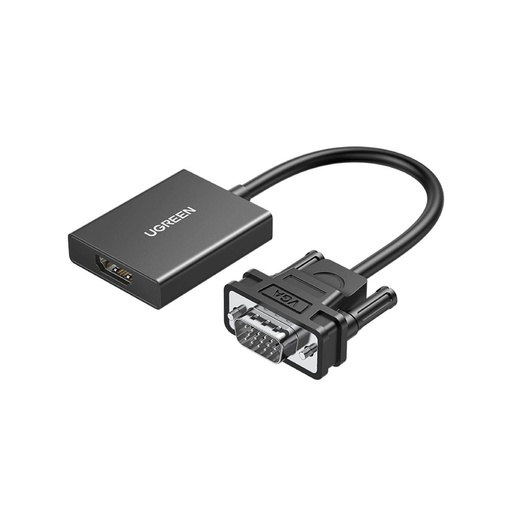
UGREEN VGA to HDMI Adapter
Frequently asked questions
Is HDMI better than VGA?
For almost every use, yes. HDMI is digital, carries sound in the same cable and handles 4K and more with the right cable. VGA is analog and video only, and makes sense only when the screen or the computer has no HDMI port.
Can I connect HDMI to VGA with just a cable?
Only if the cable has a converter built in. HDMI is digital and VGA is analog, so the signal has to go through an active converter; a plain wired adapter cannot do it. Converters also work in one direction, so buy HDMI to VGA or VGA to HDMI to match your setup.
Does a VGA cable carry sound?
No. VGA carries analog video only. Run a separate audio cable to the speakers or projector, or use a converter with a 3.5mm audio jack.
Which HDMI cable do I need for 4K?
For 4K at 60Hz, a Premium High Speed HDMI cable rated 18Gbps. For 4K at 120Hz or 8K at 60Hz, an Ultra High Speed HDMI cable rated 48Gbps. A High Speed cable handles 1080p and 4K at 30Hz.
What is the VGA cable price in Nepal?
At Quality Computer, the UGREEN 15m VGA cable costs Rs 3,500 (website price on 7 November 2026). HDMI cables start at Rs 750 for 1.5m, and the UGREEN HDMI to VGA converter costs Rs 1,200.
What is the difference between HDMI 2.0, 2.1 and 2.2?
Bandwidth. HDMI 2.0 equipment runs at up to 18Gbps, enough for 4K at 60Hz. HDMI 2.1 brought 48Gbps Ultra High Speed cables for 4K at 120Hz and 8K at 60Hz. HDMI 2.2 doubles that to 96Gbps with Ultra96 cables, and is backward compatible with earlier versions.
Sources
- HDMI cables: different cable types, HDMI Licensing Administrator, checked 7 November 2026
- Ultra High Speed HDMI cable, HDMI Licensing Administrator, checked 7 November 2026
- HDMI 2.2 specification overview, HDMI Licensing Administrator, checked 7 November 2026
- HDMI Forum releases version 2.0 of the HDMI specification, HDMI Licensing Administrator, 4 September 2013
- HDMI Forum announces version 2.2 of the HDMI specification, HDMI Licensing Administrator, 6 January 2025
- What is the best HDMI cable for system installations?, HDMI Licensing Administrator, 17 May 2021
- HDMI Ethernet Channel (HDMI feature descriptions archive), HDMI Licensing Administrator, checked 7 November 2026
- DisplayPort FAQ, VESA, checked 7 November 2026
- VGA connector, Wikipedia, checked 7 November 2026
- QC prices: qualitycomputer.com.np, 7 November 2026.