
How to Switch From Android to iPhone (2026): Move to iOS, WhatsApp, Photos and Contacts
Short answer: Use Apple's free Move to iOS app. On the new iPhone, choose From Android during setup, open Move to iOS on the Android phone, enter the code the iPhone shows, pick what to copy and keep both phones plugged in. It moves contacts, messages, photos, videos, mail accounts, calendars, call history and WhatsApp chats. Music, books and PDFs you move yourself. It only works while setting up the iPhone, so do it before anything else.
Shop at Quality Computer
iPhones, AirPods and chargers View all →
Before you start
- Don't finish setting up the iPhone first. Move to iOS only works on the setup screens. If you've already set the iPhone up, you have to erase it to use it (Apple).
- Charge both phones and keep them plugged in for the whole transfer.
- Turn on WiFi on the Android phone. The iPhone makes its own temporary WiFi network for the copy.
- Check space: everything you're moving, including photos on a memory card, has to fit on the iPhone.
- Update Chrome on Android if you want your bookmarks moved.
- Install Move to iOS from Google Play on the Android phone.
Apple says you can also connect the two phones with a USB-C cable. Some Android phones running Android 17 or later can also transfer to an iPhone on iOS 26.5 without the app, using Transfer without App; check with your phone's maker whether yours supports it (Apple).
Move to iOS, step by step
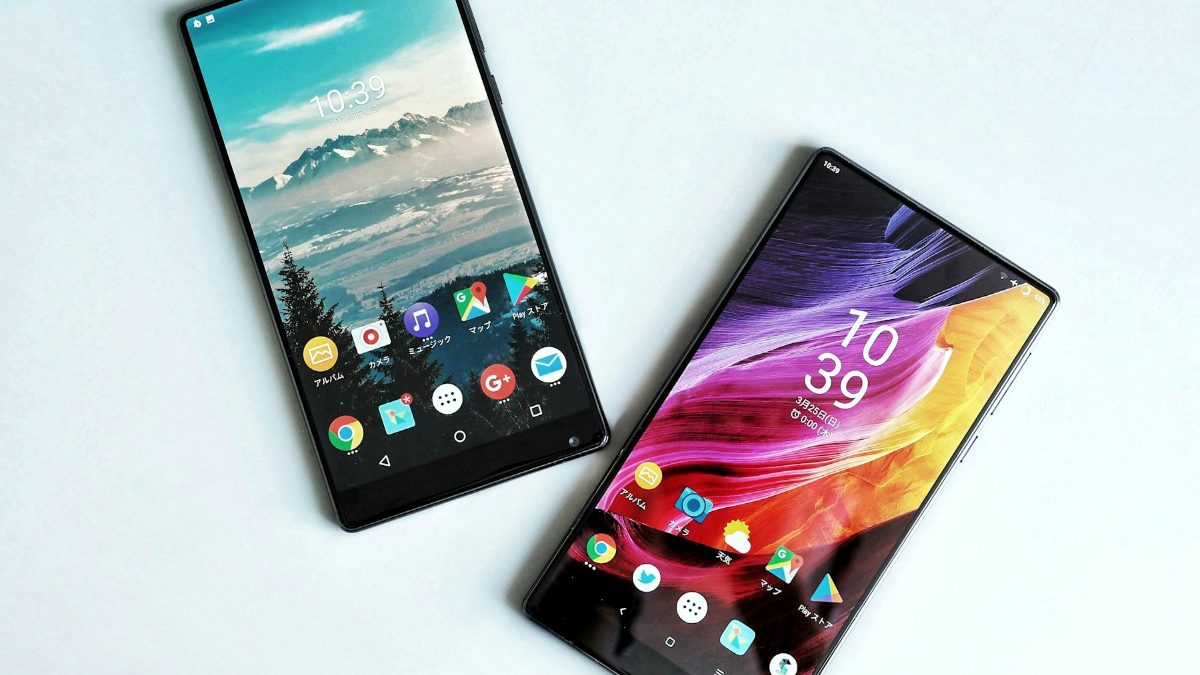
- Turn on the iPhone near the Android phone. On the Quick Start screen, choose Set Up Without Another Device.
- On Transfer Your Apps & Data, choose From Android, then Transfer with App.
- Open Move to iOS on the Android phone. Accept the terms and allow the permissions it asks for.
- Enter the code. The iPhone shows a six- or ten-digit code; type it on the Android phone.
- Join the iPhone's temporary WiFi network when the Android phone asks.
- Pick what to move (contacts, messages, photos, WhatsApp and so on) and tap Continue.
- Leave both phones alone until the iPhone's progress bar finishes, even if Android says it's done. Then tap Done on Android and Continue on the iPhone.
Steps from Apple's guide, published 28 October 2026 (Apple Support).
Moving WhatsApp chats
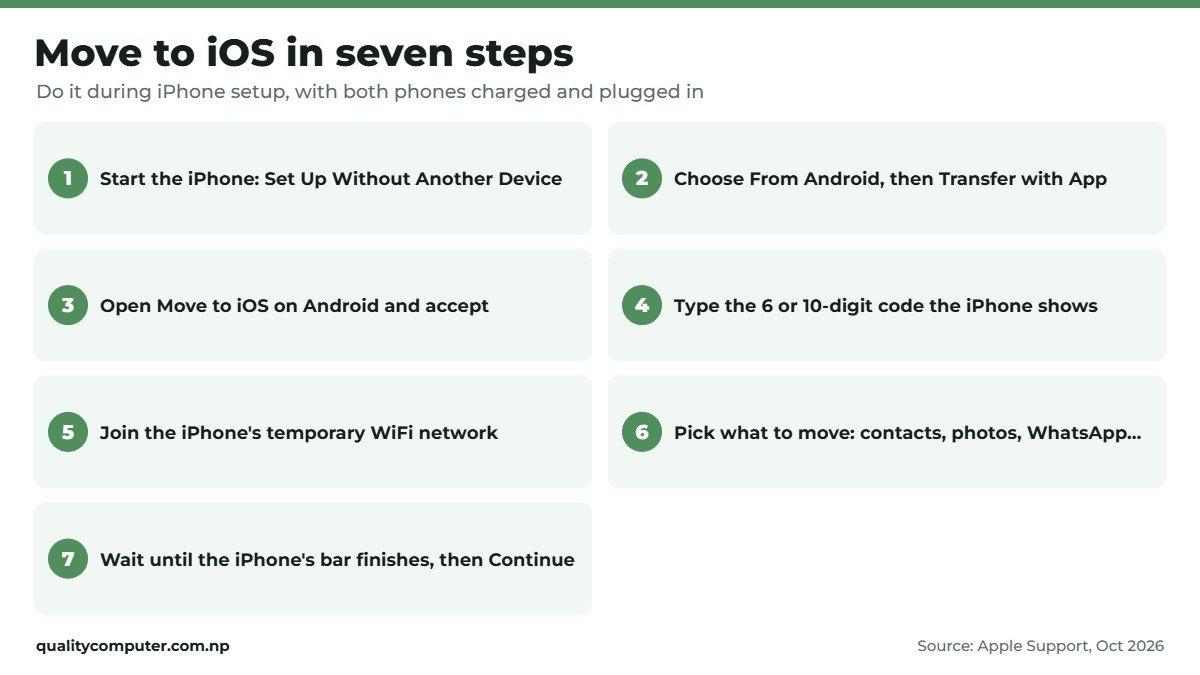
WhatsApp chats move with Move to iOS, but only if you meet WhatsApp's conditions (WhatsApp Help):
- Android 5 or later, and an iPhone on iOS 15.5 or later that is new or reset to factory settings.
- The same phone number on the iPhone as on the Android phone.
- The latest WhatsApp on both phones, and both phones on the same WiFi and plugged in.
Select WhatsApp on the Transfer Data screen. The Android phone prepares the data and signs you out of WhatsApp; then finish the transfer, install WhatsApp from the App Store and log in with the same number. Your chats, media, groups and settings come across. Call history and your display name don't, and WhatsApp Business chats can't be moved this way.
Instagram and normal Telegram chats are stored online, so just log in on the iPhone; Telegram Secret Chats stay on the old phone. Messenger brings back old chats only if you set up its secure storage PIN, so check that on Android before you switch.
What moves and what doesn't
| Moves with Move to iOS | You move it yourself |
|---|---|
| Contacts, messages and SMS | Music |
| Camera photos and videos, albums, files and folders | Books and PDFs |
| Mail accounts, calendars, call history | Paid Android apps (these usually have to be bought again) |
| WhatsApp messages and media, voice memos | Anything that didn't fit on the iPhone |
| Web bookmarks, accessibility and display settings | |
| Free apps that exist on both stores (download them afterwards) |
Source: Apple Support.
If Google Photos backup and Google contact sync are on, you can also just sign in to your Google account on the iPhone to get your photos and contacts.
Your SIM, eSIM and MDMS
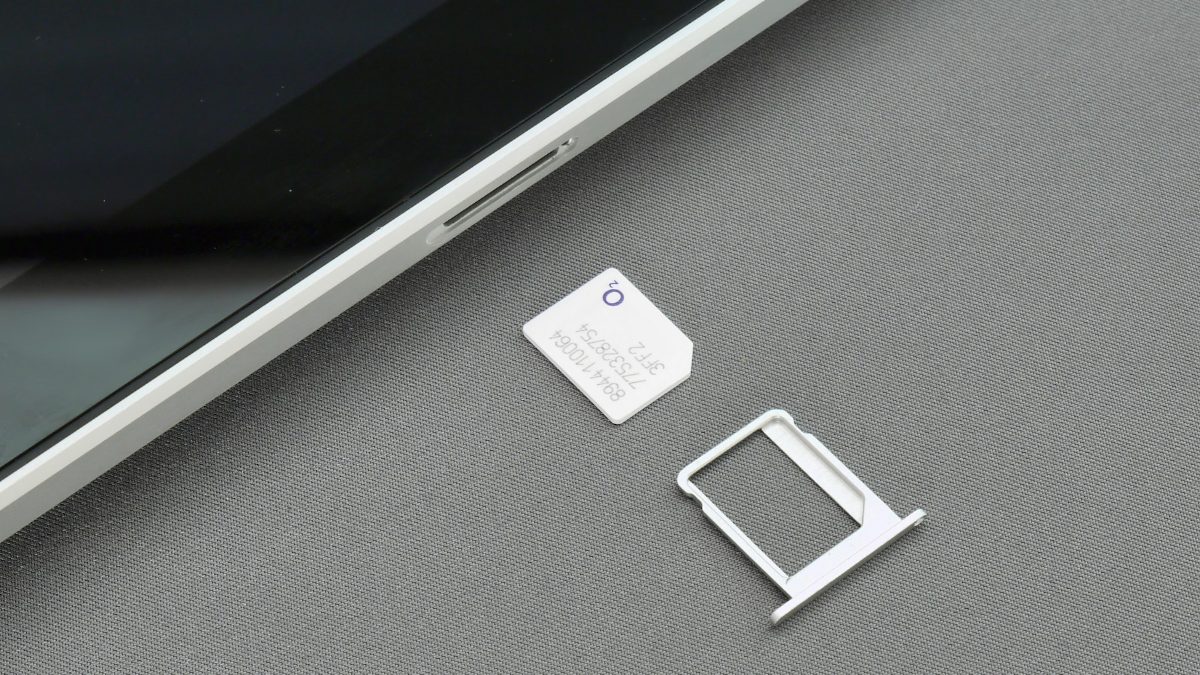
If your iPhone has a SIM tray, move your nano-SIM across once the transfer is done. The iPhone Air, and iPhones made for the US and some other countries, take only an eSIM. For an eSIM from NTC or Ncell, our eSIM in Nepal guide explains how to get one; Apple's setup can also activate an eSIM during the transfer (Apple).
In Nepal, a phone must be registered on NTA's MDMS to work on local networks. Phones imported officially are registered by the importer. If you bought an iPhone abroad, see our MDMS registration guide, and use our iPhone IMEI check guide to confirm it's genuine.
If the transfer fails
- Don't touch either phone during the copy. A phone call or opening another app on Android can stop it, so keep Move to iOS on screen.
- Switch off things that change WiFi on Android, such as Smart Network Switch, forget other saved WiFi networks and turn off mobile data.
- Restart both phones and try again.
- Ran out of space? Erase the iPhone, move fewer photos and videos (or back them up to Google Photos first), then try again (Apple).
Your first week on iPhone
- Turn on iMessage and FaceTime in Settings with your number and Apple Account.
- Set up iCloud backup, or plan another backup; the free iCloud storage is small.
- Find your apps: eSewa, Khalti, mobile banking and the Nagarik App are all on the App Store. Our eSewa guide covers logging in on a new phone.
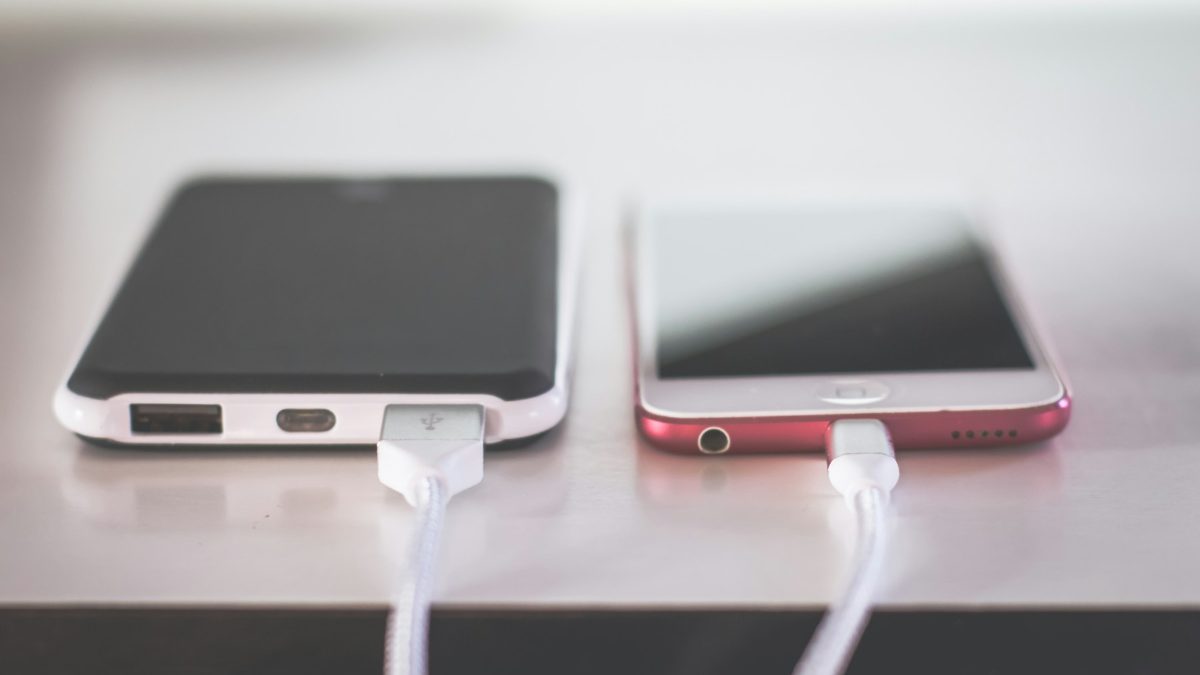
- Charger: new iPhones come with a USB-C cable but no power adapter. Any USB-C PD charger of 20W or more charges them quickly; our charger guide explains which one fits.
Quick verdict
- Use Move to iOS during iPhone setup, before anything else.
- Keep both phones charged, plugged in and untouched until the iPhone finishes.
- WhatsApp moves too, if you keep the same number and the iPhone is new or reset.
- Music, books, PDFs and paid apps you move or buy again yourself.
- Make sure the iPhone is registered on MDMS.
iPhones in our store
Quality Computer is an authorised Apple reseller in Birtamode, Jhapa. These iPhones and accessories are in stock on our website. Visit our store if you'd like help choosing.
| Product | What it is | Our price |
|---|---|---|
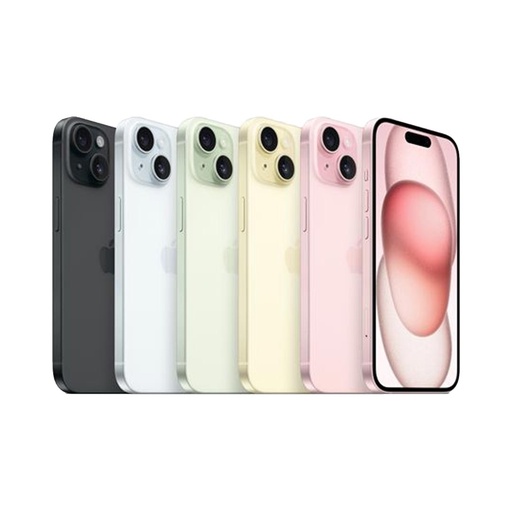
| iPhone 15 | 6.1-inch, A16, USB-C | From Rs 1,27,499 |
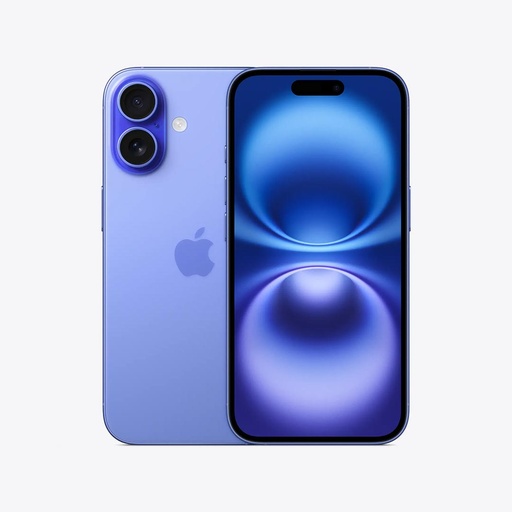
| iPhone 16 | 6.1-inch, A18, Camera Control | From Rs 1,46,599 |
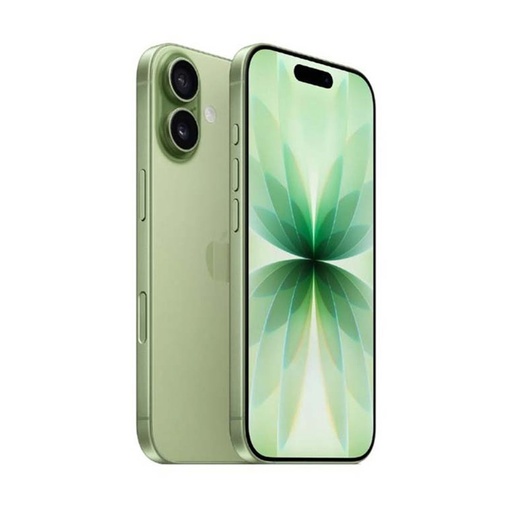
| iPhone 17 | 6.3-inch, A19, 120Hz screen | From Rs 1,73,499 |
| iPhone Air | Apple's thinnest iPhone, 6.5-inch | From Rs 1,90,699 |
| iPhone 18 Pro | Apple's newest Pro iPhone | From Rs 2,59,900 |
| Apple AirPods 5 | Apple wireless earbuds | Rs 31,000 |
| Mcdodo 20W GaN charger | 20W GaN charger for fast iPhone charging | Rs 2,300 |
Prices checked on 12 November 2026 on our website.
In our store
iPhone 17
iPhone 16
iPhone 15
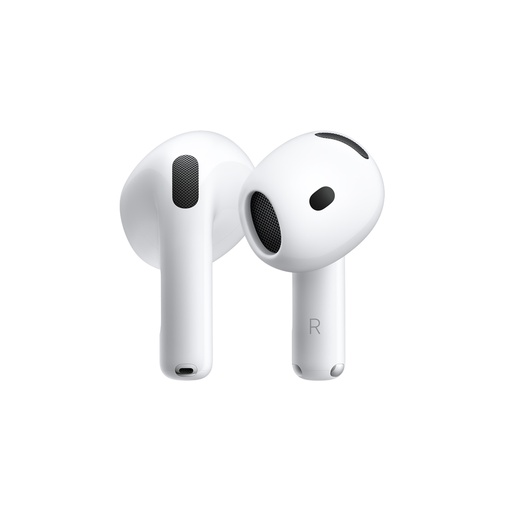
AirPods 5
Frequently asked questions
How do I transfer data from Android to iPhone?
Use Apple's Move to iOS app. During iPhone setup choose From Android, open Move to iOS on the Android phone, enter the code the iPhone shows, choose what to move and keep both phones plugged in until the iPhone finishes.
Can I use Move to iOS after setting up my iPhone?
No. It only works during setup. If you've already set up the iPhone, you have to erase it and start again to use Move to iOS, or move your content manually instead.
Will my WhatsApp chats move to the iPhone?
Yes, with Move to iOS, if you use the same phone number, the iPhone is new or reset to factory settings and runs iOS 15.5 or later, and the Android phone runs Android 5 or later. Call history and your display name don't move.
Do my apps move from Android to iPhone?
Some free apps that exist on both stores are offered for you to download from the App Store. Paid Android apps usually have to be bought again.
How long does Move to iOS take?
It depends on how many photos and videos you move. Keep both phones plugged in and don't use them until the iPhone's progress bar finishes.
Do I need a new SIM for the iPhone?
Not if your iPhone has a SIM tray: move your nano-SIM across. The iPhone Air and iPhones made for the US and some other countries are eSIM-only, so get an NTC or Ncell eSIM. Make sure the iPhone is registered on NTA's MDMS so it works on Nepali networks.
Sources
- Move from Android to iPhone or iPad, Apple Support, 28 October 2026
- How to move chats from an Android device to an iPhone, WhatsApp Help Center
- iPhone prices: Quality Computer website, 12 November 2026.