Printer Not Printing? 9 Fixes for Epson Ink Tank, Brother and Canon Laser Printers (2026)
Short answer: When a printer won't print, start with the basics: switch it off, unplug it for 30 seconds and turn it back on, check the cable or Wi-Fi, then clear the stuck print queue on your computer. If it prints but the page is blank or streaky, an ink tank printer needs a nozzle check and head cleaning, and a laser printer usually needs a new toner cartridge. If the ink and paper lights flash together on an Epson such as the L3210, an ink pad is near the end of its life and has to be replaced by an Epson authorised service provider.
Shop at Quality Computer
Printers, ink and toner View all →
Find your problem
| What you see | Most likely cause | Go to |
|---|---|---|
| Nothing happens when you press Print | Connection, or a stuck print queue | Fixes 1 to 4 |
| Printer shows as offline | Cable, Wi-Fi or the wrong printer selected | Fixes 2 and 3 |
| Blank pages, missing colours or lines across the page | Clogged nozzles or low ink (ink tank printers) | Fixes 5 and 6 |
| Epson ink and paper lights flashing together | Ink pad near or at the end of its life | Fix 7 |
| Faded or patchy print on a laser printer | Toner running out | Fix 8 |
| Paper stuck or not feeding | Jam, or too much paper loaded | Fix 9 |
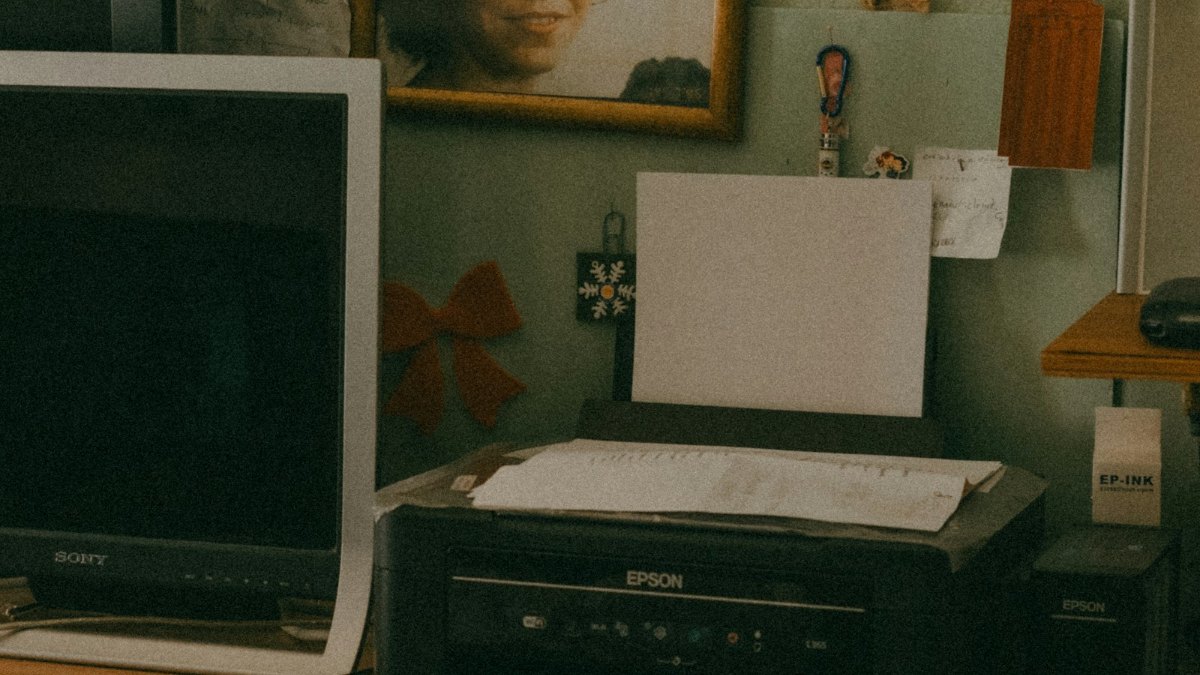
Fixes 1 to 4: when nothing prints at all
These steps come from Microsoft's printer troubleshooting guide for Windows (Microsoft Support).
1. Restart the printer properly
Turn the printer off, unplug it, wait 30 seconds, plug it back in and turn it on. This clears more faults than anything else on this list.
2. Check the connection
- USB: push the cable in firmly at both ends, and try another USB port.
- Wi-Fi: make sure the printer's Wi-Fi is on and that your computer or phone is on the same network. If you changed your router or its password, the printer has to be connected again.
- If Windows says "Printer in error state", look for low paper or ink, an open cover or a paper jam.
3. Clear the print queue
One stuck job blocks everything behind it. In Windows 11:
- Search for Services from the taskbar and open it.
- Double-click Print Spooler and select Stop.
- In File Explorer, open
%WINDIR%\system32\spool\PRINTERSand delete the files inside that folder. - Go back to Services, double-click Print Spooler again and select Start.
4. Remove the printer and add it again
Go to Settings > Bluetooth & devices > Printers & scanners, select your printer and choose Remove. Then select Add device and pick it from the list. If it still fails, install the latest driver from the manufacturer's website. Windows 11 also has a printer troubleshooter in the Get Help app.
The Canon LBP2900 is a special case: Canon's latest driver for it dates from 2017 and lists Windows 10 as its newest supported system, not Windows 11. See our Canon printer and driver guide.
Fixes 5 to 7: Epson and Brother ink tank printers
5. Check the ink levels
Look at the tanks on the front or side. If a colour is below the lower line, refill it with the right bottle for your model. Epson warns that you may not be able to clean the print head when ink is low (Epson L3210 User's Guide).
6. Run a nozzle check, then clean the head only if needed
Blank pages, missing colours and light or dark bands usually mean clogged nozzles. This happens most when a printer sits unused for weeks.
- Print a nozzle check pattern from the printer software (the Maintenance tab on an Epson) or with the printer's own buttons or menu.
- If the pattern has gaps or looks faint, run Head Cleaning, then print the nozzle check again.
- Don't switch the printer off during a cleaning cycle.
Cleaning uses ink, so Epson says to clean only when print quality drops. Brother says the same for its ink tank printers: cleaning consumes ink, and cleaning too often wastes it (Brother Support). If three cleanings don't fix it, Epson says to switch the printer off, wait at least 12 hours and clean once more. After that, Epson ink tank printers such as the L3210 have a stronger Power Cleaning, but it uses a lot of ink, needs each tank at least one-third full, and can fill the ink pads sooner (Epson L3210 User's Guide). Use it as a last step.
A simple habit helps: print a page or two every week.

7. Epson ink and paper lights flashing together
On the Epson L3210, Epson's manual says this means an ink pad is nearing or at the end of its service life (Epson light status). The pads soak up waste ink from cleaning. If a message on your computer offers to continue, Epson says you can keep printing for a while, but once a pad reaches the end of its life the printer stops. Epson says the pads are not a part you can replace yourself: it tells you to contact Epson, and its authorised service providers can replace them.
You will find "resetter" programs online that claim to clear this error. We don't recommend them. They are third-party tools, not from Epson, and they only clear the printer's counter. The full pads stay inside, so waste ink may eventually overflow. Other lights mean other things: on the L3210, a steady paper light means no paper, and a flashing paper light means a jam.
Fixes 8 and 9: Brother and Canon laser printers
8. Faded, patchy or blank prints: check the toner
Laser printers use toner powder, not ink. When prints get light or patchy, take the toner cartridge out (on a Brother, the toner and drum come out together as one assembly), hold it level, rock it gently side to side a few times to spread the powder, and put it back (Brother Support). That often gets you a few more pages while you buy a replacement.
On Brother laser printers the toner cartridge and the drum unit are separate parts, and the printer tells you which one it wants. Replace only that part. Always match the cartridge code to your model: the Brother HL-B2100D, for example, takes the TN-B028 toner.
9. Paper jams and paper not feeding
- Follow the jam steps in your printer's manual. Pull the paper out gently with both hands so it doesn't tear, and take care inside a laser printer, where parts get very hot (Brother Support).
- Don't overfill the tray, and fan the stack before loading it.
- Damp paper tends to jam more. In the monsoon, keep paper in its wrapper until you need it.
- If sheets stop feeding at all, the pickup roller may be worn or dusty. That is a repair job.
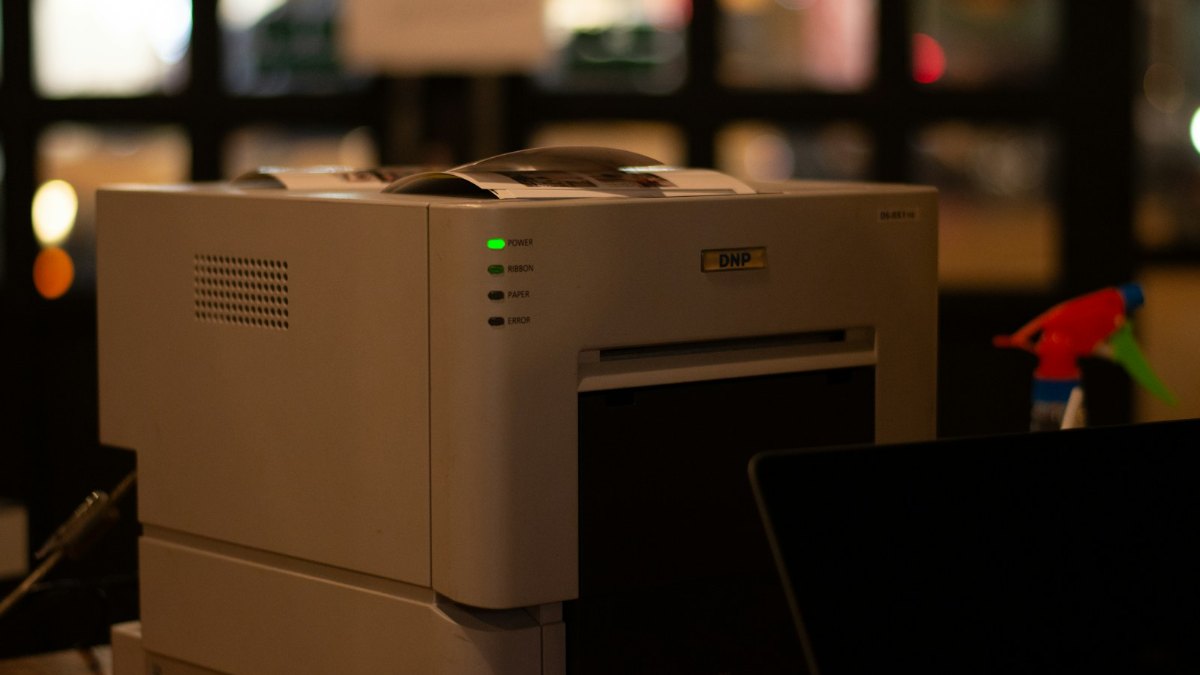
When to stop and get it repaired
Bring the printer in if you see the ink pad error, repeated jams with no paper inside, grinding noises, ink leaking, or lines that stay after the cleaning steps in Fix 6. Quality Computer repairs printers in Birtamode: call 023-530150 or 9863609150 before you come.
If the printer is old and the repair costs close to a new one, it may be time to replace it. Our guides to the best printer for home use, Epson printers and Brother printers will help you choose.
Quick verdict
- Nothing prints: restart, check the connection, clear the queue, then reinstall the printer.
- Blank or streaky ink tank prints: nozzle check first, head cleaning only if the pattern has gaps.
- Epson ink and paper lights flashing together: ink pads, a service job. Skip the resetter software.
- Faded laser prints: rock the toner cartridge, then replace it with the right code.
- Print a page every week to help keep an ink tank printer healthy.
Ink, toner and printers in our store
These were in stock when we checked. Match the ink or toner code to your printer before you order.
| Product | What it is | Our price |
|---|---|---|
| Brother BT6000BK Ink | Black ink bottle for older Brother ink tank printers: DCP-T300, DCP-T500W, DCP-T700W and MFC-T800W | Rs 1,750 |
| Brother BTD100BK Ink | Black ink bottle for newer Brother ink tank printers such as the DCP-T530DW, DCP-T730DW and DCP-T830DW | Rs 1,700 |
| Brother TN-B028 Toner Cartridge | Toner for Brother laser printers such as the HL-B2100D | Rs 2,050 |
| Brother HL-B2100D | Monochrome laser printer | Rs 22,900 |
| Brother DCP-T230 | Ink tank printer | Rs 24,800 |
| Epson EcoTank L3210 | All-in-one ink tank printer | Rs 26,500 |
| Epson EcoTank M2050 | Monochrome ink tank multifunction printer | Rs 32,300 |
| Epson EcoTank L3260 | Wi-Fi all-in-one ink tank printer | Rs 33,999 |
Prices checked on 21 November 2026 on our website.
Frequently asked questions
Why is my printer not printing even though it is connected?
Usually a stuck job in the print queue. Stop the Print Spooler service in Windows, delete the files in the spool PRINTERS folder, start the service again and print.
Why is my Epson printer printing blank pages?
The nozzles are probably clogged or a tank is low. Check the ink levels, print a nozzle check and run head cleaning if the pattern has gaps.
What does it mean when the Epson ink and paper lights flash together?
On the Epson L3210 it means an ink pad is nearing or at the end of its service life. Epson says the pads are not user-replaceable, so the printer needs an authorised service provider.
Should I use an Epson resetter?
We don't recommend it. These are third-party tools, not from Epson, and they only clear the printer's counter. The full ink pads stay inside, so waste ink may eventually overflow.
Why is my laser printer printing faded pages?
Usually the toner is running low. Rock the cartridge gently to spread the powder for a few more pages, then replace it with the correct cartridge for your model.
Where can I get a printer repaired in Jhapa?
Quality Computer repairs ink tank, inkjet and laser printers at its store in Birtamode. Call 023-530150 or 9863609150.
Sources
- Fix printer connection and printing problems in Windows, Microsoft Support
- L3210 User's Guide, Epson
- L3210 product light status, Epson
- Faint print, Brother Support
- Clean the print head, Brother Support
- Paper is jammed inside the machine, Brother Support
- Product prices: Quality Computer website, 21 November 2026