
Which Photocopy Machine to Buy for a Shop or Office in Nepal (2026)
Short answer: Decide first whether you need A3. A photocopy shop, school or government-facing office usually does, so buy an A3 mono copier such as a Konica Minolta bizhub or Kyocera TASKalfa, at 20 to 30 pages a minute with duplex and a document feeder. An office that only copies and prints A4 is better off with a fast A4 multifunction laser. Then compare the running cost per page and who services it, not just the price of the machine.
Shop at Quality Computer
Photocopy machines and office printers View all →
A3 or A4?
A photocopy machine is a heavy-duty laser multifunction printer: it copies, prints and scans, and it's built to run all day. The first choice is paper size.
- A3 copiers handle A3 and A4. You need one if you copy certificates, maps, drawings, exam sheets, or anything a customer brings in that might be A3. Almost every photocopy shop needs A3.
- A4 multifunction lasers are smaller and cheaper to buy, and often faster on A4. They suit offices that never see A3.
Most copiers here are black and white. Colour A3 copiers cost more to buy, and each colour page costs several times more than a black-and-white one, so buy one only if colour printing is a real part of your business.
Specs that matter
| Spec | What to look for |
|---|---|
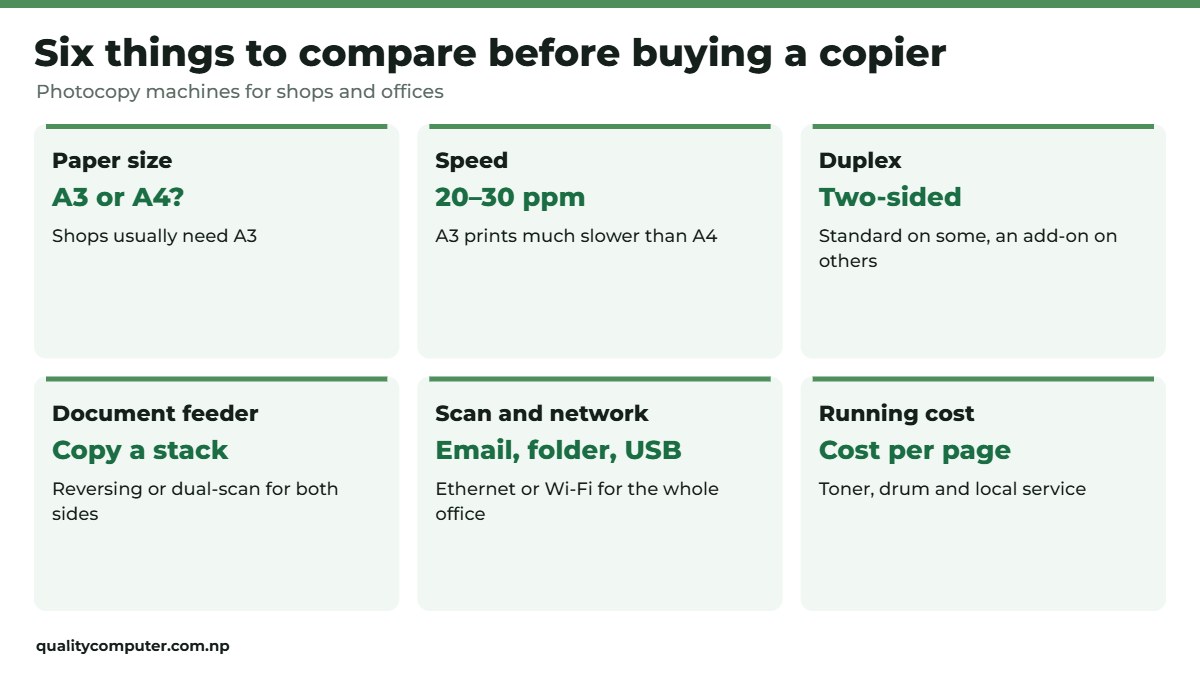
| Speed | About 20 to 25 pages a minute for a small shop or office; 30 or more for busy counters. A3 pages print at about half the A4 speed, or less on entry models. |
| Duplex | Automatic two-sided printing and copying. Some models include it; on others it's an add-on. |
| Document feeder | A reversing or dual-scan feeder copies a stack of pages, both sides, without lifting the lid. Often optional on entry models. |
| Paper capacity | How many sheets the trays and bypass hold before refilling. |
| Scanning | Colour scan to email, a shared folder or a USB stick saves a lot of time. |
| Network | Ethernet or Wi-Fi lets the whole office print to it. |
Two examples of entry A3 copiers: Konica Minolta's bizhub 225i (now discontinued in Europe) was rated at up to 22 pages a minute on A4 and 8 on A3, with copy, print and colour scan as standard (Konica Minolta). Kyocera's TASKalfa 2201 is rated at 22 A4 and 10 A3 pages a minute, with duplex and the document feeder as options (Kyocera).
Running cost and service
The machine's price is only the start. Over a few years, toner, drums and service cost more than the copier itself on a busy counter. Before you buy, ask:
- How many pages does a toner cartridge give, and what does it cost? Divide one by the other for the cost per page.
- When is the drum or imaging unit replaced, and at what cost?
- Who services it locally, and how fast can a technician come? A copier that's down for a week costs a shop more than any saving.
- Is the warranty on-site?
Use good paper (70 to 80 gsm), store it somewhere dry and keep the machine covered: damp paper and dust cause a lot of jams.
Which machine for which business
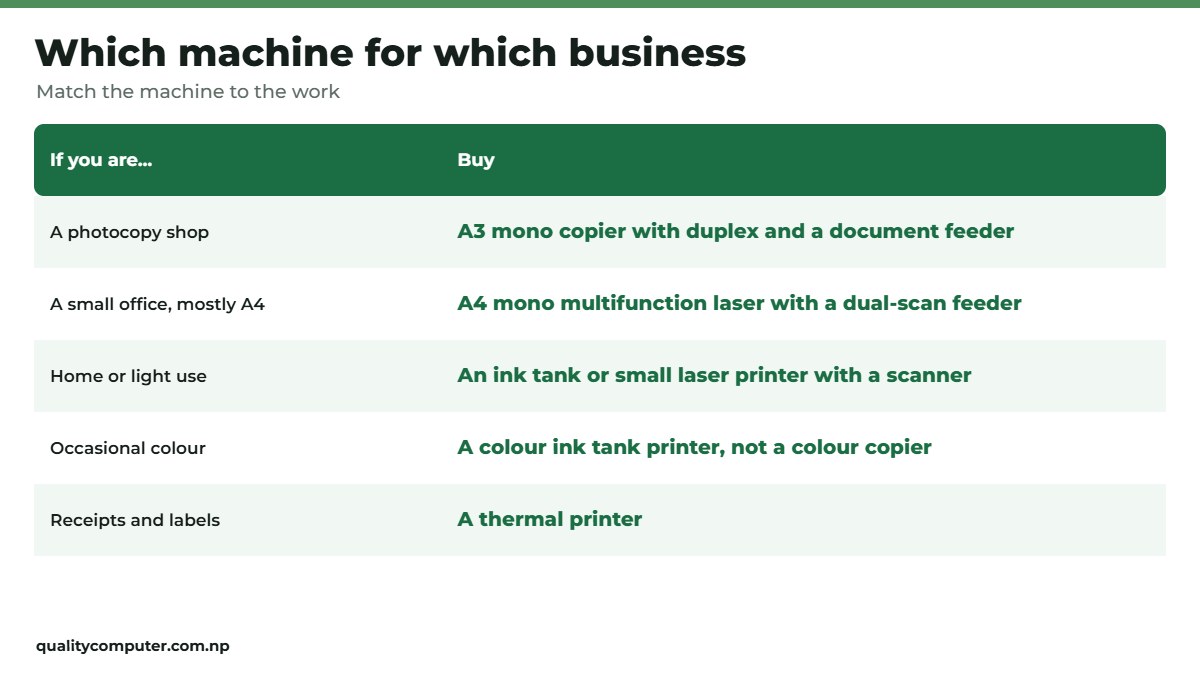
- Photocopy shop or stationery near a school or office: an A3 mono copier with duplex and a document feeder. Speed of 22 to 30 pages a minute is the sweet spot.
- Small office, mostly A4: an A4 mono multifunction laser with a dual-scan feeder.
- Home or very light use: you don't need a copier. An ink tank or small laser printer with a scanner does the job; see our printer guide.
- Occasional colour: a colour ink tank printer is far cheaper to buy than a colour copier; our Brother printer guide compares ink tank and laser.
- Receipts and barcode labels: that's a thermal printer, not a copier; see our thermal printer guide.
Quick verdict
- Photocopy shops: A3 mono copier with duplex and a document feeder.
- A4-only offices: a fast A4 multifunction laser.
- Compare cost per page and local service, not only the price.
- Colour copiers only if colour is real business.
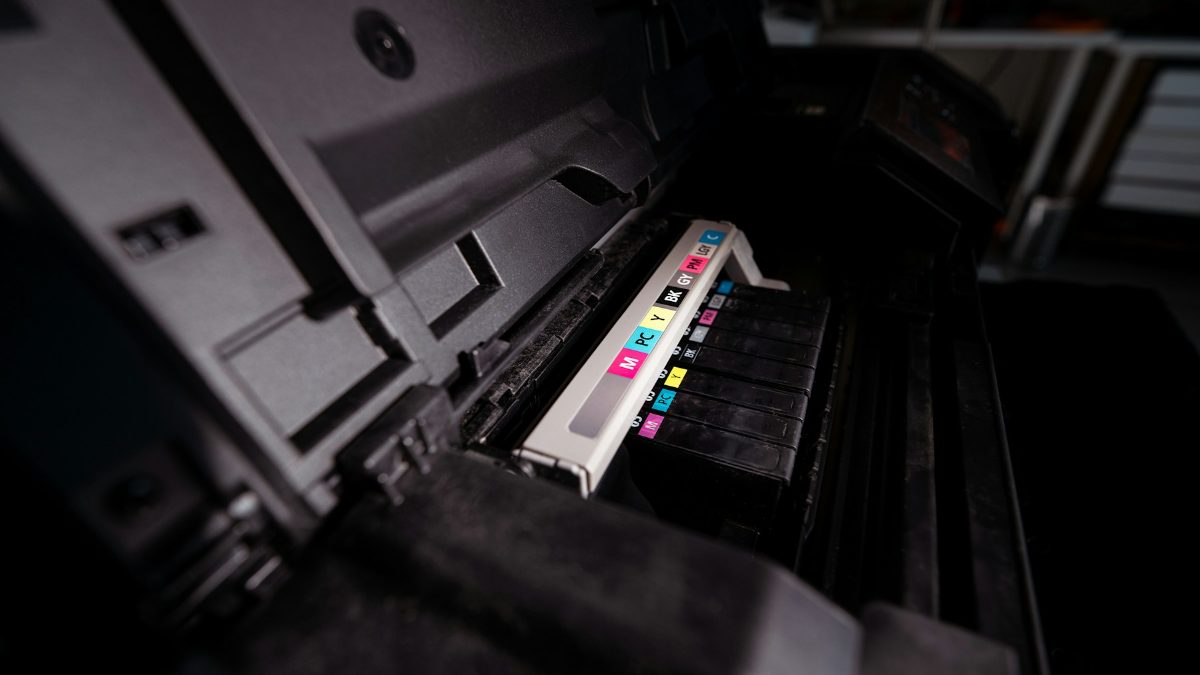
Photocopiers in our store
These machines are in stock on our website. Ask us about toner costs and service before you buy, or visit our store in Birtamode, Jhapa.
| Product | What it is | Our price |
|---|---|---|
| Konica Minolta bizhub 247i (A3) | A3 mono copier: print, copy, colour scan; up to 24 pages a minute on A4; automatic duplex (our listing) | Rs 1,52,000 |
| Konica Minolta bizhub 165en (A3) | Compact A3 mono copier for small shops and offices (our listing) | Rs 92,900 |
| Kyocera ECOSYS MA4000x (A4) | A4 mono multifunction laser: up to 40 pages a minute, duplex, 50-sheet dual-scan feeder (our listing) | Rs 92,900 |
Prices checked on 12 November 2026 on our website.
In our store
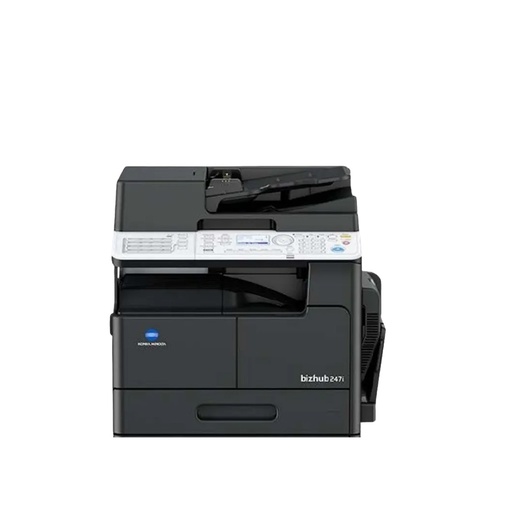
bizhub 247i
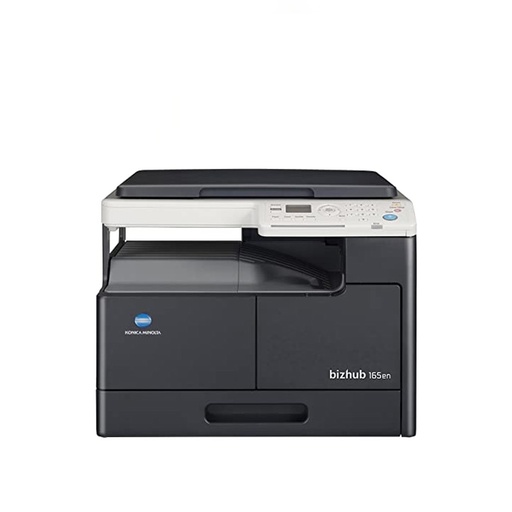
bizhub 165en
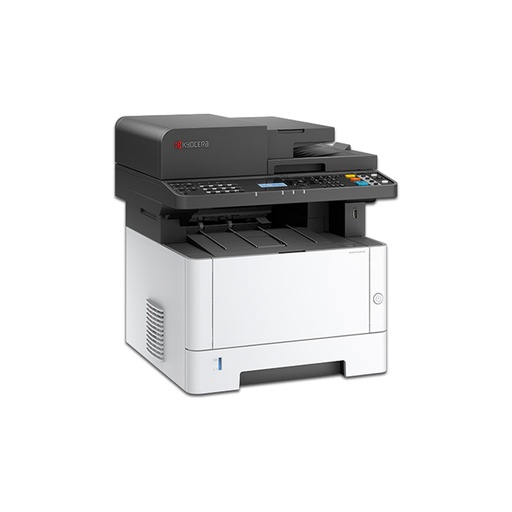
Kyocera MA4000x
Frequently asked questions
Which photocopy machine is best for a shop in Nepal?
An A3 black-and-white copier with automatic duplex and a document feeder, at about 22 to 30 pages a minute, from a brand with local service such as Konica Minolta or Kyocera.
What is the difference between a photocopier and a printer?
A photocopier is a heavy-duty laser multifunction machine built to copy, print and scan all day, usually up to A3. A home printer is built for light use and usually only A4.
Do I need an A3 copier?
If customers bring A3 documents, drawings or certificates, yes. Offices that only ever use A4 can buy a cheaper, faster A4 multifunction laser.
How do I work out the running cost of a copier?
Divide the toner cartridge price by the number of pages it gives, then add the drum and service costs. Ask the seller for these numbers before you buy.
Is a colour photocopier worth it?
Only if colour printing is a real part of your business. Colour copiers cost more to buy, and each colour page costs several times more than a black-and-white one.
Can a photocopier scan to a computer?
Most modern copiers scan in colour to email, a shared folder or a USB stick, and print over the network.
Sources
- bizhub 225i, Konica Minolta Europe
- TASKalfa 2201, Kyocera Document Solutions
- Product details and prices: Quality Computer website listings, 12 November 2026.