
When buying a gaming laptop, the GPU, processor and cooling system usually get the most attention. But there is another feature that can affect gaming performance: the MUX Switch. MUX Switch controls how the laptop's display connects to the integrated and dedicated GPU. In supported gaming laptops, it can help the dedicated GPU send frames more directly to the display, potentially improving FPS and gaming responsiveness. If you're comparing gaming laptops in Nepal, here are some examples available at Quality Computer before we get into how MUX Switch actually works.
Gaming Laptops Available at Quality Computer
1. ASUS TUF Gaming A15
The ASUS TUF Gaming A15 is a practical gaming laptop for users who want dedicated RTX graphics without moving too far into the premium price range. Its combination of a Ryzen processor, 16GB RAM, and RTX graphics makes it suitable for gaming, programming, content creation, and other demanding workloads. For this MUX Switch guide, the important point is that gaming performance depends not only on the GPU but also on how the laptop handles the display and graphics switching.
Why consider it: A suitable option for students and gamers who want a dedicated GPU for gaming and graphics-related work without choosing a high-end gaming laptop.
2. Lenovo LOQ 15ARP10E
The Lenovo LOQ 15ARP10E is aimed at users who want stronger gaming performance and a more capable GPU. With an RTX 4050 6GB GPU and 16GB RAM, it can handle modern games as well as demanding applications. It is also a good example of why checking features such as GPU power, cooling, display refresh rate, and MUX support is important when comparing gaming laptops.
Why consider it: The RTX 4050 gives it a stronger graphics foundation for gaming, while 16GB RAM and 512GB SSD provide a practical setup for gaming and everyday productivity.
3. HP Victus Gaming Laptop
HP Victus models are designed for users who want a balance between gaming performance and everyday usability. Configurations with dedicated RTX graphics can be used for gaming, video editing, programming, and other GPU-intensive tasks. When choosing a Victus model, make sure to check the exact GPU, display refresh rate, TGP, and whether the particular configuration includes a MUX Switch.
Why consider it: Victus provides different configurations, so buyers can choose a model based on their gaming and performance requirements rather than paying for features they may not need.
4. ASUS TUF Gaming F16
The ASUS TUF Gaming F16 is designed for users looking for stronger gaming and productivity performance. Higher-end configurations can combine powerful Intel processors with dedicated RTX graphics, making them suitable for demanding games, editing, 3D applications, and other heavy workloads.
Why consider it: The larger display, higher-performance processor, and dedicated RTX graphics make it more suitable for users who need a laptop for both gaming and demanding work.
What Is a MUX Switch?
MUX stands for Multiplexer. In simple terms, it is a hardware switch inside a gaming laptop that controls which GPU is connected directly to the laptop's display. Most gaming laptops have two graphics processors:
Integrated graphics built into the processor
Dedicated NVIDIA or AMD graphics
Without a MUX Switch, the dedicated GPU may render the game while the integrated GPU handles the final display output. A MUX Switch can allow the dedicated GPU to communicate directly with the laptop display. This can help reduce the extra processing path between the dedicated GPU and the screen.
How Does a MUX Switch Improve Gaming Performance?
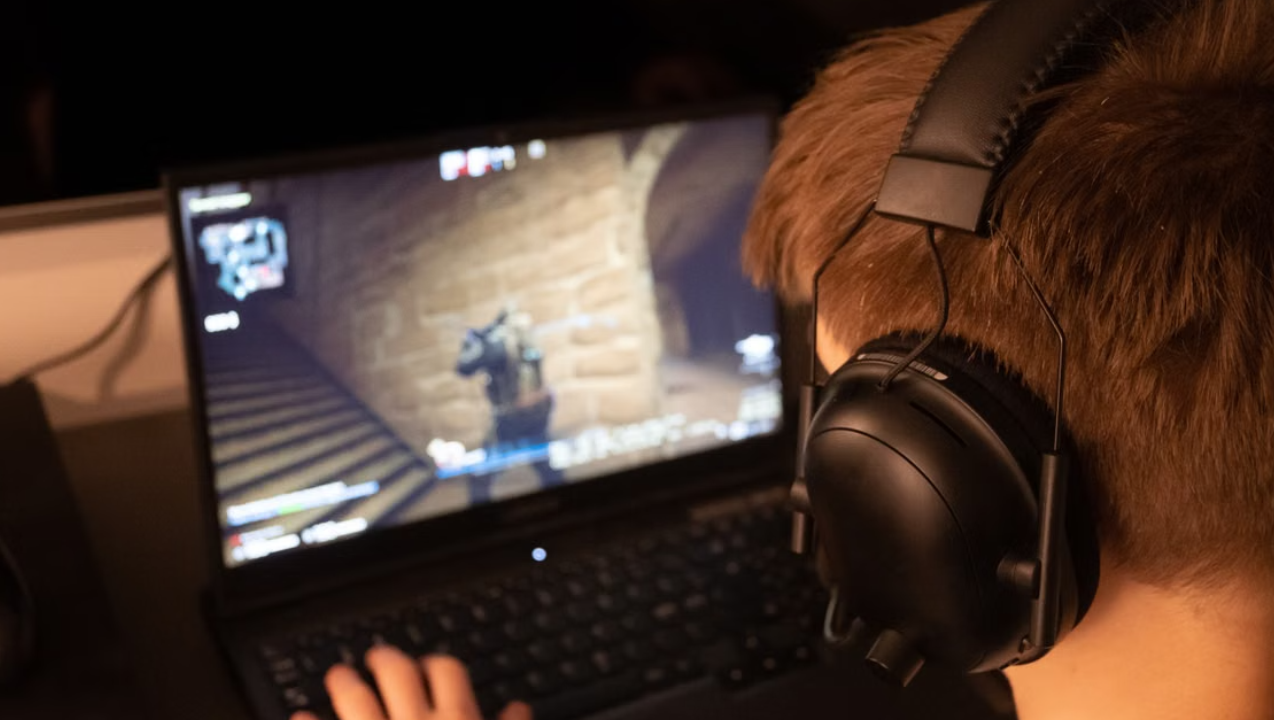
The main reason gamers care about a MUX Switch is performance. When the dedicated GPU has a direct connection to the display, there can be less overhead between rendering the game and showing the final frame. This can result in higher FPS and lower latency in some games. NVIDIA reports that Advanced Optimus can provide significant FPS improvements in certain games, with its published testing showing gains ranging from 11% to 27% depending on the game and system. Actual results vary by laptop, game, resolution, and hardware configuration. So, a MUX Switch does not magically make a laptop's GPU more powerful. Instead, it can help the existing GPU work more efficiently.
MUX Switch vs Normal Hybrid Graphics
A normal hybrid graphics setup is designed to balance performance and battery life. For everyday tasks such as browsing, watching YouTube, or working with documents, integrated graphics can be used to save battery. When you start a game, the dedicated GPU handles the heavy graphics workload. NVIDIA Optimus is designed around this balance between battery life and GPU performance. The problem is that, on traditional Optimus designs, the dedicated GPU may still send rendered frames through the integrated GPU before they reach the laptop display. A MUX Switch can provide a direct display path from the dedicated GPU.
MUX Switch
Direct dedicated GPU display connection
Can improve FPS
Can reduce gaming latency
Better suited for demanding gaming
May consume more battery when the dedicated GPU is connected directly
Hybrid Graphics
Better battery efficiency
Integrated graphics handles normal tasks
Dedicated GPU handles gaming
Convenient for everyday use
May provide slightly lower gaming performance in some situations
What Is NVIDIA Advanced Optimus?
NVIDIA Advanced Optimus takes the idea further. Instead of requiring you to manually switch between graphics modes, Advanced Optimus can automatically choose which GPU should control the display depending on what you are doing. For example, your laptop can use integrated graphics when you are browsing or working on documents and switch to the NVIDIA GPU when you launch a game. NVIDIA says Advanced Optimus can switch dynamically without requiring a reboot. This makes it more convenient for people who want both battery life and gaming performance.
Does Every Gaming Laptop Need a MUX Switch?
Not necessarily. A MUX Switch is useful, but it should not be the main factor when choosing a gaming laptop. The GPU, VRAM, TGP, processor and cooling system usually have a bigger impact on overall gaming performance. For example, a laptop with a more powerful RTX GPU and better cooling can provide stronger gaming performance than a weaker laptop simply because it has a MUX Switch. So, think of MUX as an additional performance feature, not a replacement for a powerful GPU.
What Should You Check Before Buying a Gaming Laptop?
When buying a gaming laptop in Nepal, don't choose a laptop only because it says “MUX Switch” on the specification sheet. First, check the GPU. For example, an RTX 4050, RTX 4060, RTX 5060 or higher-end GPU can provide much stronger gaming performance than an entry-level GPU, depending on the laptop's power limits and cooling. You should also check the laptop's RAM, SSD, display and thermal design. A 16GB RAM + 512GB SSD setup is a good starting point for gaming, while 1TB storage can be more convenient if you install several large games.
Is a MUX Switch Worth It in 2026?
Yes, especially if gaming performance is your priority. A MUX Switch can help a gaming laptop make better use of its dedicated GPU and may provide higher FPS and lower latency in supported situations. However, the actual improvement depends on the laptop and game. For most buyers, the best approach is to look at the complete laptop specification rather than choosing based only on MUX. A powerful GPU, good cooling, sufficient RAM, fast SSD and a good display should come first. A MUX Switch is an additional advantage.
Conclusion
A MUX Switch is a useful gaming laptop feature, especially for gamers who want maximum performance from their dedicated GPU. It can improve FPS and reduce latency by allowing the dedicated GPU to communicate more directly with the laptop display. NVIDIA's Advanced Optimus adds automatic switching between integrated and dedicated graphics, giving users a balance between battery life and gaming performance. If you are buying a gaming laptop from Quality Computer, don't focus only on whether it has a MUX Switch. Check the GPU, TGP, processor, cooling, RAM, display and overall specifications to find the right laptop for your budget and gaming needs.
FAQs
Does a MUX Switch increase FPS?
It can. The improvement depends on the game, laptop and graphics configuration. Some systems can see a noticeable FPS improvement.
Is MUX Switch important for gaming?
It is useful, but it is not more important than choosing the right GPU, processor and cooling system.
Is MUX Switch better than Optimus?
A MUX Switch can provide a direct GPU-to-display connection for better gaming performance, while Optimus focuses more on balancing performance and battery life.
What is Advanced Optimus?
Advanced Optimus automatically switches between integrated and dedicated graphics depending on the workload, helping provide better battery life during normal use and better performance during gaming
Should I buy a gaming laptop with a MUX Switch in 2026?
If you are a serious gamer or competitive player, it is a useful feature to have. But you should still prioritize the GPU, cooling, CPU, RAM and display before making your final decision.