
Buying a laptop for college or university can be confusing. There are so many options, from 8GB to 32GB RAM and 256GB to 1TB SSD. So, what should a student actually choose?
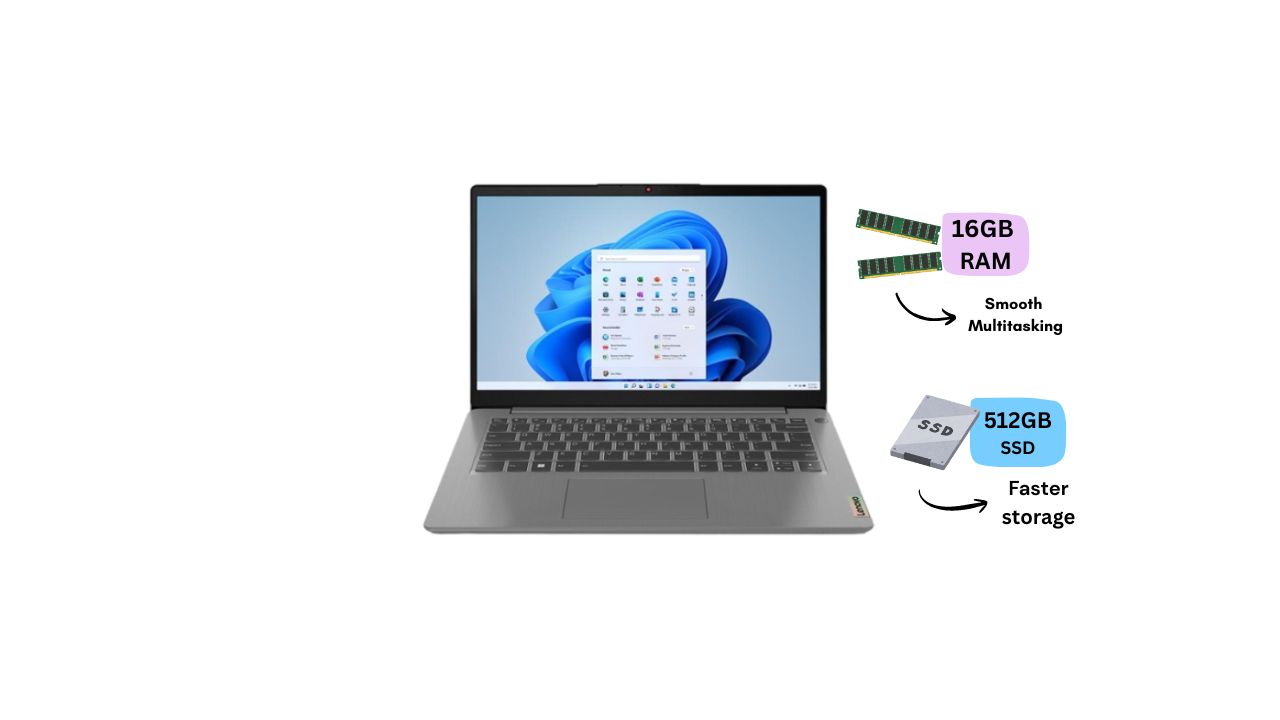
For most students in 202616GB RAM with a 512GB SSDis a very balanced combination. It gives you enough power for studying, multitasking, programming, online classes, entertainment, and everyday work without paying for specifications you may not actually need.
But is 16GB RAM and 512GB SSD enough for every student? Let's take a closer look.
Latest 16GB RAM + 512GB SSD Laptops in Nepal
Why Do Students Need 16GB RAM?
RAM is one of the most important parts of a laptop when it comes to multitasking. Think about a normal study day. You might have Chrome open with several tabs, a PDF for your assignment, Microsoft Word, Spotify, and an online class running at the same time. With enough RAM, your laptop can handle these tasks more comfortably. 16GB RAM is a great choice for students because it can handle:
Online classes and video meetings
Microsoft Word, Excel, and PowerPoint
Multiple browser tabs
Research and PDF files
Programming and coding
Basic photo and video editing
AI productivity tools
Accounting software
Light gaming
Everyday multitasking
For basic browsing, online classes, Office work, email, YouTube, and simple coding, a good processor with 16GB RAM and SSD storage is already more than enough for most users.
Is 16GB RAM Better Than 8GB RAM?
For students buying a new laptop in 2026, I would generally recommend 16GB RAM over 8GB RAM. 8GB can still work for basic tasks, but you may notice limitations when you start opening many applications or browser tabs. With 16GB, you get more breathing room for multitasking and future software. So, if your budget allows it, 16GB is the safer long-term choice.
Why Is a 512GB SSD Good for Students?
RAM helps with multitasking, while the SSD takes care of storage and contributes to fast system responsiveness. A 512GB SSD gives students enough space for Windows, applications, documents, assignments, photos, projects, and other study materials. It also makes a noticeable difference when starting the laptop or opening applications compared with older hard-drive-based storage. For most students, 512GB is a sweet spot. You don't necessarily need a 1TB SSD unless you regularly store large videos, games, design projects, or other large files.
16GB RAM + 512GB SSD: What Can You Actually Do?
This combination is suitable for much more than just studying.
Of course, performance also depends on the processor and graphics. A laptop with a powerful CPU and dedicated GPU will perform much better in gaming, 3D design, video editing, and other demanding workloads.
Is 16GB RAM + 512GB SSD Enough for Programming Students?
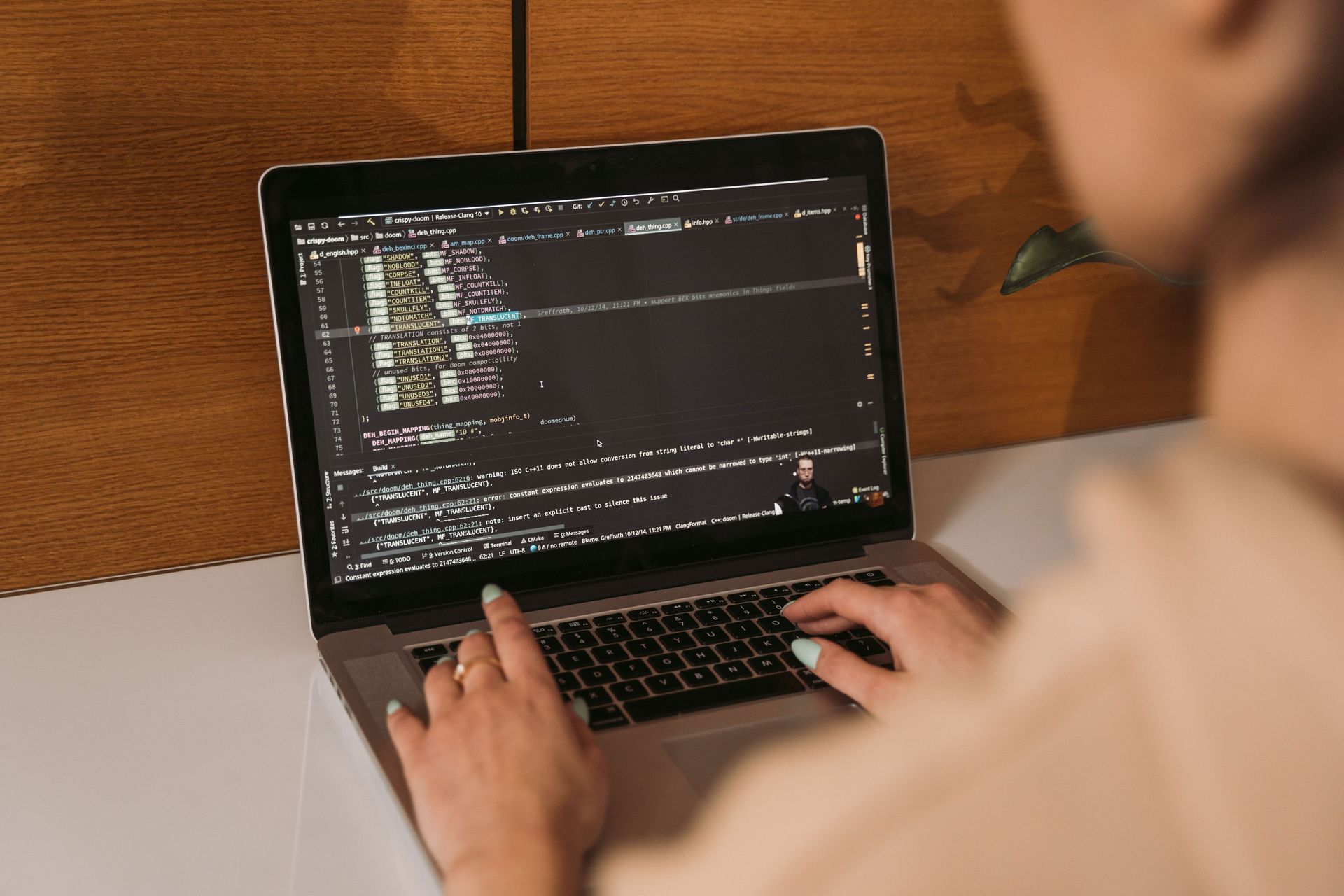
Yes. If you're studying computer science or IT, this configuration is a very good starting point. You can comfortably use tools such as VS Code, Python, Java, C/C++, web development tools, databases, and browser-based development environments. If you're working with Android Studio, virtual machines, Docker, large projects, or AI/ML workloads, you may eventually benefit from 32GB RAM or a more powerful processor. But for normal college programming, 16GB RAM and 512GB SSD is a very practical setup.
What About Engineering and Design Students?
This depends more on the software you use. If you're studying engineering, architecture, graphics, or multimedia, you may need more than just good RAM and storage. Applications for:
3D modeling
CAD
Rendering
Video editing
Animation
Advanced graphic design
AI/ML
can benefit significantly from a dedicated NVIDIA GPU. In this case, look for a laptop with 16GB RAM + 512GB SSD and a dedicated graphics card.
What About Students Who Like Gaming?
If you only play casual or lightweight games, an integrated GPU may be enough. But if gaming is important to you, don't choose a laptop based only on RAM and SSD. For gaming, the GPU is one of the most important components. For example, a laptop with 16GB RAM, 512GB SSD, and an RTX 4050 can be a much better choice for gaming and graphics-heavy workloads than a regular student laptop with integrated graphics. This is also useful for students who want one laptop for both study and gaming. What Other Specifications Should Students Look At? 16GB RAM and 512GB SSD are important, but they shouldn't be the only things you check.
Processor
The processor affects how quickly your laptop handles everyday and demanding tasks. For most students, a modern Core 5/Core i5 or Ryzen 5 processor is a good starting point. If you do heavier work such as programming, editing, engineering software, or gaming, you can consider Core 7/Core Ultra or Ryzen 7 models.
A modern Core 5/Core i5 Laptops
Display
You'll probably spend several hours looking at your laptop screen, so don't ignore the display. A Full HD or higher IPS display is a good choice for studying, watching videos, and everyday work. If you work with documents frequently, a taller 16:10 display can also be useful because it gives you more vertical working space.
Battery Life
Students often carry their laptops between home, college, libraries, and cafés. A laptop with good battery life means you don't always have to search for a power socket.
Weight
If you're carrying your laptop every day, a lightweight 14-inch model can be more comfortable. If you prefer a larger screen, a 15.6-inch or 16-inch laptop may be a better fit.
Keyboard and Build Quality
A comfortable keyboard matters more than many people realize. If you're writing assignments or coding for hours, a good keyboard can make the experience much more comfortable. Also look for a laptop with solid build quality and reliable after-sales support.
Which Students Should Buy 16GB RAM + 512GB SSD?
This combination works especially well for:
General Students:
Perfect for assignments, presentations, browsing, online classes, and entertainment.
Programming Students:
Great for coding, development tools, browsers, and multitasking.
Business Students:
More than enough for Excel, accounting software, presentations, and business applications.
Engineering Students:
Good for general study, but consider a dedicated GPU if your course requires CAD, 3D, or engineering software.
Design Students:
16GB RAM is useful, but display quality and GPU become more important for advanced creative work.
Gaming Students:
Look for 16GB RAM + 512GB SSD together with a dedicated GPU.
Some 16GB RAM + 512GB SSD Laptops at Quality Computer
Quality Computer offers several laptops with 16GB RAM and 512GB SSD, giving students options for everything from everyday study to programming, creative work, and gaming. Here are some models worth considering:
Lenovo V14 G4 AMN – Ryzen 5 | 16GB RAM | 512GB SSD
The Lenovo V14 G4 AMN is a good everyday choice for students who want a compact laptop for study and productivity. Its Ryzen 5 processor combined with 16GB RAM makes it suitable for browsing, online learning, Office applications, research, and basic programming. The 512GB SSD provides fast storage for assignments, projects, applications, and other academic files, while the compact design makes it convenient to carry between home and college.
Lenovo IdeaPad Slim 3 – Core 5 | 16GB RAM | 512GB SSD
The Lenovo IdeaPad Slim 3 with a Core 5 processor is suited to students who need a little more performance for demanding academic tasks. The 16GB RAM is useful when working with multiple applications and browser tabs, making it a good option for programming, research, presentations, and multitasking. With a 512GB SSD, students also get quick access to their files and enough storage for software, projects, and coursework.
Acer Aspire Go 14 – 16GB RAM | 512GB SSD
The Acer Aspire Go 14 is a suitable choice for students who prioritize portability without giving up the benefits of 16GB RAM and 512GB SSD storage. Its compact form makes it convenient for carrying to classes, libraries, or study sessions. The configuration is well suited for online classes, browsing, documents, presentations, research, and everyday productivity, while the SSD helps keep the laptop responsive during regular use.
Lenovo LOQ – 16GB RAM | 512GB SSD | RTX Graphics
The Lenovo LOQ is aimed at students who need more than a standard study laptop. Along with 16GB RAM and 512GB SSD storage, its dedicated RTX graphics can provide the additional GPU performance needed for gaming, graphics work, video editing, and other demanding applications. This makes it a useful option for students who want a laptop that can handle both university work and entertainment or creative workloads.
HP Victus 15 – Ryzen 7 | 16GB RAM | 512GB SSD
The HP Victus 15 is another performance-focused option for students who want a laptop capable of handling demanding workloads. Its Ryzen 7 processor, 16GB RAM, and dedicated graphics make it suitable for gaming, programming, content creation, editing, and other intensive applications. The 512GB SSD provides fast storage for software, games, projects, and academic files, making it suitable for students who want more performance from their laptop.
Overall, 16GB RAM + 512GB SSD is a versatile combination for students because it provides enough memory for multitasking and fast storage for everyday academic needs. The best model depends on whether you prioritize affordability, portability, programming performance, creative work, or gaming.
When Should You Choose 32GB RAM or 1TB SSD?
You don't need to spend extra money just because a laptop has higher specifications. However, 32GB RAM makes sense if you're doing heavy programming, running virtual machines, working with large datasets, video editing, 3D rendering, or AI/ML work. Similarly, a 1TB SSD is worth considering if you regularly store large games, videos, design files, or other large projects. For normal student use, 16GB + 512GB remains a very balanced choice.
Is 16GB RAM + 512GB SSD the Best Laptop Setup for Students?
For most students, yes. It's not necessarily the most powerful configuration, but that's not what most students need. The biggest advantage of 16GB RAM + 512GB SSD is the balance. You get enough memory for multitasking and enough storage for your software and files, while keeping the laptop more affordable than high-end configurations. If you're a general student, programming student, business student, or someone who mainly needs a laptop for study and everyday work, this combination should serve you well. If you're an engineering, design, gaming, or AI student, you may need to spend more on the processor and GPU rather than simply increasing RAM or storage.
Final Verdict
16GB RAM + 512GB SSD is one of the best balanced laptop configurations for students in 2026. It is fast enough for online classes, assignments, Office work, browsing, programming, entertainment, and everyday multitasking. It also gives you a good amount of storage without making the laptop unnecessarily expensive. Before buying, don't forget to look at the processor, display, battery, weight, graphics, build quality, and warranty as well. At Quality Computer, you can find student laptops in different performance levels, so you can choose a model based on what you actually need not simply the highest specifications.
Frequently Asked Questions
Yes. For most students, 16GB RAM is enough for online classes, Office work, browsing, programming, research, and multitasking.
Yes. A 512GB SSD is enough for most students' applications, assignments, documents, photos, and projects.
Yes. If you're buying a new laptop and your budget allows it, 16GB gives you better multitasking and more room for future software.
Yes. It is an excellent combination for most college-level programming and software development.
For most students, 16GB RAM + 512GB SSD with a modern Core 5/Core i5 or Ryzen 5 processor is a great starting point. Students with demanding workloads should consider a stronger processor and dedicated GPU.