Best Laptop for Programming and IT Students in Nepal (CSIT, BIT, BCA)
Updated 28 October 2026. Prices are Quality Computer's selling prices on our website that day.
Short answer: For programming, get at least 16GB RAM. On 15 November 2026 the cheapest 16GB laptop at Quality Computer was the Asus Vivobook Go 15 (Ryzen 5 7520U) at Rs 104,999. For iOS development you need a Mac: the MacBook Air M5 with 16GB is Rs 248,500. For machine learning, choose an NVIDIA RTX laptop such as the HP Victus 15 with an RTX 4050 at Rs 169,900. Prices checked on 15 November 2026. For BSc CSIT, BIT and BCA, 8GB is enough in first year, but plan on 16GB and an H-series processor by the time you reach Android development.
Our picks for programmers
| If you need | Our pick | Price |
|---|---|---|
| 16GB RAM at the lowest price | Asus Vivobook Go 15 (Ryzen 5 7520U, 16GB) | Rs 104,999 |
| A bigger, taller screen | Lenovo IdeaPad Slim 3 15IRH10 (i5-13420H, 16GB, 15.3-inch 16:10) | Rs 116,900 |
| More CPU power | Lenovo V14 G4 IRU (i7-13620H, 10 cores, 16 threads, 16GB) | Rs 124,500 |
| iOS and macOS development | MacBook Air M5 (16GB, 512GB) | Rs 248,500 |
| AI and machine learning (CUDA) | HP Victus 15 (RTX 4050, 16GB RAM) | Rs 169,900 |
On 15 November 2026 the Asus Vivobook Go 15, MacBook Air M5 and HP Victus 15 replaced picks that had gone out of stock, the Acer Swift Go 14 OLED row was removed for the same reason, and the new prices were checked that day.
Programming laptop picks
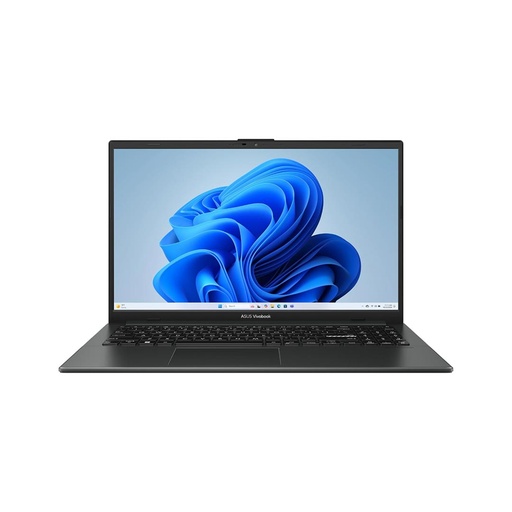
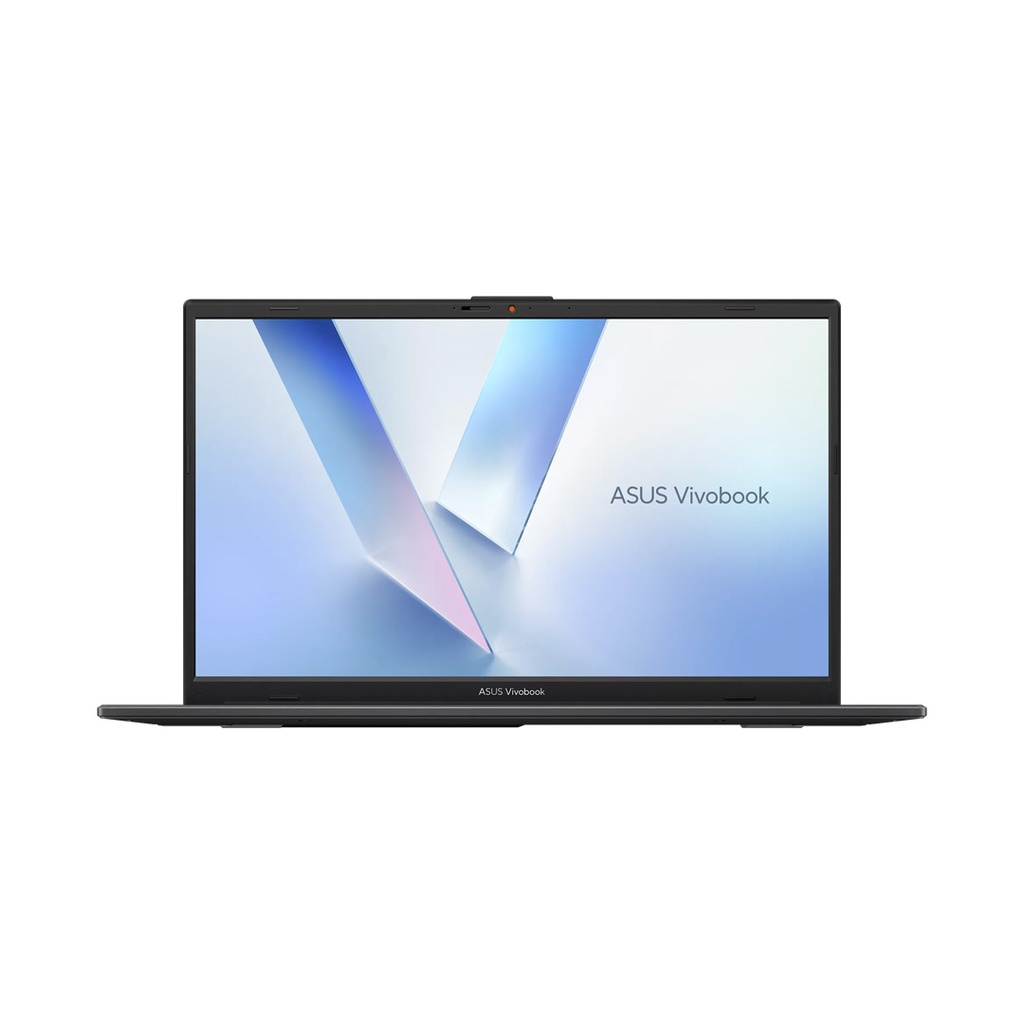
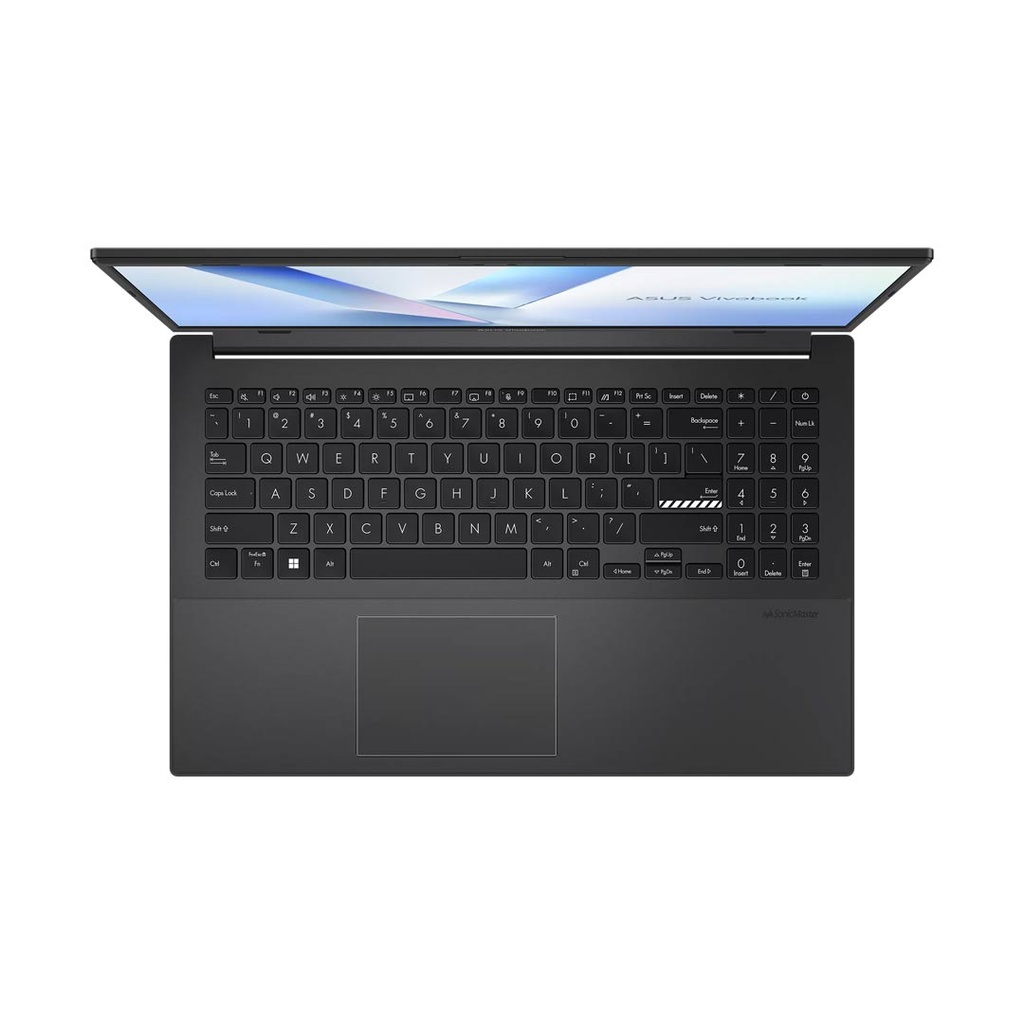
Asus Vivobook Go 15 (Ryzen 5 7520U, 16GB)
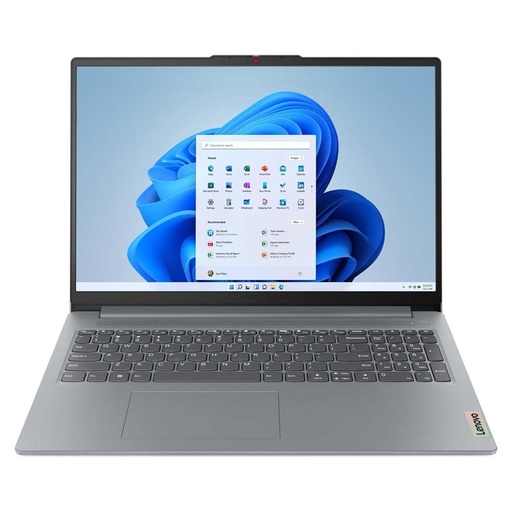
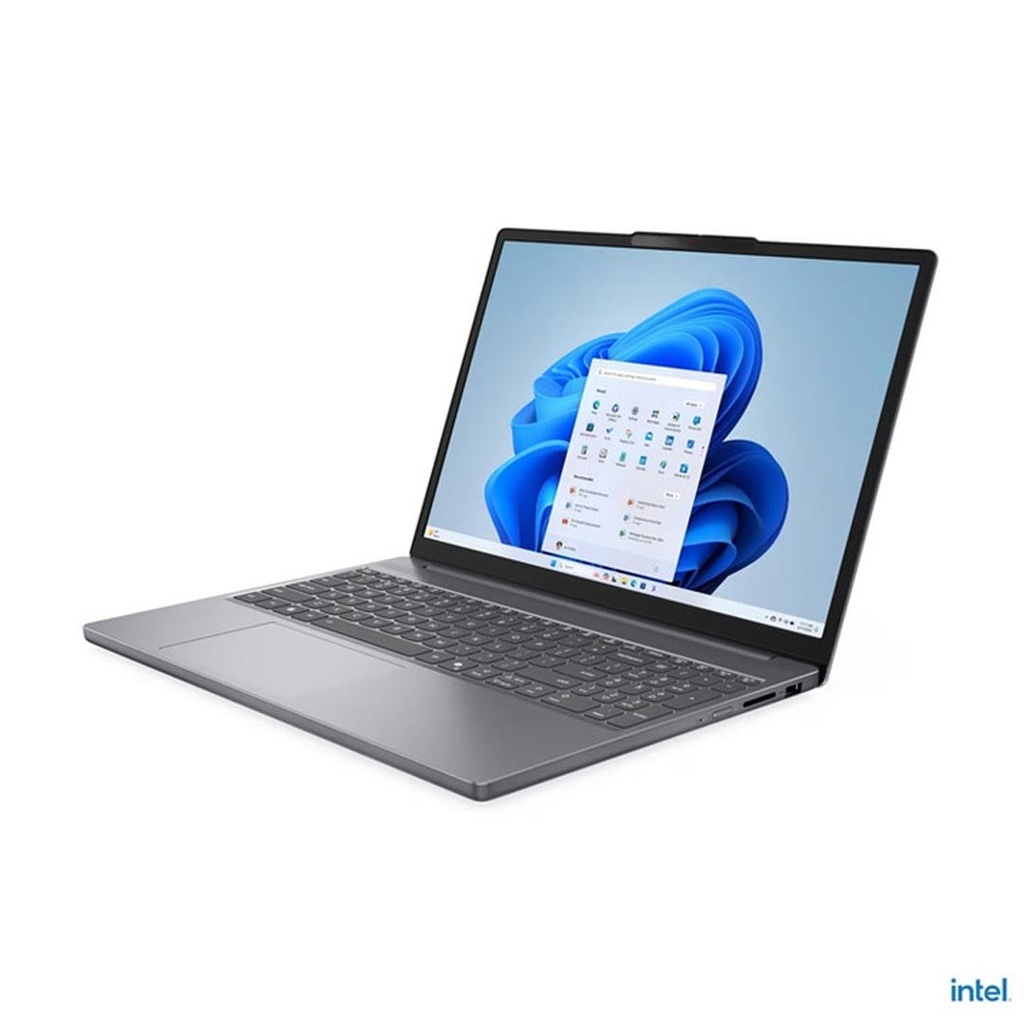
Lenovo IdeaPad Slim 3 15IRH10 (16GB)
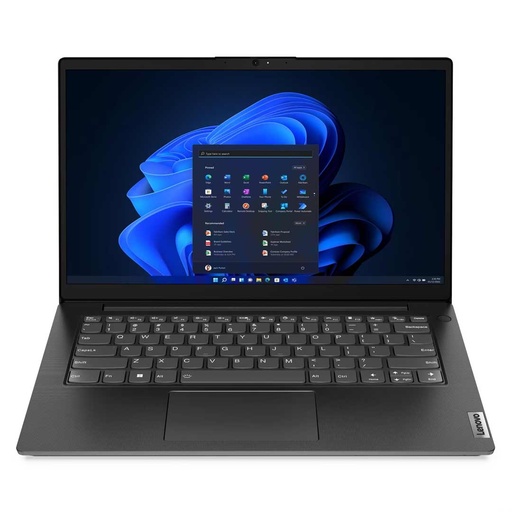
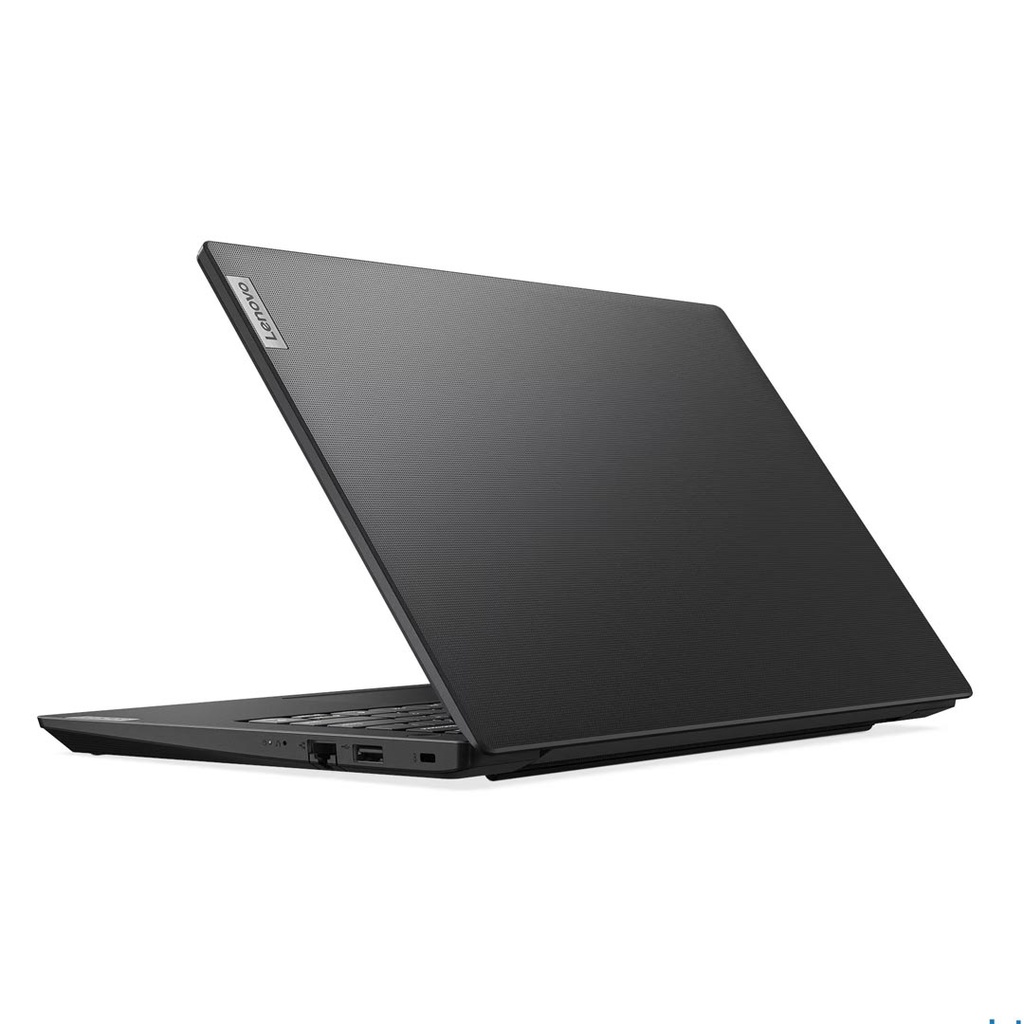
Lenovo V14 G4 IRU (i7-13620H, 16GB)
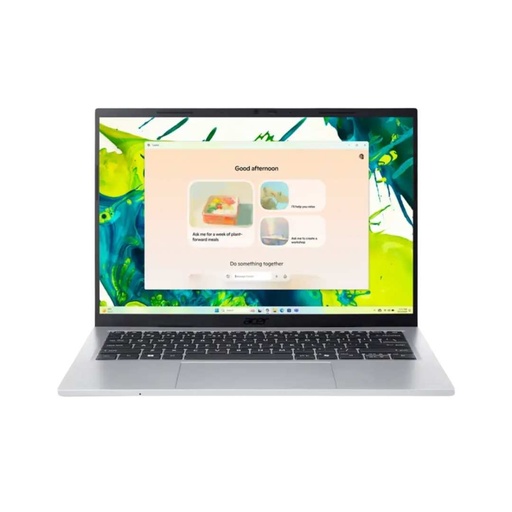
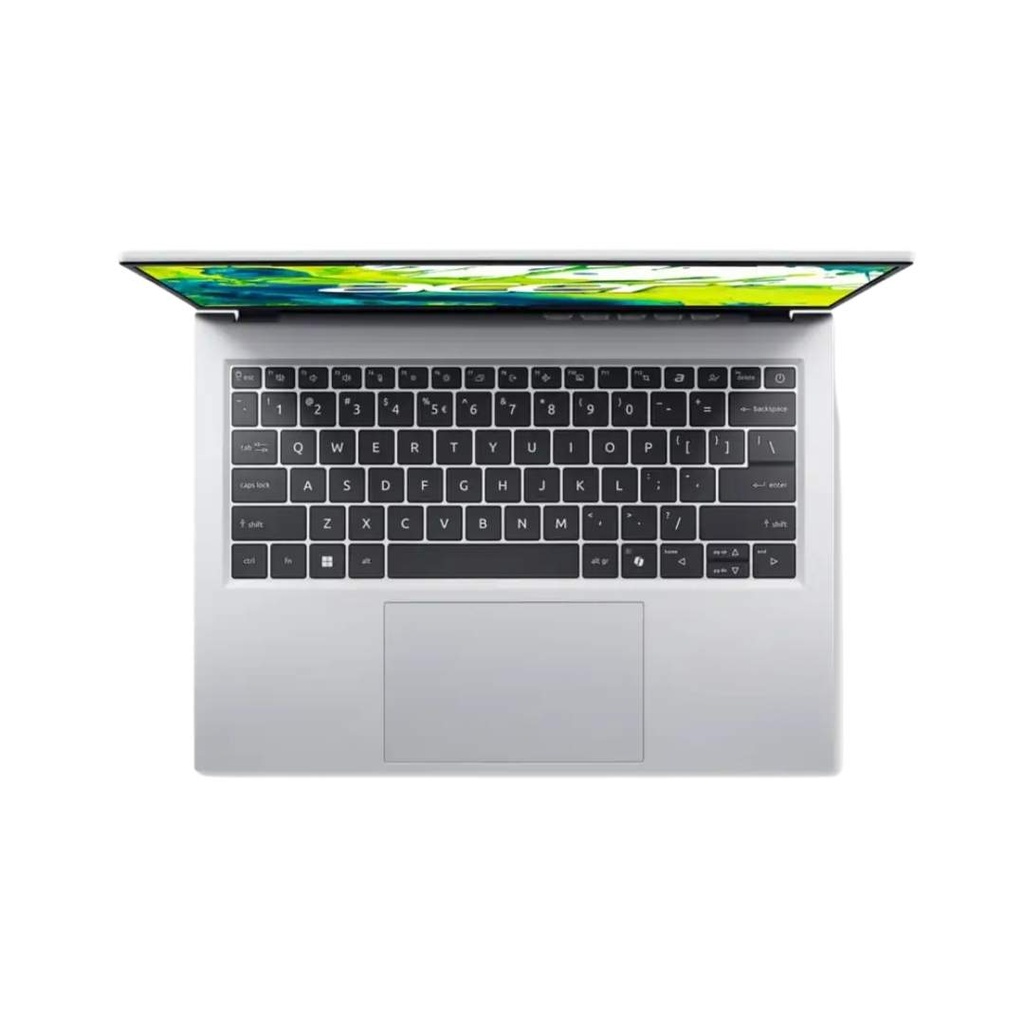
Acer Aspire Go 14 AG14-72P (Core 7 150U, 16GB)
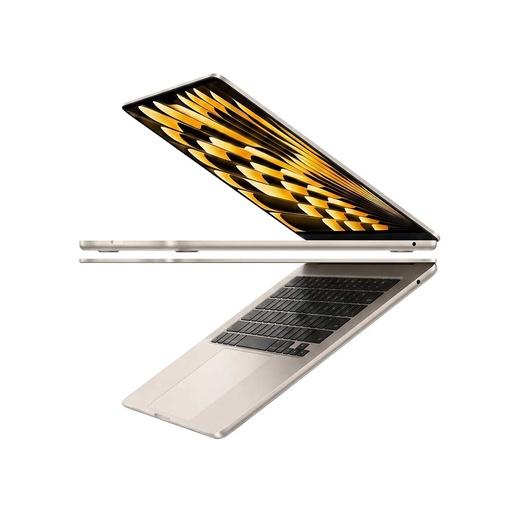
MacBook Air M5 (16GB, 512GB)
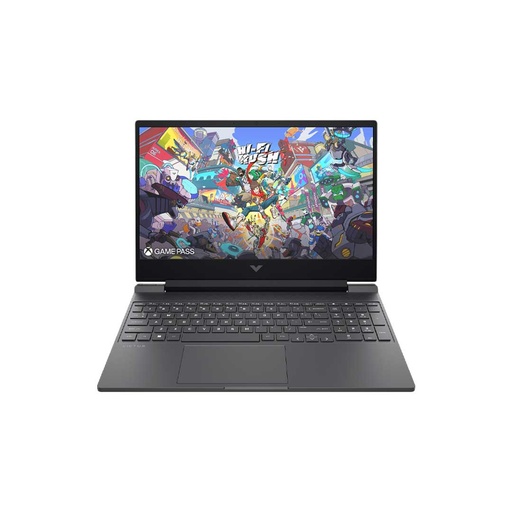
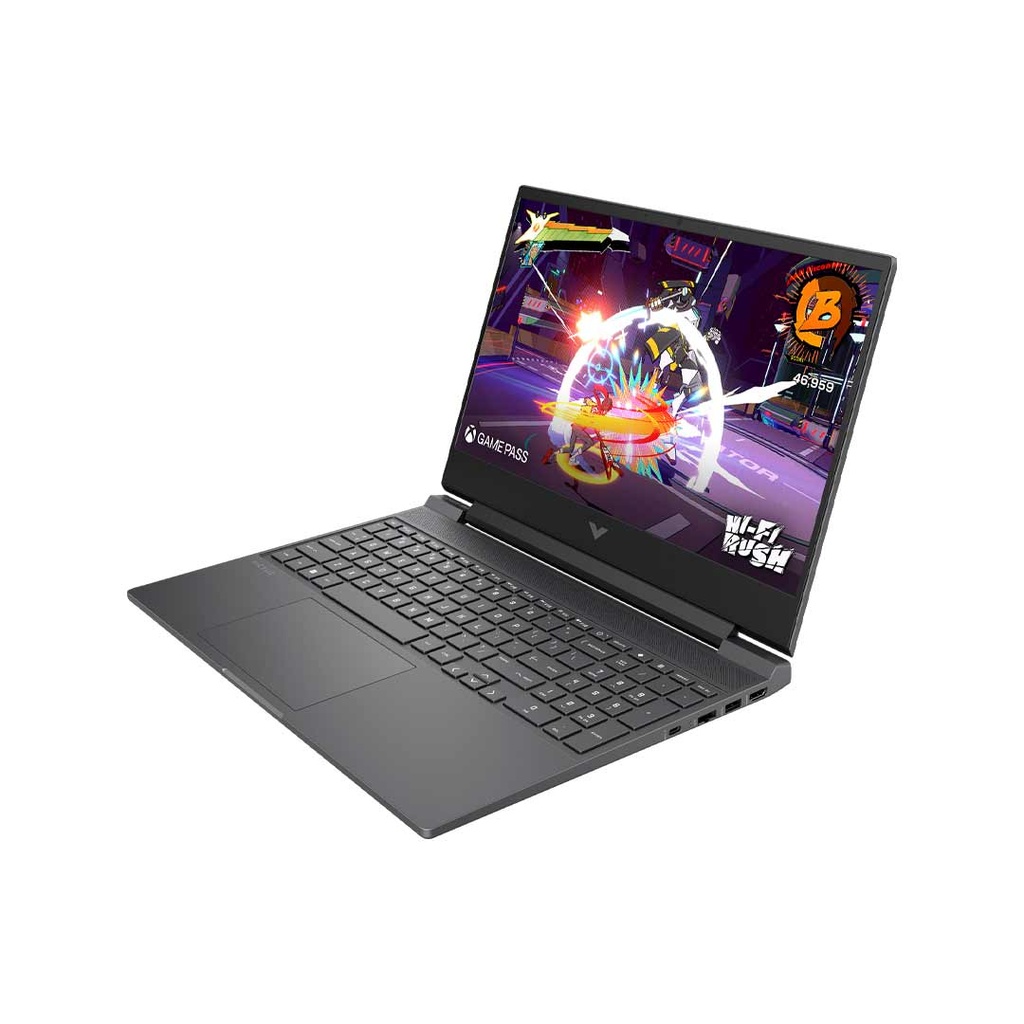
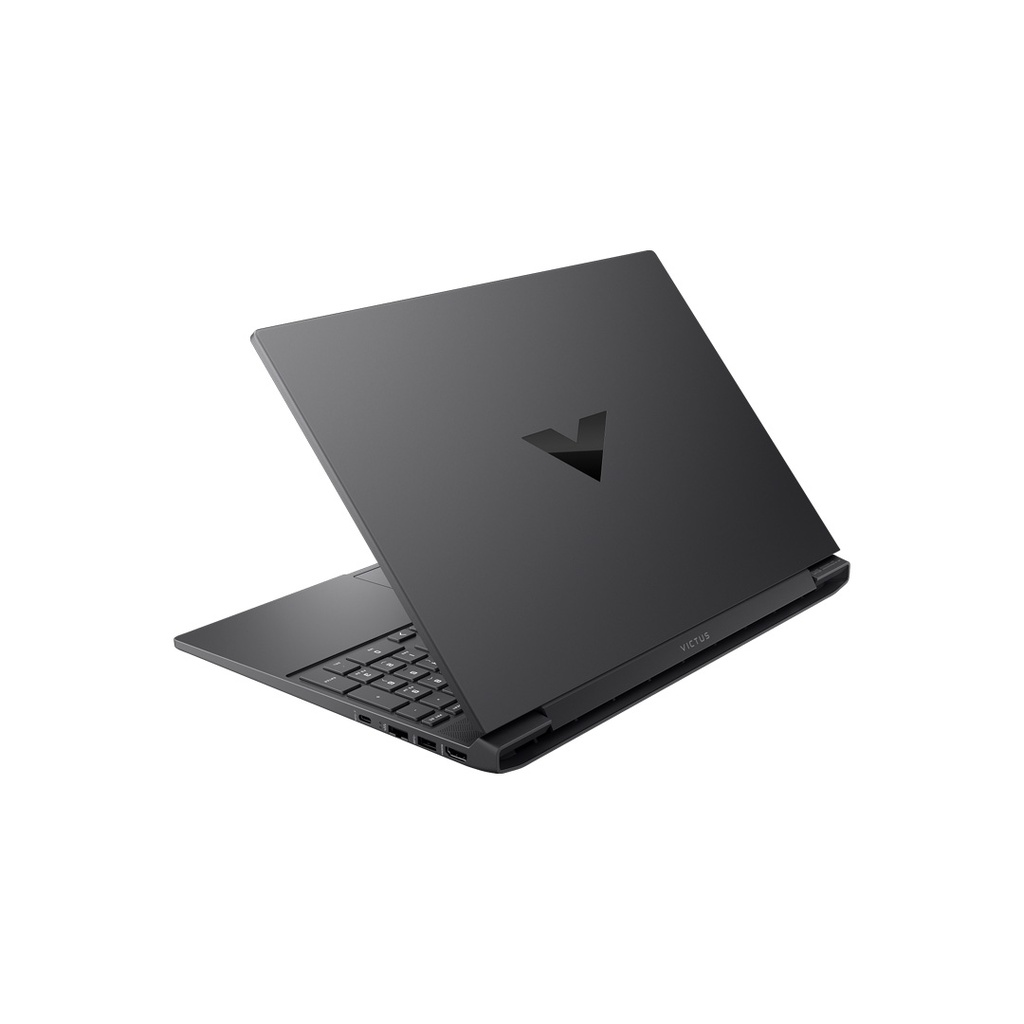
HP Victus 15 (i5-13420H, RTX 4050)
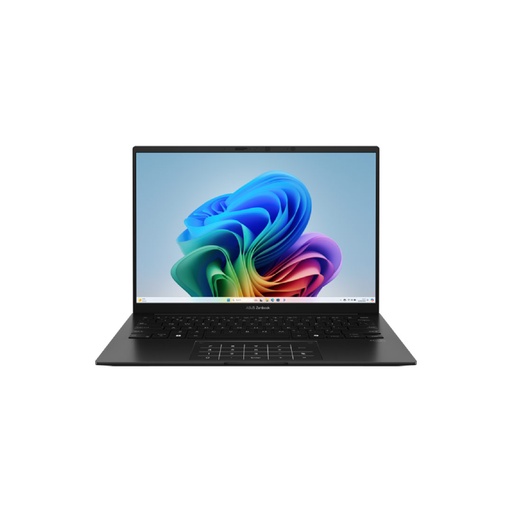
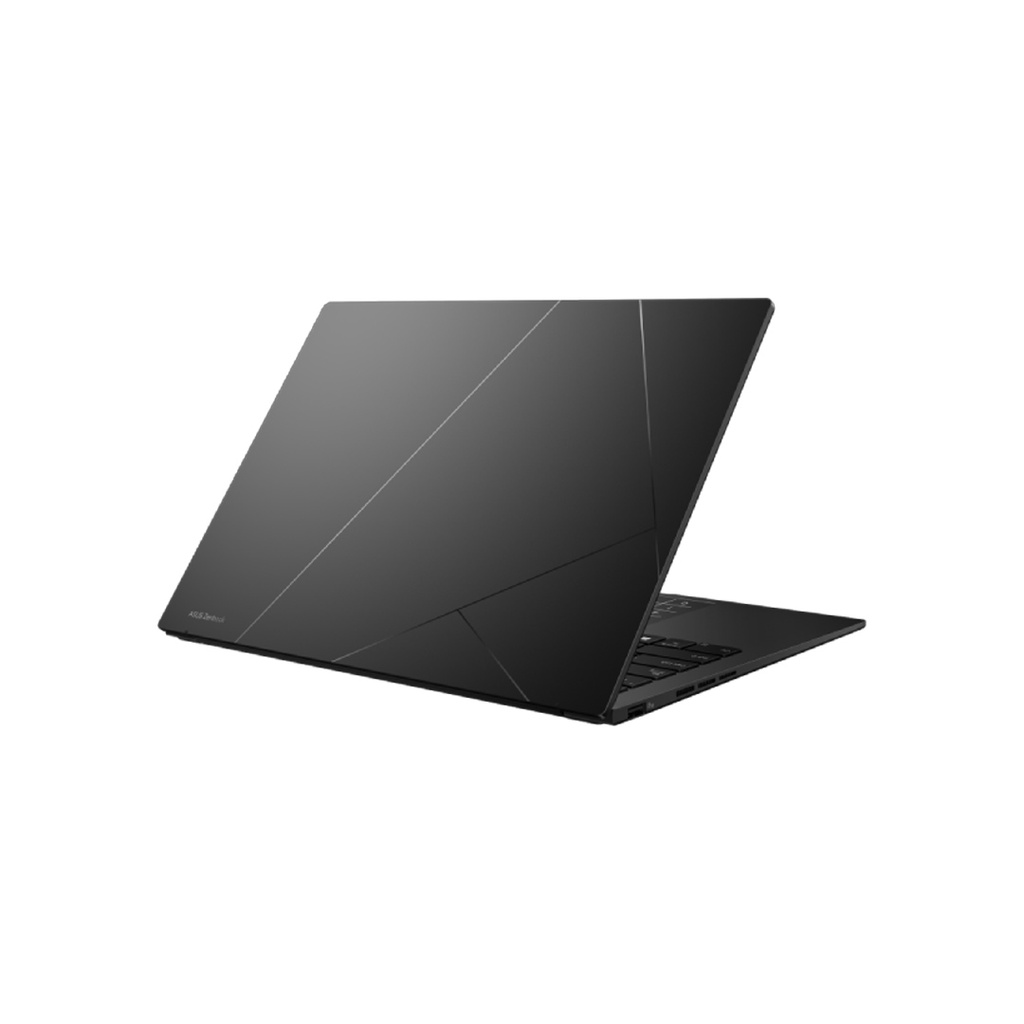
Asus Zenbook 14 UM3406KA (Ryzen AI 7 350, OLED)
16GB laptops under Rs 1.25 lakh
| Laptop | Key specs (from our listing) | Our price | Availability |
|---|---|---|---|
| Lenovo V14 G4 IRU (i5-13420H, 16GB) | i5-13420H, 16GB RAM, 512GB SSD, 14" FHD Display, 13th Gen Laptop | Rs 74,900 | Call to order |
| Acer Aspire Lite 14 AL14-52M (i5-1334U, 16GB) | Core i5-1334U, 16GB RAM, 512GB SSD, 13th Gen, Intel Iris Xe Graphics, 14" WUXGA IPS Display | Rs 79,900 | Call to order |
| Asus Vivobook 14 X1404VA-EB421W i7 1355U | 16GB RAM, 512GB SSD, 13th Gen, Intel Iris Xe Graphics, 14" FHD Display | Rs 101,500 | Call to order |
| Asus Vivobook Go 15 E1504FA (Ryzen 5 7520U, 16GB) | Ryzen 5 7520U, 16GB RAM, 512GB SSD, AMD Radeon Graphics, 15.6" FHD Display | Rs 104,999 | Available |
| Lenovo V14 G4 AMN | Ryzen 5 7520U, 16GB RAM, 512GB SSD, AMD Radeon Graphics, 14" FHD Display | Rs 105,900 | Available |
| Acer Aspire Lite 15 AL15-54P (Core Ultra 5 115U, 16GB) | Core Ultra 5-115U, 16GB RAM, 512GB SSD, Intel (R) Graphics, 15.6″ FHD IPS SlimBezel Display | Rs 114,900 | Available |
| Lenovo IdeaPad Slim 3 15IRH10 (16GB) | 16GB RAM, 512GB SSD, 13th Gen, Intel UHD Graphics, 15.3" WUXGA Display, Luna Grey | Rs 116,900 | Available |
| Lenovo V14 G5 IRL | i5-13420H, 16GB RAM, 512GB SSD, 14.0" FHD Display, Intel UHD Graphics, 13th Gen Laptop, Luna Grey | Rs 117,900 | Available |
| Lenovo IdeaPad Slim 3 14IRH10R (Core 5 210H, 16GB) | Core 5 - 210H, 16GB RAM, 512GB SSD, Intel R Graphics, 14" WUXGA Display, Luna Grey | Rs 123,900 | Available |
| Lenovo V14 G4 IRU (i7-13620H, 16GB) | i7-13620H, 16GB RAM, 512GB SSD, Intel(R) UHD Graphics, 14" FHD Display | Rs 124,500 | Available |
| Acer Aspire Go 14 AG14-72P (Core 7 150U, 16GB) | Core 7 150U, 16GB RAM, 512GB SSD, Intel® Graphics, 14″ WUXGA IPS Display | Rs 124,900 | Available |
Premium Windows laptops
| Laptop | Key specs (from our listing) | Our price | Availability |
|---|---|---|---|
| Acer Swift Go 14 (Core Ultra 5 125H, 16GB, OLED) | Core Ultra 5-125H, 16GB RAM, 512GB SSD, ARC Graphics, 14″ 2.8K OLED Display, Backlit Keyboard | Rs 112,000 | Call to order |
| Asus Vivobook S14 S3407CA (Core Ultra 7 255H) | 16GB RAM, 1TB SSD, Intel Graphics, 14" WUXGA Display | Rs 209,900 | Call to order |
| Asus Zenbook 14 UM3406KA (Ryzen AI 7 350, OLED) | Ryzen AI 7 350, 16GB RAM, 1TB SSD, AMD Radeon Graphics, 14" 3K OLED 120Hz Display | Rs 219,900 | Available |
MacBooks with 16GB
| Laptop | Key specs (from our listing) | Our price | Availability |
|---|---|---|---|
| MacBook Air M3 (16GB, 256GB) | M3 13-Inch, 8-Core CPU, 8-Core GPU, 16GB Unified Memory, 256GB SSD | Rs 158,999 | Call to order |
| MacBook Air M5 (16GB, 512GB) | M5 13-Inch, 10-Core CPU, 8-Core GPU, 16GB Unified Memory, 512GB SSD | Rs 248,500 | Available |
| MacBook Pro 14 M4 (16GB, 1TB) | M4 14-Inch, 10-Core CPU, 10-Core GPU, 16GB Unified Memory, 1TB SSD | Rs 294,999 | Call to order |
More: MacBook price in Nepal.
NVIDIA RTX laptops for AI and machine learning
| Laptop | Key specs (from our listing) | Our price | Availability |
|---|---|---|---|
| Lenovo LOQ 15ARP9 (Ryzen 7, 24GB, RTX 4050) | Ryzen 7 (7435HS), 24GB RAM, 512GB SSD, 6GB RTX 4050, 15.6" FHD Display | Rs 144,500 | Call to order |
| HP Victus 15 15-fa2082wm (RTX 4050) | i5-13420H, 16GB RAM, 512GB SSD, NVIDIA GeForce RTX 4050 6GB Graphics, 15.6" FHD IPS 144Hz Display | Rs 169,900 | Available |
| Acer Nitro V15 ANV15-52-500V (RTX 4050) | Core 5 - 210H, 16GB RAM, 512GB SSD, 6GB GDDR6 RTX 4050 Graphics, 15.6" FHD IPS 165Hz Display | Rs 174,900 | Available |
| Lenovo Legion Pro 5 16ADR10 (RTX 5060, 24GB) | Ryzen 7 8745HX, 24GB RAM, 1TB SSD, 8GB NVIDIA GeForce RTX 5060, 16" WQXGA OLED Display | Rs 365,000 | Available |
More: best gaming laptops, which lists every RTX laptop we stock.
Specs are from our product listings. Prices are our website prices on 28 October 2026.
Up close
Detail shots of three developer favourites.
More photos
Asus Vivobook Go 15 (Ryzen 5 7520U, 16GB)
Lenovo V14 G4 IRU (i7-13620H, 16GB)
Acer Aspire Go 14 AG14-72P (Core 7 150U, 16GB)

MacBook Air M5 (16GB, 512GB)
Laptops for IT, CSIT, BIT and BCA students
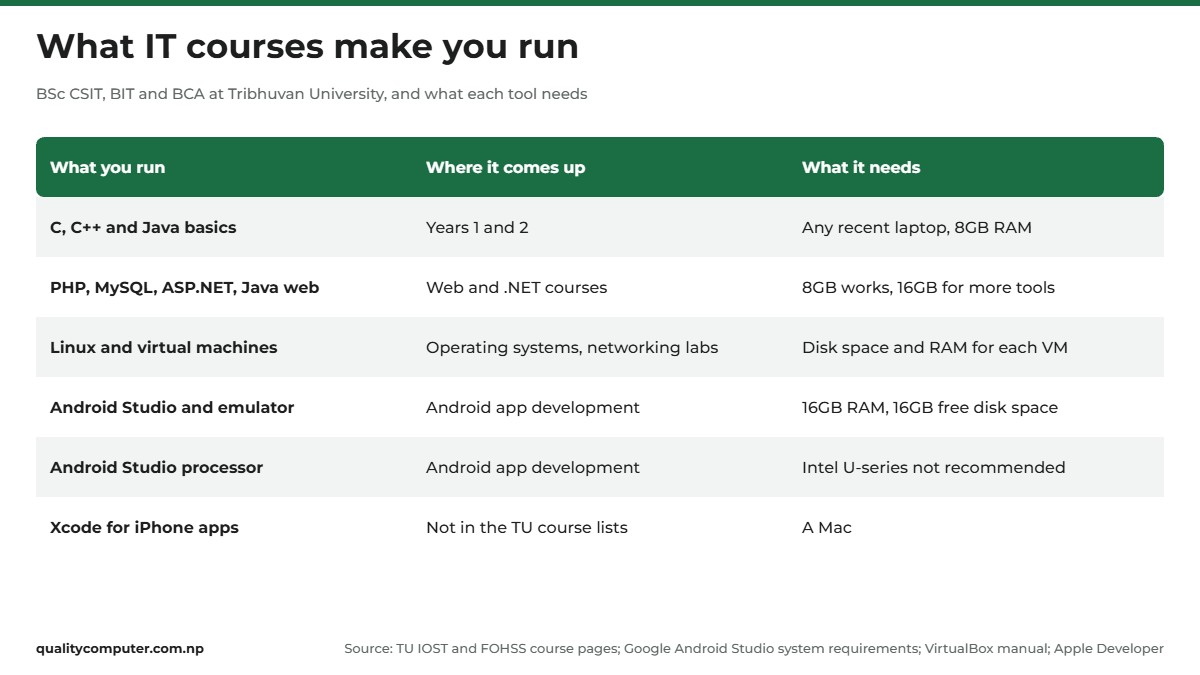
If you're starting BSc CSIT, BIT or BCA, the best laptop for IT students is one that runs what your course asks for, which changes a lot between first and final year. Here's what Tribhuvan University's course pages list, what those tools need, and which laptops above fit.
What CSIT, BIT and BCA make you run
- BSc CSIT (TU Institute of Science and Technology, eight semesters): C in the first semester and C++ in the second; operating systems (basic Linux commands), databases and a networking lab where you install Ubuntu, CentOS or Windows in the fourth; web technology with HTML, CSS, JavaScript, PHP and MySQL in the fifth; C# and ASP.NET Core in the sixth; Advanced Java in the seventh. Eighth-semester electives include Mobile Application Development (Java and Android) and Network and System Administration, whose lab includes server installs in VMware (TU CSIT syllabus).
- BIT (also IOST, eight semesters): C, object-oriented programming, databases and operating systems in the first three semesters, web technology in the fourth and fifth, NET Centric Computing in the sixth and Advanced Java in the seventh (TU BIT course of study), and the Central Campus of Technology lists Mobile Application Development as a seventh-semester elective.
- BCA (TU Faculty of Humanities and Social Sciences, eight semesters): C in the first year, OOP in Java, web technology, databases and operating systems by the second, and Mobile Programming in the sixth semester (Padma Kanya Multiple Campus). The newer 130-credit structure at Mahendra Multiple Campus adds Python in the fourth semester.
None of these course lists asks for a Mac. You need one only to build iPhone or Mac apps, because Apple's Xcode runs on macOS.
What those tools need
Android Studio is the heaviest item. Google's system requirements ask for 8GB RAM for Android Studio alone, or 16GB RAM and 16GB of free disk space to run it with the emulator (32GB RAM recommended), and a processor with virtualisation support. Google doesn't recommend Intel Core N-series and U-series chips, citing insufficient performance. On Windows the emulator also lists a graphics card with 4GB of video memory, but you can test on your own Android phone instead. Arm-based Windows laptops aren't currently supported.
For Linux, Windows 10 (version 2004 or later) and Windows 11 install Ubuntu through WSL with one command, wsl --install. For VMware or VirtualBox labs, the VirtualBox manual says the only practical limits on how many virtual machines you run are disk space and memory.
Spec guide by year of study
- First year (C, C++, Office work): 8GB RAM and a 512GB SSD are enough. Better still, buy 16GB now, or 8GB with a free slot, so you don't upgrade later.
- Second and third year (databases, Linux, PHP and MySQL): 16GB RAM, a 512GB SSD and an Intel H-series or AMD Ryzen 5 (or better) processor. BCA's Mobile Programming comes in the sixth semester.
- Final year (project, Android electives, virtual machines): 16GB at least, Android Studio's minimum with the emulator, and a Core i7 class chip if your project is heavy. Add an NVIDIA graphics card only for machine learning.
- Battery and weight: you'll carry it to classes and labs every day, so a 14-inch model is easier on the bus. Check the maker's battery figure.

Which of our picks fit
From the tables above, the Lenovo IdeaPad Slim 3 15IRH10 (i5-13420H, 16GB) is a 16GB H-series laptop that covers all four years. The IdeaPad Slim 3 15IRH10 and the Lenovo IdeaPad Slim 3 14IRH10R (Core 5 210H) have a taller WUXGA screen, and the V14 G4 IRU with the i7-13620H suits a heavy final-year project. U-series models such as the Acer Aspire Lite 15 AL15-54P (Core Ultra 5 115U) cover C, Java and web courses but aren't Google's choice for Android Studio. Get the MacBook Air M5 (16GB) only for iPhone apps, and an RTX laptop for machine learning.
What programmers should look for
- RAM: 16GB, or 8GB that can be upgraded. Our IdeaPad Slim 3 (16GB) and V14 G4 IRU (i7) listings state 8GB soldered plus an 8GB slot.
- Processor: H-series chips like the i5-13420H, Core 5 210H and i7-13620H keep their speed longer during compiles than U-series chips.
- Screen: a 16:10 WUXGA (1920 x 1200) screen shows more lines of code than 16:9 FHD.
- Storage: 512GB SSD is the minimum; Docker images and SDKs fill space quickly.
Also: laptops for students, H-series processor laptops, best laptops under 1 lakh and the full laptop price list.
Video: best laptops under NPR 100,000
Posted 14 March 2026; prices in the video were correct then.
Buying a programming laptop
- EMI: 20% down payment and 10% interest with a Nabil Bank or Machhapuchchhre Bank credit card.
- Pay online with connectIPS or Fonepay, or try the laptop in our store on Bhadrapur Road, Birtamode.
- Call 023-530150 or 9863609150 to check stock.
From our store
Laptop pickup, repair and delivery, posted 12 July 2025.
Laptop sleeves, posted 21 October 2026.
Customer reviews
Why buyers choose Quality Computer
Real reviews from our Google Business Profile, unedited.
“…Recently got my Iphone 15 pm, and am really happy and satisfied with competitive pricing, knowledgeable staff, excellent customer service and overall shopping experience…”
“Quality computer is providing and serving with genuine product and services. Authorized apple reseller in birtamod jhapa , Nepal”
“I recently bought a laptop from Quality Computer, and I’m really happy with my purchase. The staff were friendly and helpful, and they explained the laptop’s features clearly before I bought it.”
Swipe for more reviews →
Frequently asked questions
What is the best laptop for programming in Nepal?
For most students and developers, a laptop with 16GB RAM and a modern Core i5 or Ryzen 5. On 15 November 2026 the cheapest 16GB laptop we had in stock was the Asus Vivobook Go 15 (Ryzen 5 7520U) at Rs 104,999. For an Intel H-series processor, see the Lenovo IdeaPad Slim 3 15IRH10 and V14 G4 IRU (i7-13620H) in our picks.
How much RAM do I need for programming?
8GB is enough for learning and simple web development. 16GB is better for Android Studio, Docker, virtual machines and running several tools at once.
Is a MacBook good for programming?
Yes, and it is required for iOS and macOS apps, because Apple's Xcode runs only on a Mac. Choose 16GB memory: the MacBook Air M5 with 16GB is Rs 248,500.
Which laptop is best for machine learning in Nepal?
One with an NVIDIA graphics card, because CUDA (used by most deep-learning tools) runs on NVIDIA GPUs. The HP Victus 15 with an RTX 4050 is Rs 169,900, and the Acer Nitro V15 with an RTX 4050 is Rs 174,900.
What is the cheapest laptop with 16GB RAM?
On 15 November 2026 it was the Asus Vivobook Go 15 (Ryzen 5 7520U) at Rs 104,999, then the Lenovo V14 G4 AMN (Ryzen 5 7520U) at Rs 105,900.
Can I buy a programming laptop on EMI?
Yes, with a Nabil Bank or Machhapuchchhre Bank credit card: 20% down payment and 10% interest.
Is 8GB RAM enough for BSc CSIT?
For the first year, yes: C and C++ programming run fine on 8GB. From the fourth semester, when databases and Linux arrive, with web development in the fifth, 16GB is the better choice, and Google lists 16GB as the minimum for running Android Studio with its emulator, which matters if you take the eighth-semester Mobile Application Development (Android) elective.
Do I need a MacBook for BCA?
No. The TU BCA course lists C programming, Java, web technology, databases and mobile programming, and the main tools for these, including Android Studio, run on Windows. You need a Mac only if you want to build iPhone or Mac apps with Apple's Xcode, which runs on macOS.
Sources
- Xcode, Apple Developer
- CUDA Toolkit, NVIDIA Developer
- IdeaPad Slim 3 15IRH10 specifications (PSREF), Lenovo
- Quality Computer website prices, stock and product listings, 28 October 2026.
- Bachelor of Science in Computer Science and Information Technology (B.Sc. CSIT) syllabus, Tribhuvan University, Institute of Science and Technology
- Bachelors in Information Technology (BIT) course of study, Tribhuvan University, Institute of Science and Technology
- Bachelor Degree in Information Technology, Central Campus of Technology, Tribhuvan University
- Bachelor in Computer Applications, Padma Kanya Multiple Campus, Tribhuvan University
- BCA (Bachelor in Computer Application), Mahendra Multiple Campus, Tribhuvan University
- Install Android Studio: system requirements, Android Developers, Google
- How to install Linux on Windows with WSL, Microsoft Learn
- VirtualBox manual: introduction, Oracle VirtualBox
- Xcode system requirements, Apple Developer