
Ryzen 5 vs Core i5 in Nepal: Overview
AMD Ryzen 5 and Intel Core i5 are two of the most popular laptop processor options available in Nepal. Both are suitable for everyday tasks such as browsing, online classes, office work, multitasking, programming, and entertainment. However, Ryzen 5 and Core i5 laptops can offer different levels of performance depending on the generation, exact processor model, RAM, graphics, and laptop design. A newer Ryzen 5 may outperform an older Core i5, while the opposite can also be true. In this guide, we compare Ryzen 5 and Core i5 laptops in Nepal to help you understand their performance, gaming capability, multitasking, and overall suitability for different types of users.
Ryzen 5 vs Core i5: Quick Comparison
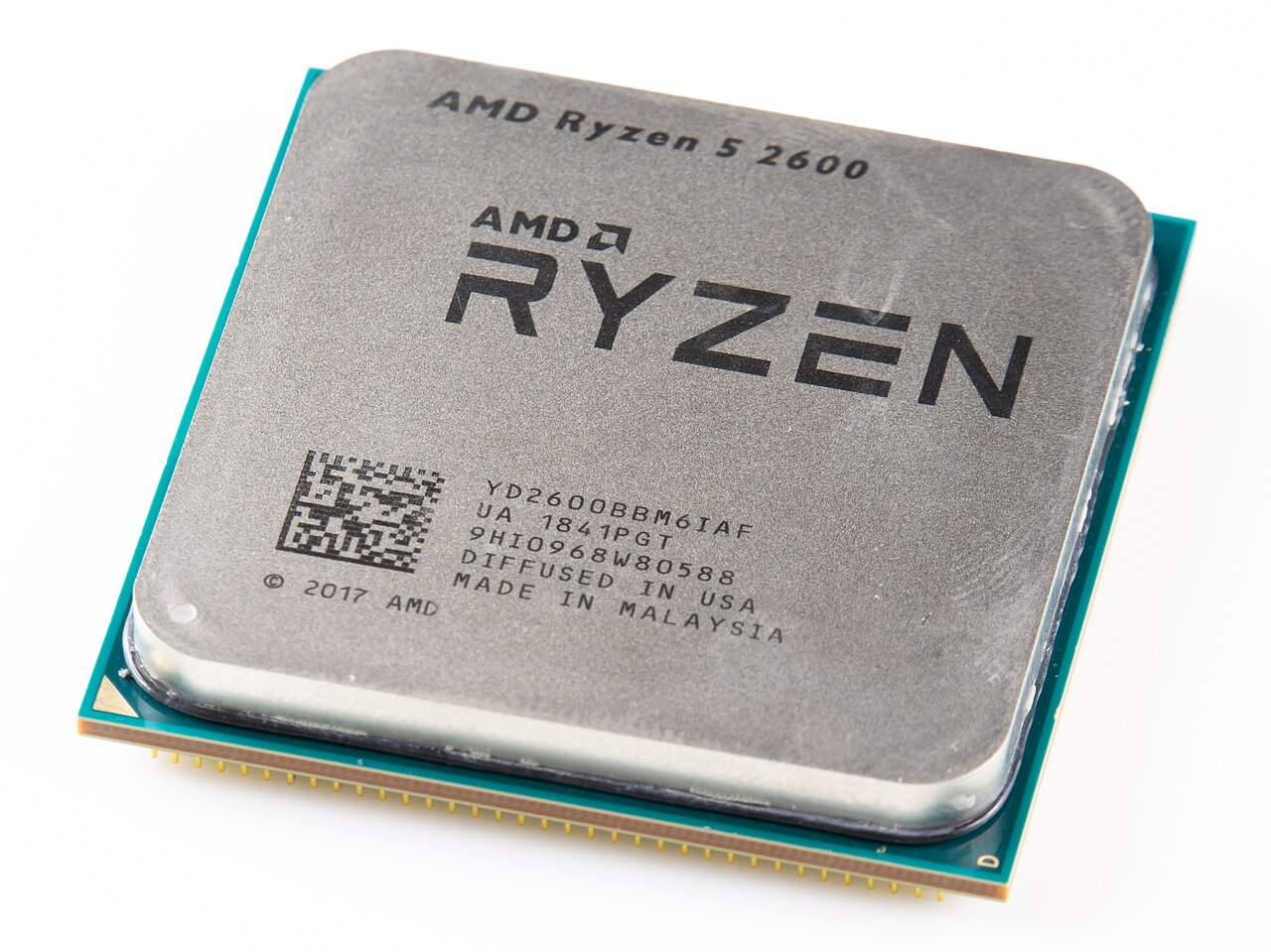
Important: Ryzen 5 and Core i5 are processor families covering many generations and power classes. Always compare the exact processor model, not just the name.
Ryzen 5 vs Core i5: What's the Difference?
Single-Core Performance
Single-core performance affects how quickly a laptop responds in everyday tasks such as opening apps, browsing, and using office software. Intel Core i5 H-series chips often reach high boost speeds and can have a slight edge here. Modern Ryzen 5 chips are very close, and in daily use most people will not notice a difference.
Multi-Core Performance
Multi-core performance matters for video editing, rendering, programming, and running many apps at once. Many Ryzen 5 chips are strong in these workloads, while many recent Core i5 chips use a hybrid design that combines performance cores and efficiency cores to reach higher total core counts. Core counts vary by model, so check the exact specification. For example, the Ryzen 5 8645HS in the HP Victus 15 has 6 cores and 12 threads, while the Core i5-13420H has 8 cores (4 performance and 4 efficiency) and 12 threads.
Multitasking
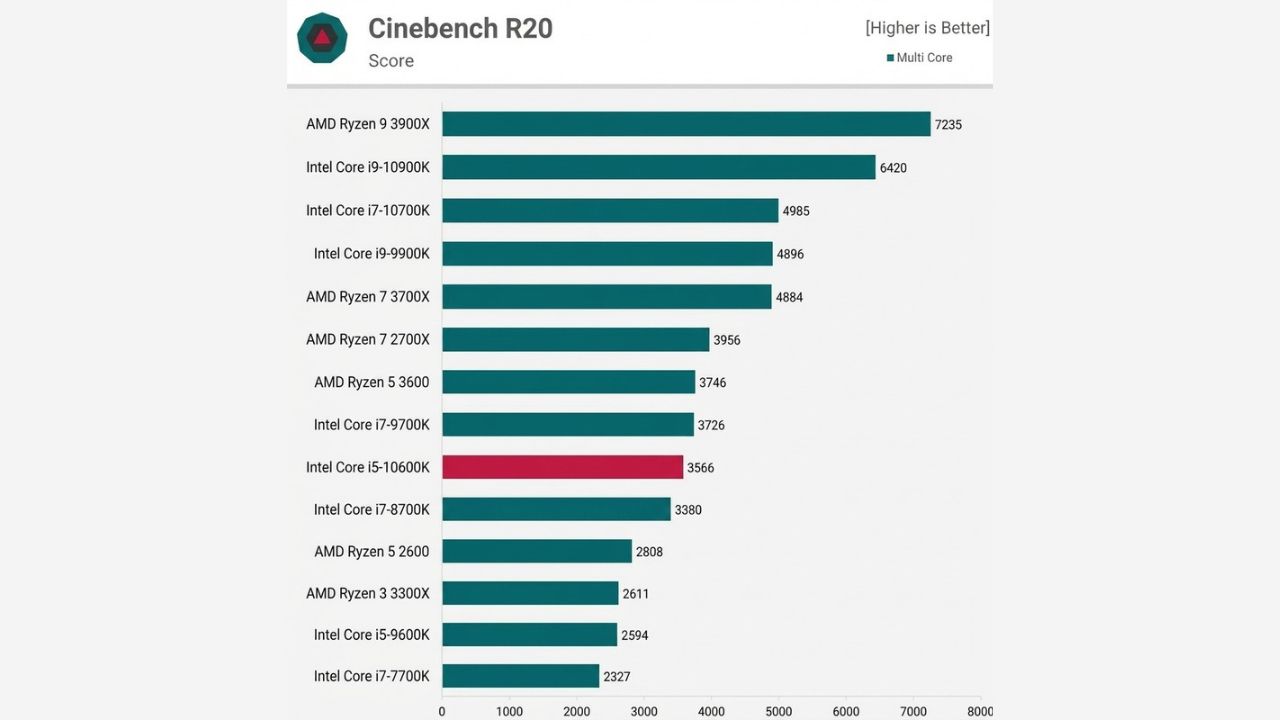
For multitasking, such as many browser tabs, Microsoft Office, online classes, and music at the same time, both are very capable. In this kind of use, RAM and SSD speed often matter as much as the processor, so a laptop with 16GB RAM will usually feel smoother than one with 8GB. In everyday multitasking scenarios, such as running multiple apps at the same time, multiple browser tabs, etc., the performance of the two processors is closely matched. Below is a comparison of scores from the PCMark 10 - Applications test (Data source: TechSpot):
The i5-10600K is barely 1% higher than the Ryzen 5 3600, making it hard to distinguish between the two in multitasking contexts. Overall, Intel Core i5 processors can have an edge in gaming performance in some CPU comparisons, while Ryzen 5 processors can also deliver strong gaming performance depending on the specific model. Gaming results vary by CPU generation, GPU, memory configuration, game, and resolution.
Video Editing and Rendering
For video editing, design work, and rendering, both processors can do the job. Ryzen 5 often performs well in multi-threaded workloads, while Intel Core i5 performs well in most editing software and includes Quick Sync video acceleration that helps some editing and streaming applications. For serious editing, a dedicated GPU, 16GB or more RAM, and good cooling matter as much as the processor.
Ryzen 5 vs Core i5 for Everyday Use
For browsing, Microsoft Office, online classes, YouTube, email, and general multitasking, both Ryzen 5 and Core i5 can provide a smooth experience. If two laptops have similar specifications, you can choose based on:
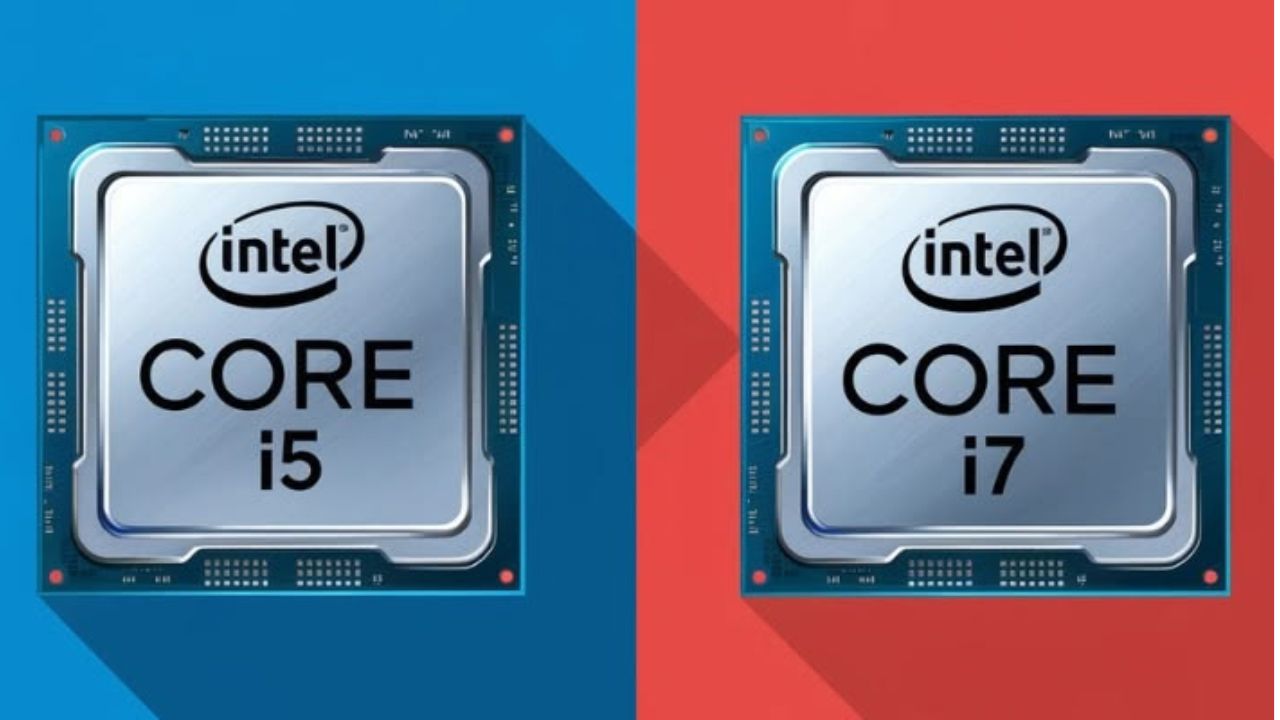
Ryzen 5 vs Core i5 for Programming
For programming, both processors are good choices. A laptop with 16GB RAM and a 512GB SSD is a good starting point for modern programming work. Your choice becomes more important if you use Android Studio, virtual machines, Docker, large development environments, or multiple applications at the same time. For heavier development, look beyond the processor name and check the CPU series, number of cores and threads, RAM, cooling system, and upgrade options.
Ryzen 5 vs Core i5 for Gaming
For gaming, the processor is only one part of the equation. If you are buying a gaming laptop, the dedicated GPU often has a bigger impact on gaming performance than choosing Ryzen 5 or Core i5. For example, Quality Computer currently lists Ryzen 5 gaming laptops with dedicated NVIDIA graphics, including the HP Victus 15 with Ryzen 5 8645HS and RTX 3050, and Lenovo LOQ models with RTX 4050 or RTX 5050 graphics.
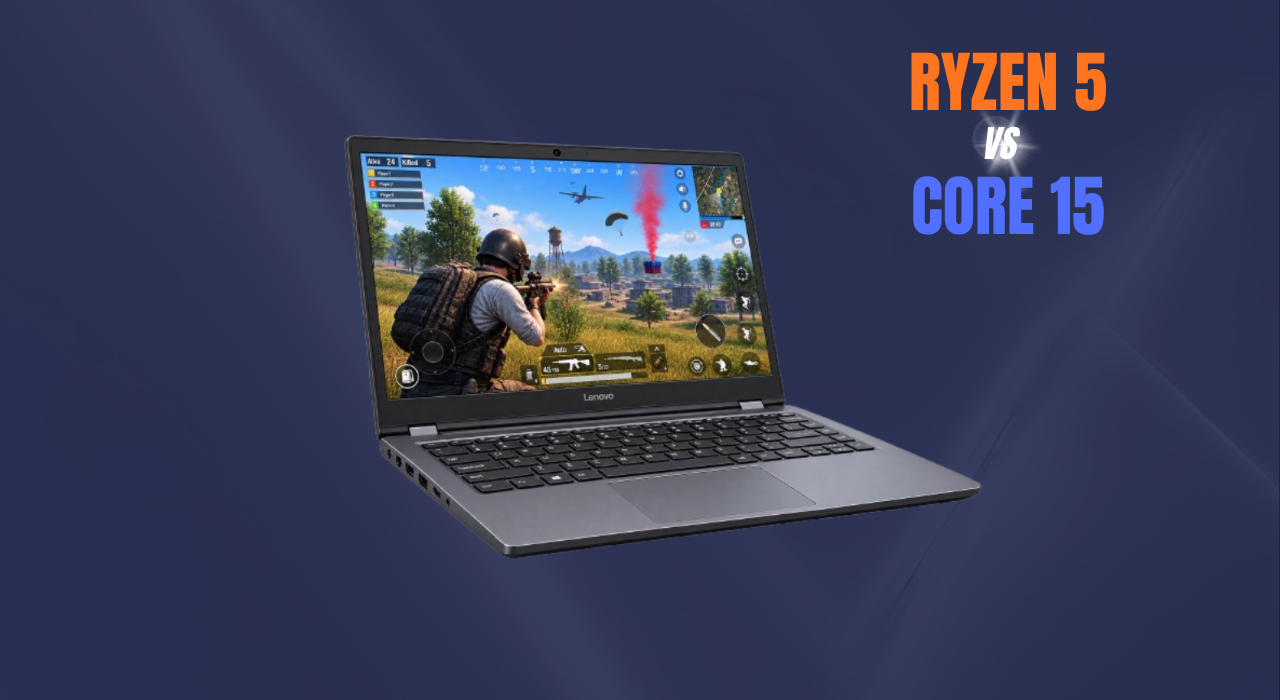
In terms of gaming performance, i5, with its higher single-core frequency and IPC advantage, can usually achieve higher frame rates. Below is a comparison of the average frame rate of several games at 1080p resolution
Ryzen 5 vs Core i5: Integrated Graphics
If you are buying a laptop without a dedicated GPU, integrated graphics matter. Ryzen 5 laptops use AMD Radeon graphics, while many Core i5 laptops use Intel UHD or Iris Xe graphics. Performance varies a lot by processor model, so a basic Intel UHD laptop will be weaker for light gaming and creative work than a laptop with stronger integrated graphics or a dedicated GPU. Memory also affects integrated graphics, because it shares system RAM. Dual-channel RAM gives noticeably better graphics performance than a single stick, so check the RAM configuration before buying.
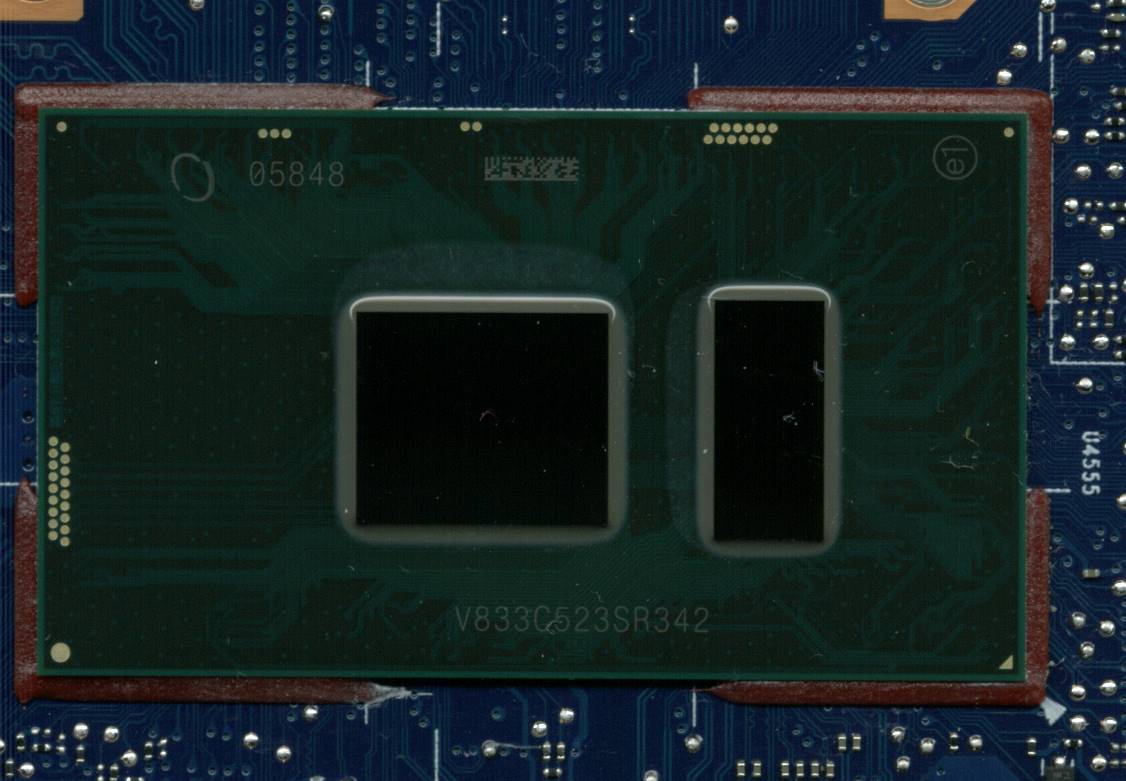
However, not every Ryzen 5 or Core i5 processor has the same level of integrated graphics performance. The specific GPU architecture, graphics cores or execution units, memory bandwidth, and processor generation can make a significant difference.
Ryzen 5 vs Core i5 for Students
For students, both are excellent options. If your work includes:
- MS Office
- Browsing
- Online classes
- Programming
- Research
- Presentations
- Entertainment
A Ryzen 5 or Core i5 laptop with 16GB RAM and a 512GB SSD can be a practical choice for students in Nepal. For budget-friendly options, Ryzen 5 laptops offer good value, while Core i5 laptops in Nepal provide another strong choice for study, multitasking, programming, and everyday use. Quality Computer offers models such as the Lenovo V14 G4 AMN with Ryzen 5 7520U, 16GB RAM, and 512GB SSD.
Ryzen 5 vs Core i5: Which Is Better for Battery Life?
Battery life cannot be determined by saying Ryzen 5 is better or Core i5 is better. It depends on:
- Processor model
- Power class
- Battery capacity
- Display
- Brightness
- Cooling
- Software optimization
- Your workload
For example, Intel identifies U-series laptop processors as power-efficient, while H and HX processors target higher performance. AMD also offers Ryzen processors designed for both productivity and longer battery-focused laptop experiences. Gaming laptops with H-series chips and dedicated GPUs use more power and run hotter than thin-and-light models, so expect shorter battery life from them. Always check the exact processor model and laptop battery, not just the Ryzen 5 or Core i5 name.
Ryzen 5 vs Core i5 for AI Features
Newer Ryzen and Intel Core Ultra laptops include an NPU (neural processing unit) for AI features such as background blur on video calls, live captions, and local AI tools. This is a useful extra, but for most buyers in Nepal CPU performance, RAM, storage, and overall laptop quality still matter more than AI features.
Latest Ryzen 5 Laptops Available at Quality Computer
Quality Computer currently lists several Ryzen 5 laptops in Nepal, including budget, productivity, and gaming models.
1. Lenovo V14 G4 AMN Ryzen 5 7520U
Best for: students, office work and everyday productivity
Processor: AMD Ryzen 5 7520U
RAM: 16GB
Storage: 512GB SSD
Graphics: AMD Radeon Graphics
Display: 14-inch FHD
2. HP Victus 15 Ryzen 5 8645HS
Best for: gaming and performance users
Processor: AMD Ryzen 5 8645HS
RAM: 16GB
Storage: 512GB SSD
GPU: NVIDIA GeForce RTX 3050 6GB
Display: 15.6-inch FHD IPS 144Hz
3. Lenovo LOQ 15ARP9 Ryzen 5 7235HS
Best for: gaming and demanding workloads
Processor: Ryzen 5 7235HS
RAM: 16GB
Storage: 512GB SSD
GPU: NVIDIA GeForce RTX 4050 6GB
Display: 15.6-inch FHD
Latest Core i5 Laptops Available at Quality Computer
Quality Computer currently lists several Core i5 laptops in Nepal, including options for students, productivity, and gaming.
1. Acer Aspire 5 15 (A515-58PT-59VW) Core i5-13420H
Best for: students, office work, programming and everyday productivity
Processor: Intel Core i5-13420H (13th Gen)
RAM: 8GB
Storage: 512GB SSD
Graphics: Intel UHD Graphics
Display: 15.6-inch FHD touch screen
2. Acer Aspire 7 (A715-59G-599P) Core i5-13420H
Best for: programming, multitasking, content creation and light gaming
Processor: Intel Core i5-13420H
RAM: 16GB
Storage: 512GB NVMe SSD
GPU: NVIDIA GeForce RTX 3050 6GB
Display: 15.6-inch FHD IPS 144Hz
A good Core i5 option for users who need stronger graphics performance along with everyday productivity.
3. HP Victus 15 (15-FA2082MW) Core i5-13420H
Best for: gaming and demanding workloads
Processor: Intel Core i5-13420H
RAM: 16GB
Storage: 512GB SSD
GPU: NVIDIA GeForce RTX 4050 6GB
Display: 15.6-inch FHD IPS 144Hz
OS: Windows 11
The HP Victus 15 combines the Core i5-13420H with RTX 4050 graphics, making it the strongest gaming-focused option in this list.
What Should You Check Before Buying?
Don't choose a laptop only because it says Ryzen 5 or Core i5.
Check the generation. A newer processor can offer better performance and efficiency than an older one with the same "Ryzen 5" or "Core i5" name.
Check the processor suffix. For Intel, U generally indicates power-efficient laptop processors, while H and HX are aimed at higher performance. AMD uses similar U, HS, and H suffixes.
Choose enough RAM. For a new laptop in 2026, 16GB RAM is a good target for students, professionals, programmers, and multitasking users.
Choose SSD storage. A 512GB SSD is a good starting point for most users. If you work with large files, games, videos, or professional applications, consider 1TB.
Don't ignore the GPU. If you plan to game, edit videos, use 3D software, or work with GPU-accelerated AI applications, look for a dedicated NVIDIA or AMD GPU.
Consider the complete laptop. A good processor cannot compensate for a poor display, weak cooling, limited RAM, small battery, or poor build quality.
Which One Should You Buy?
Choose Ryzen 5 if:
You want strong value for money
You are interested in gaming
You want good multitasking performance
You find a Ryzen 5 laptop with better specifications at the same price
Choose Core i5 if:
You find a Core i5 laptop with a better overall configuration
You prefer a particular Intel-based laptop design
You need a power-efficient model for everyday use
The Core i5 laptop offers better display, battery, RAM, or warranty
Final Verdict
So, Ryzen 5 vs Core i5, which is better? There is no single winner. Both can be excellent laptop processors, and the exact processor model matters more than the brand name. A Ryzen 5 laptop can be the better choice for gaming and value, while a Core i5 laptop can be an excellent option for productivity, business, and everyday use.
For most buyers in Nepal, the best approach is to compare the processor generation, CPU series, RAM, SSD, GPU, display, battery, build quality, and warranty before making a decision. If you are buying a laptop in 2026, focus on the complete laptop rather than just Ryzen 5 vs Core i5. At Quality Computer, you can find a range of Ryzen 5 and Core i5 laptops, from everyday models to gaming laptops, giving customers different options based on their budget and requirements.
FAQS
Which is better, Ryzen 5 or Core i5?
Neither is always better. Core i5 can have a slight edge in single-core speed, while Ryzen 5 is often praised for value and multi-threaded performance. The exact model matters most.
Is Ryzen 5 good for gaming laptops?
Yes. Ryzen 5 H-series chips such as the 8645HS pair well with dedicated NVIDIA graphics, and the GPU has the biggest effect on gaming performance.
Is Core i5 good for programming?
Yes. A Core i5 laptop with 16GB RAM and a 512GB SSD handles most programming work well.
Which has better battery life?
It depends on the exact processor and laptop. U-series chips from both brands are more power-efficient than H-series chips.
Which is better for students, Ryzen 5 or Core i5?
Both are excellent for students. For classes, research, presentations, and browsing, you won't notice a big difference. Choose the laptop with the better RAM, SSD, display, battery, and warranty at your budget.