
Which Dash Cam to Buy in Nepal? Features, Memory Card and Installation (2026)
Short answer: For most cars in Nepal, a 1080p front dash cam with a wide-angle lens, a G-sensor that locks crash clips, loop recording and a phone app is enough. Pay more for 2K or 4K if you want to read number plates at a distance, a rear camera for taxis and long trips, and parking mode only if the camera supports it and you'll give it constant power. Whatever you buy, use a good microSD card and check it every month.
Shop at Quality Computer
Dash cams and memory cards View all →
Why a dash cam is worth it
A dash cam records the road ahead every time you drive. If someone cuts in front of you, reverses into you or blames you for an accident, the clip shows what actually happened. On Nepal's highways, with buses, bikes and animals sharing narrow roads, that record can save a long argument. It's also useful evidence for an insurance claim, and some drivers like it for recording a scenic drive.
A dash cam is different from a home CCTV camera: it's built for heat, vibration and a car's power, and it starts recording by itself when you start the engine. For home or shop security, see our CCTV guide instead.
What to look for
| Feature | What it does | Do you need it? |
|---|---|---|
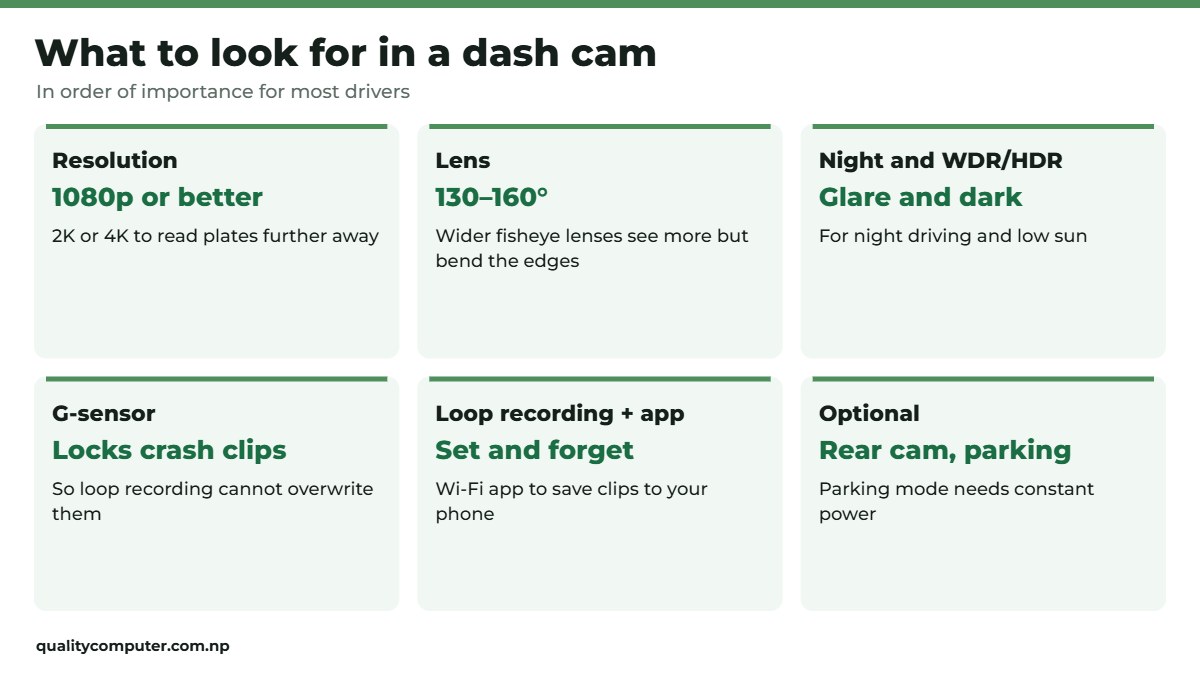
| 1080p (Full HD) | Clear footage of what happened | The minimum |
| 2K or 4K | More detail, so number plates are readable from further away | Nice to have; uses more card space |
| Wide angle (about 130 to 160 degrees) | Covers more lanes and the roadside | Yes; very wide fisheye lenses (around 180 degrees) see more but bend the edges |
| Night and WDR/HDR | Better detail in dark and bright scenes | Yes, for night driving and sunrise or sunset glare |
| G-sensor | Detects a crash or hard braking and locks that clip | Yes |
| Loop recording | Overwrites the oldest clips when the card is full | Yes; standard on dash cams |
| Wi-Fi app | View and download clips on your phone | Very handy |
| Rear camera | Records the road behind | For taxis, long trips and rear-end disputes |
| Parking mode | Records bumps while parked | Needs a camera that supports it plus constant power: a hardwire kit, an OBD power cable or a dash cam battery pack |
| GPS | Adds speed and location to the video | Optional; useful for fleets |
Look at the working temperature on the spec sheet: a parked car in the Terai gets very hot inside. Hikvision, for example, rates its AE-DC2015-B1 dash cam for -20°C to 70°C and lists loop recording, which it calls overwriting (Hikvision). Its AE-DC5313-C6 locks the clip when its G-sensor detects a collision (Hikvision).
The memory card matters
A dash cam writes to its microSD card non-stop, so cards wear out much faster than in a phone. A worn-out or fake card is one of the most common reasons a dash cam "didn't record" the one moment you needed.
- Use a size the camera supports (check its spec sheet; many take up to 128GB or 256GB). 64GB is plenty for a single front camera at 1080p.
- Buy a genuine card from a known brand. Fake cards are common and fail quickly.
- Format the card in the dash cam about once a month, and replace it if you see errors or missing clips.
- "High endurance" cards are made for constant recording and last longer if you can find one.
Our memory card guide explains card speeds and how to spot fakes.
How to install a dash cam
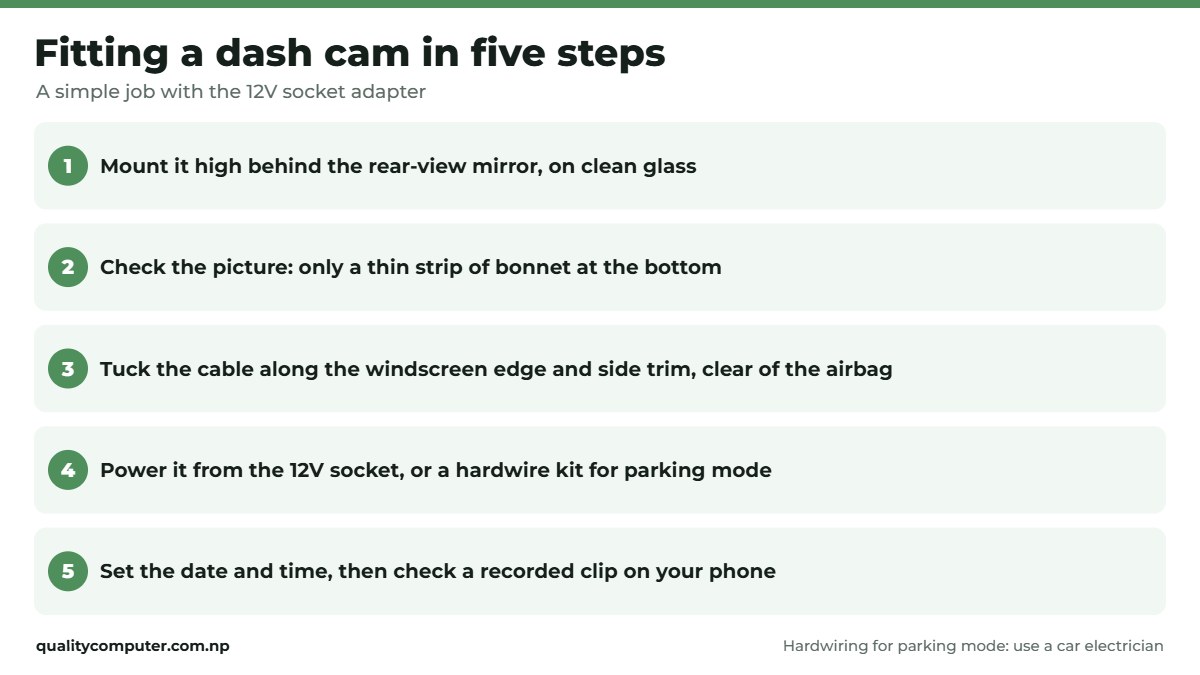
- Mount it behind the rear-view mirror, high in the middle of the windscreen, so it doesn't block your view. Clean the glass before sticking the mount.
- Check the picture on the screen or app: the bonnet should take up only a small strip at the bottom.
- Tuck the cable along the top of the windscreen and down the side trim to the power socket. Keep it clear of the airbag in the side pillar.
- Power: the 12V socket adapter is the simplest. For parking mode the camera needs constant power, usually from a hardwire kit to the fuse box (an OBD power cable or a dash cam battery pack also work); have a car electrician fit a hardwire kit, with low-voltage cut-off so the battery isn't drained.
- Set the date and time, then check a recorded clip on your phone.
Using the footage
- Save the clip straight away after an incident: lock it, or download it to your phone through the app, before loop recording overwrites it.
- Keep the original file; share a copy.
- Be careful posting clips online: blur other people's faces and number plates unless you're sharing them with the police or your insurer.
Quick verdict
- 1080p, a wide lens, a G-sensor, loop recording and a phone app cover most drivers.
- Go 2K or 4K if reading number plates matters to you.
- Add a rear camera for taxis and long-distance driving.
- Parking mode needs constant power, fitted properly.
- Use a genuine microSD card and format it monthly.
Dash cams in our store
These dash cams and cards are in stock on our website. Visit our store in Birtamode, Jhapa, if you'd like help choosing.
| Product | What it is | Our price |
|---|---|---|
| Hikvision AE-DN2312-C4 dash camera | 1080p at 30fps, 180-degree fisheye view, Wi-Fi live view in the app, mic and speaker, comes with a 16GB card (our listing) | Rs 14,298 |
| Digicom DG DC45S dash camera | Full HD with wide dynamic range (our listing) | Rs 11,800 |
| Lexar E-Series microSD card | microSD card, 64GB or 128GB | From Rs 2,550 |
| Trusmi 20,000mAh 22.5W power bank | 20,000mAh power bank for long trips | Rs 3,550 |
| UGREEN 45W GaN charger, retractable cable | 45W GaN charger with built-in cable | Rs 4,275 |
Prices checked on 12 November 2026 on our website.
In our store
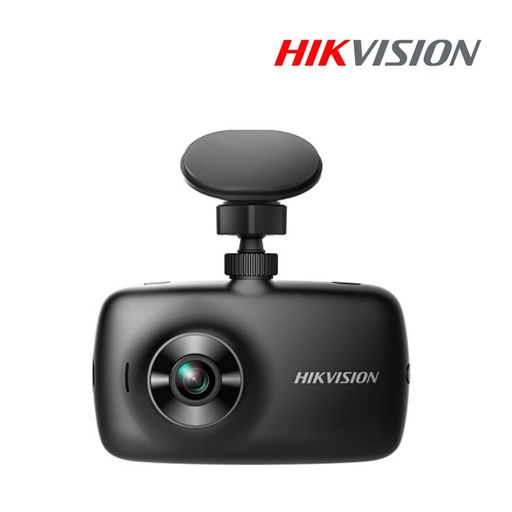
Hikvision DN2312
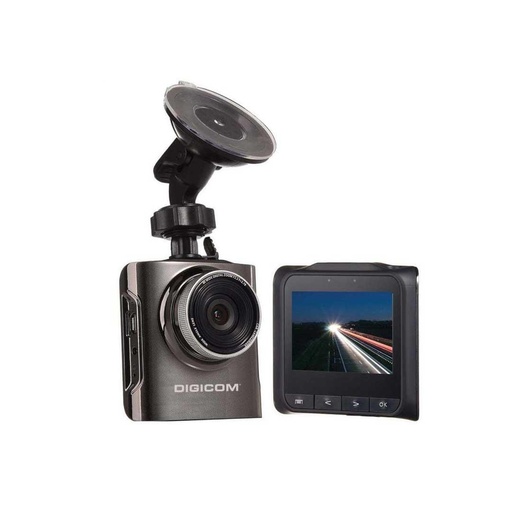
Digicom DC45S
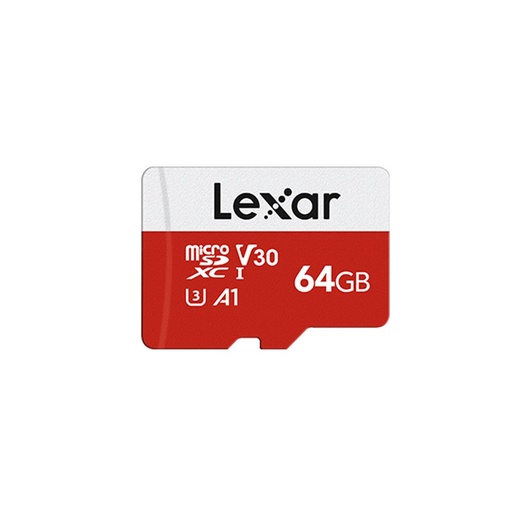
Lexar microSD
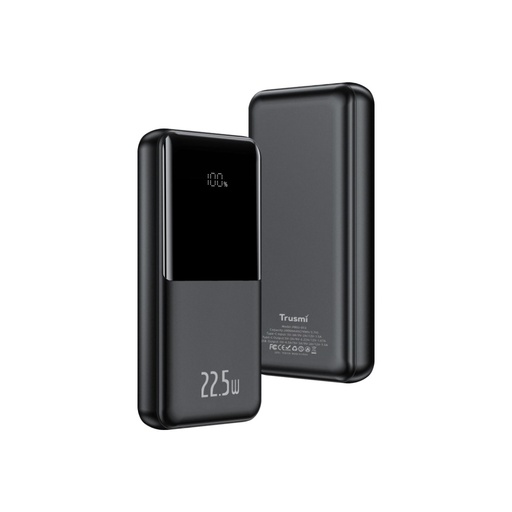
Trusmi 20,000mAh
Frequently asked questions
Which dash cam is best for a car in Nepal?
For most drivers, a 1080p front dash cam with a wide lens, G-sensor, loop recording and a phone app is enough. Choose 2K or 4K if you want number plates readable from further away, and a front-and-rear model for taxis or long trips.
Do I need a memory card for a dash cam?
Yes. Dash cams record to a microSD card, often up to 128GB or 256GB; check the spec sheet. Use a genuine card, format it in the camera about once a month and replace it if clips go missing.
Does a dash cam drain the car battery?
Not usually from the 12V socket, which switches off with the ignition in many cars. Check yours: if the camera stays on after you lock the car, unplug it. Parking mode keeps it powered while parked, so use a proper hardwire kit with low-voltage cut-off, or a dash cam battery pack.
What is a G-sensor on a dash cam?
A sensor that detects a crash, a bump or hard braking and locks that clip so loop recording doesn't overwrite it.
Can I fit a dash cam myself?
Yes, with the 12V socket adapter: mount it behind the mirror and tuck the cable along the windscreen edge. For parking mode, have a car electrician fit a hardwire kit.
How many hours does a 64GB card record?
It depends on the camera's resolution and bitrate, but a single 1080p camera records many hours before it starts overwriting the oldest clips. Higher resolutions and a rear camera fill it faster.
Sources
- AE-DC2015-B1 dashcam specifications, Hikvision
- AE-DC5313-C6 dashcam (G-sensor, loop recording), Hikvision
- Product details and prices: Quality Computer website listings, 12 November 2026.